
Guide · Post and grow · Lesson 8
Your plan, computers and billing
See your plan, manage your subscription, move to another computer and keep the app up to date.
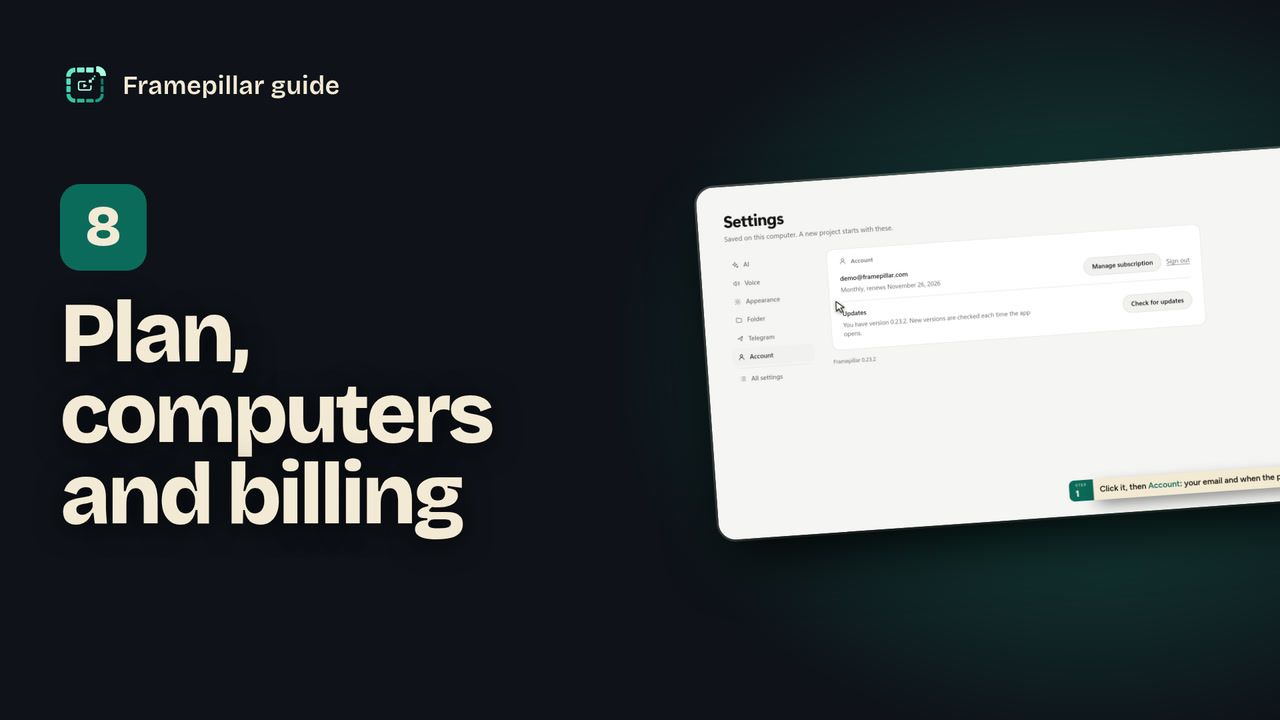
Step by step
- Your plan shows at the bottom of the sidebar: MONTHLY, YEARLY or LIFETIME. Click it to open Settings, then choose Account, which shows your email and when the plan renews.
- Click Manage subscription to open your account on the site. There you can change the card, switch plans, cancel and download invoices.
- To move to another computer, open Settings → Account → Sign out on the old one. That frees its place. Then sign in on the new one.
- Your projects are ordinary folders. To take them with you, copy the folder shown in Settings → Folder, then choose Use another on the new computer.
- When an update is ready, a banner offers Restart and update. To check yourself, use Settings → Account → Check for updates.
Every step, in pictures
Screens from the video, in order. Click one to see it full size.
-
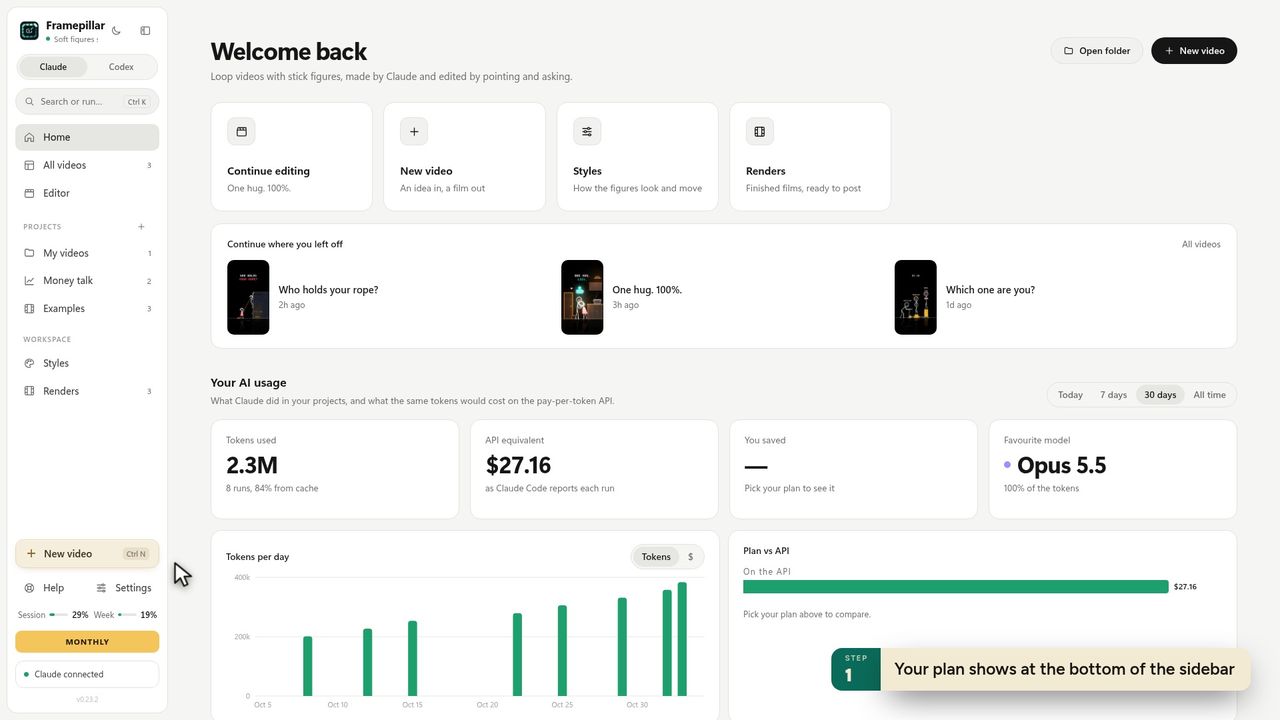
1Your plan shows at the bottom of the sidebar -
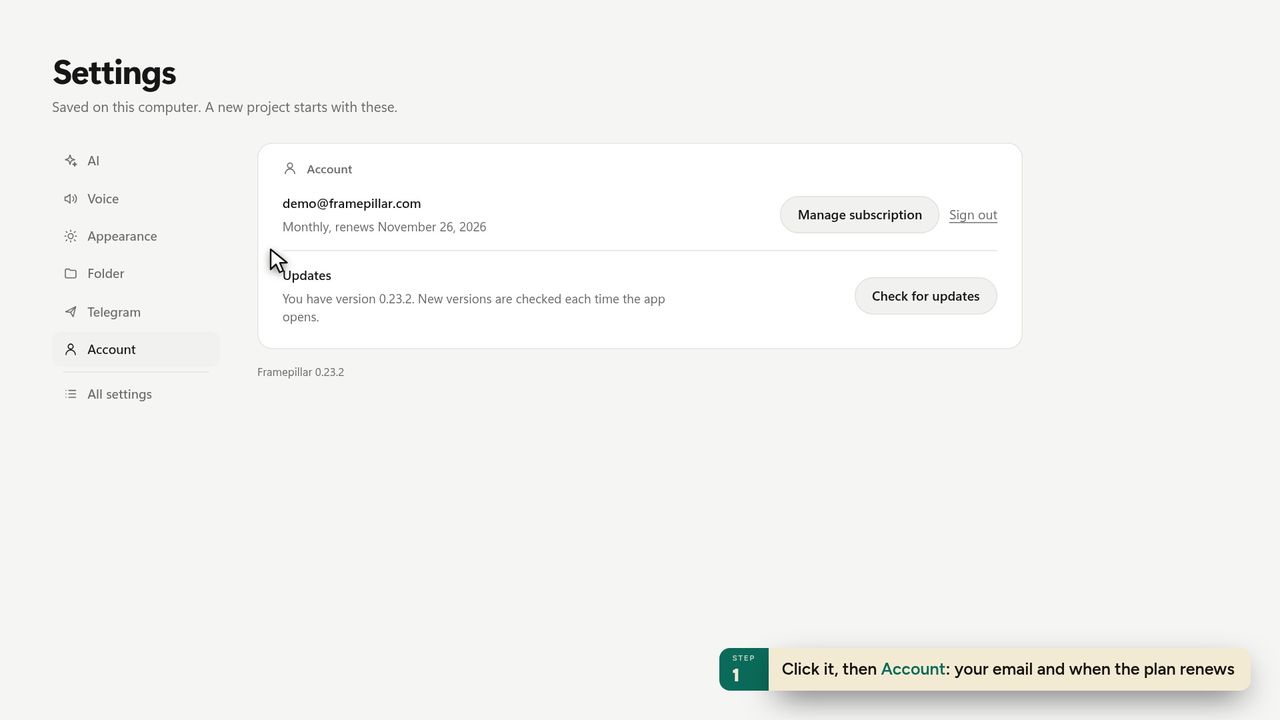
2Click it, then Account: your email and when the plan renews -
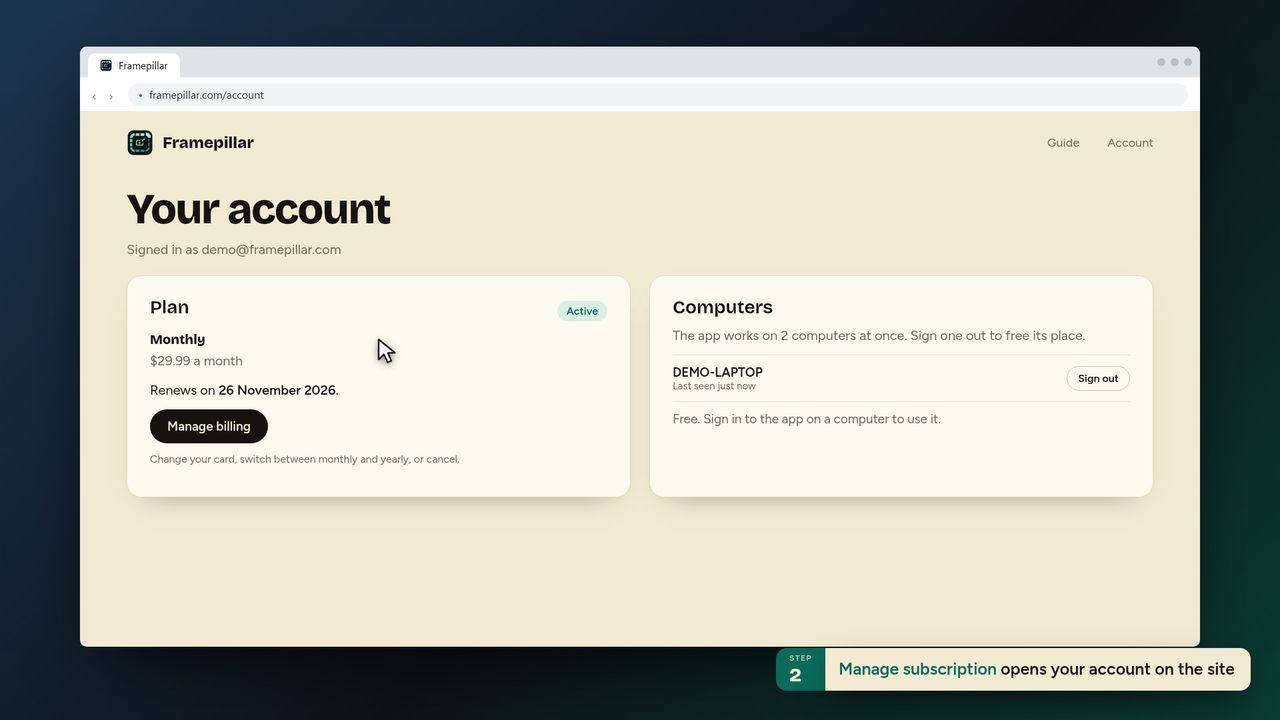
3Manage subscription opens your account on the site -
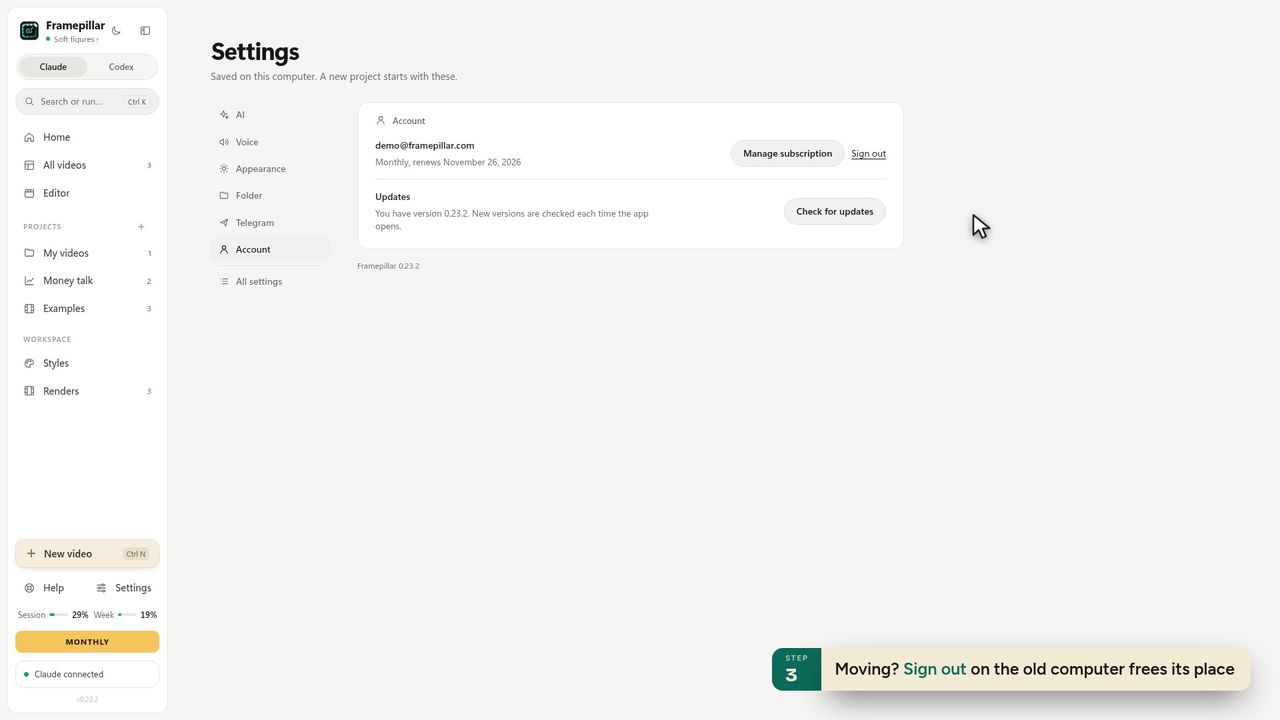
4Moving? Sign out on the old computer frees its place -
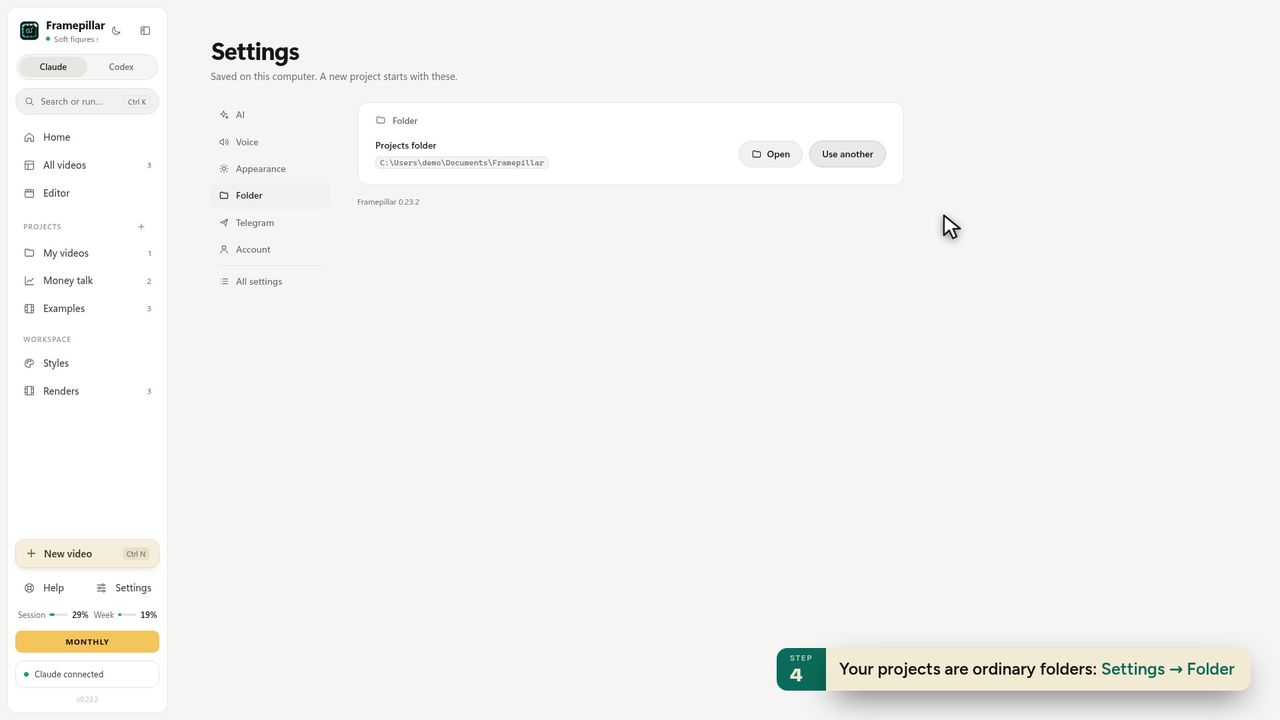
5Your projects are ordinary folders: Settings → Folder -
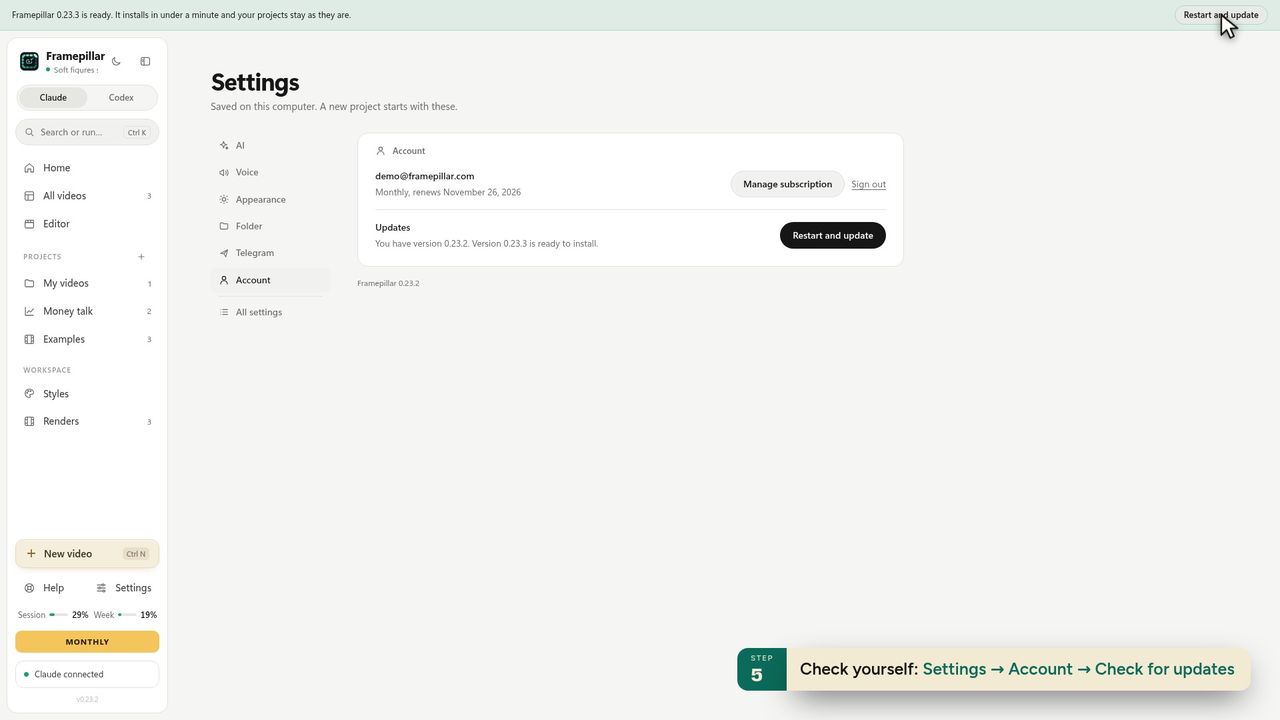
6Check yourself: Settings → Account → Check for updates -
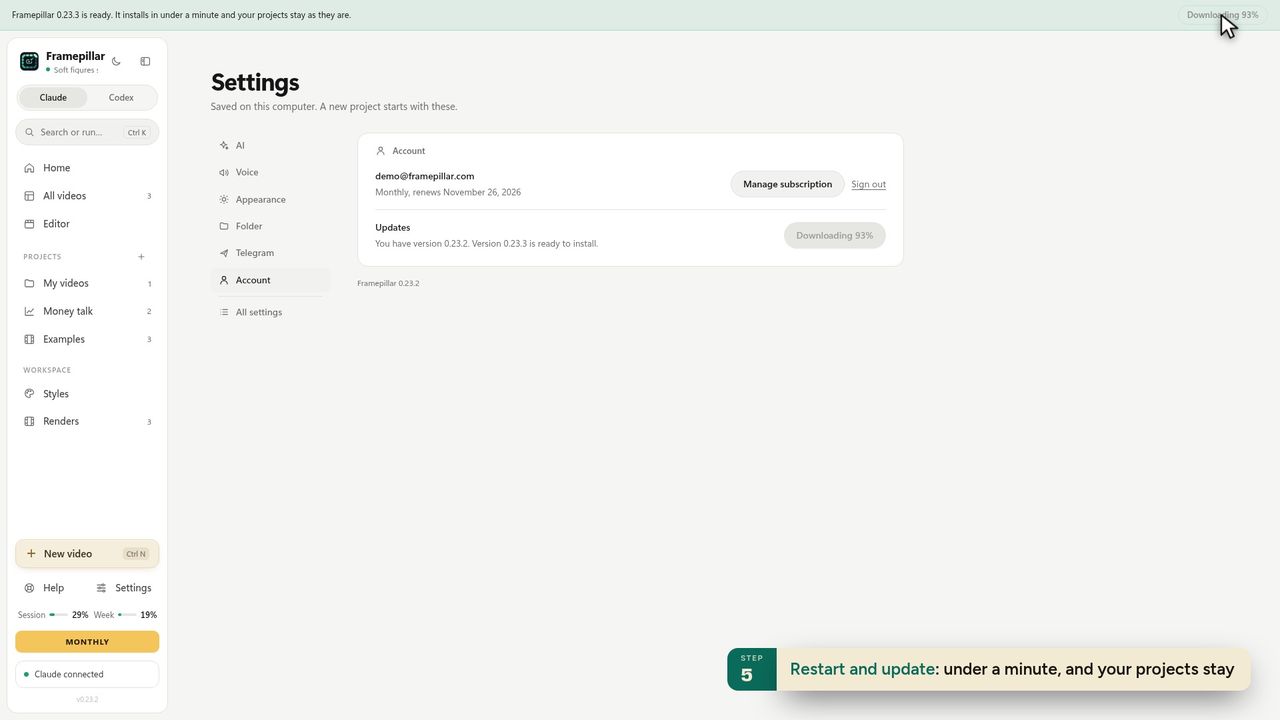
7Restart and update: under a minute, and your projects stay -
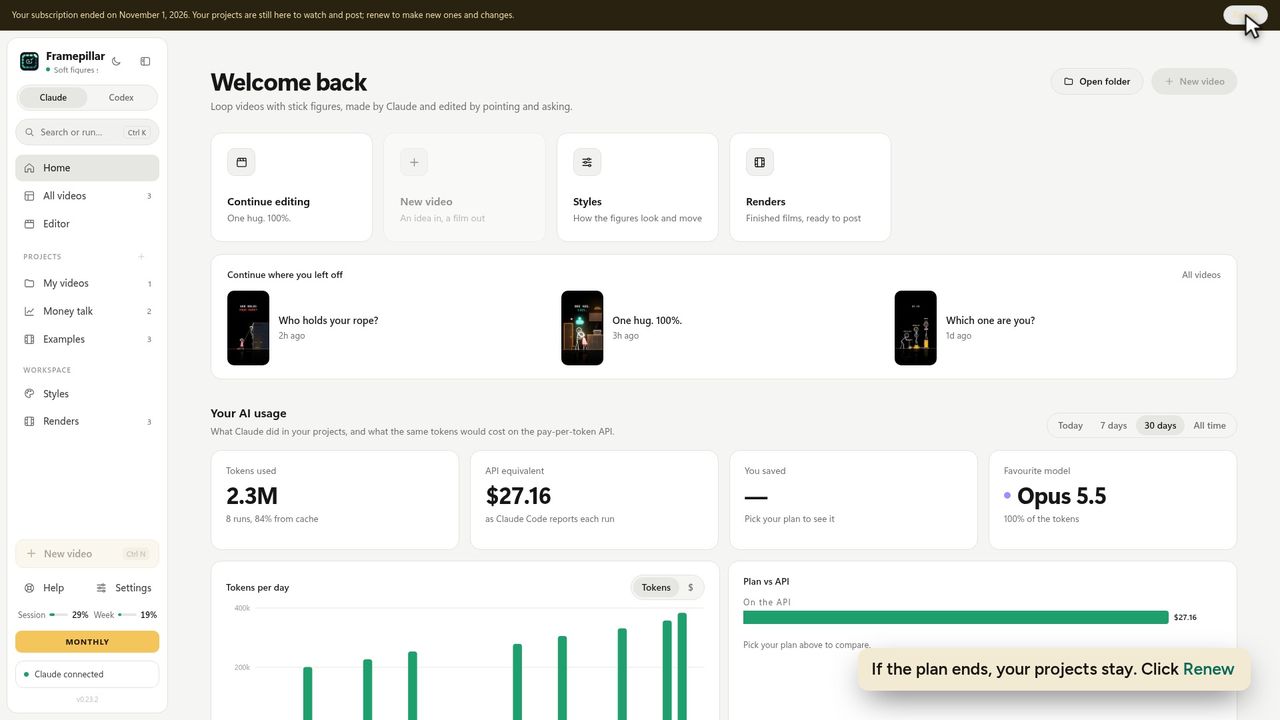
8If the plan ends, your projects stay. Click Renew -
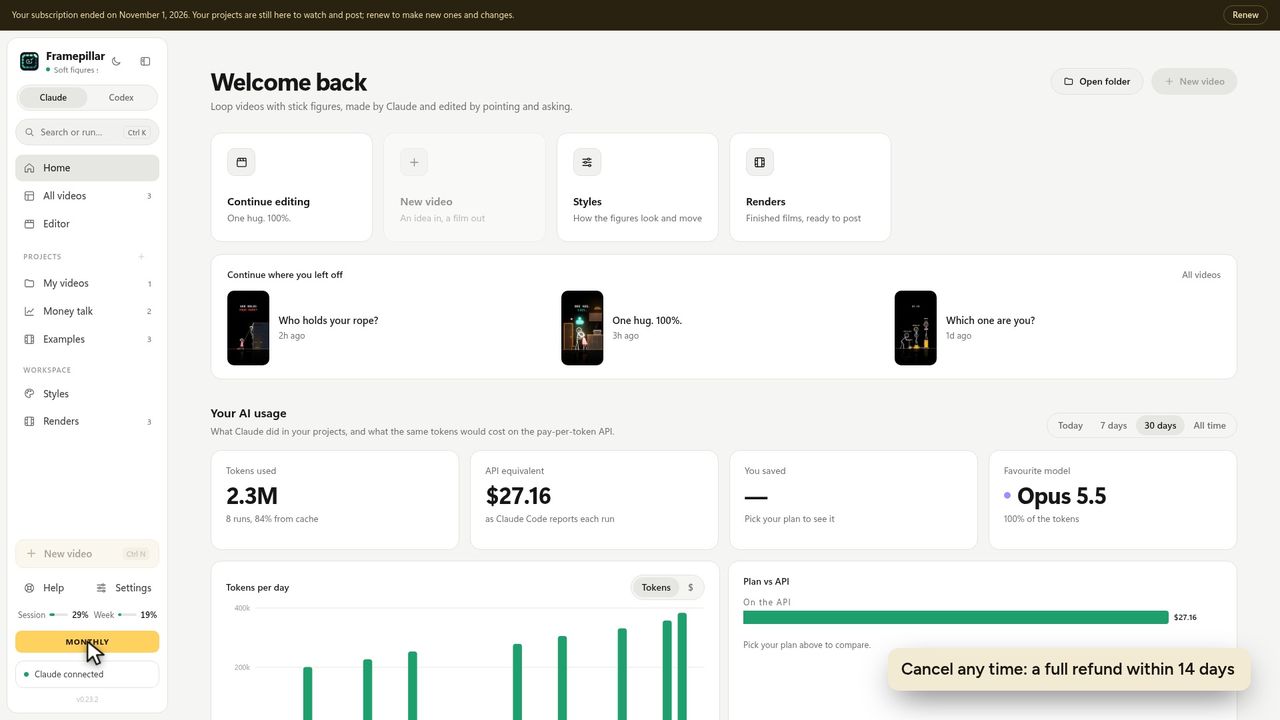
9Cancel any time: a full refund within 14 days
Ready to make your own?
FramePillar turns one sentence into an animated short or a YouTube video, with your own Claude or ChatGPT plan. Your first 3 days are free.
No credits and no per-video charges. Cancel any time from your account.