
Guide · Get started · Lesson 3
Connect Claude Code or Codex
Connect the AI you already pay for, so the app can write and animate your videos.
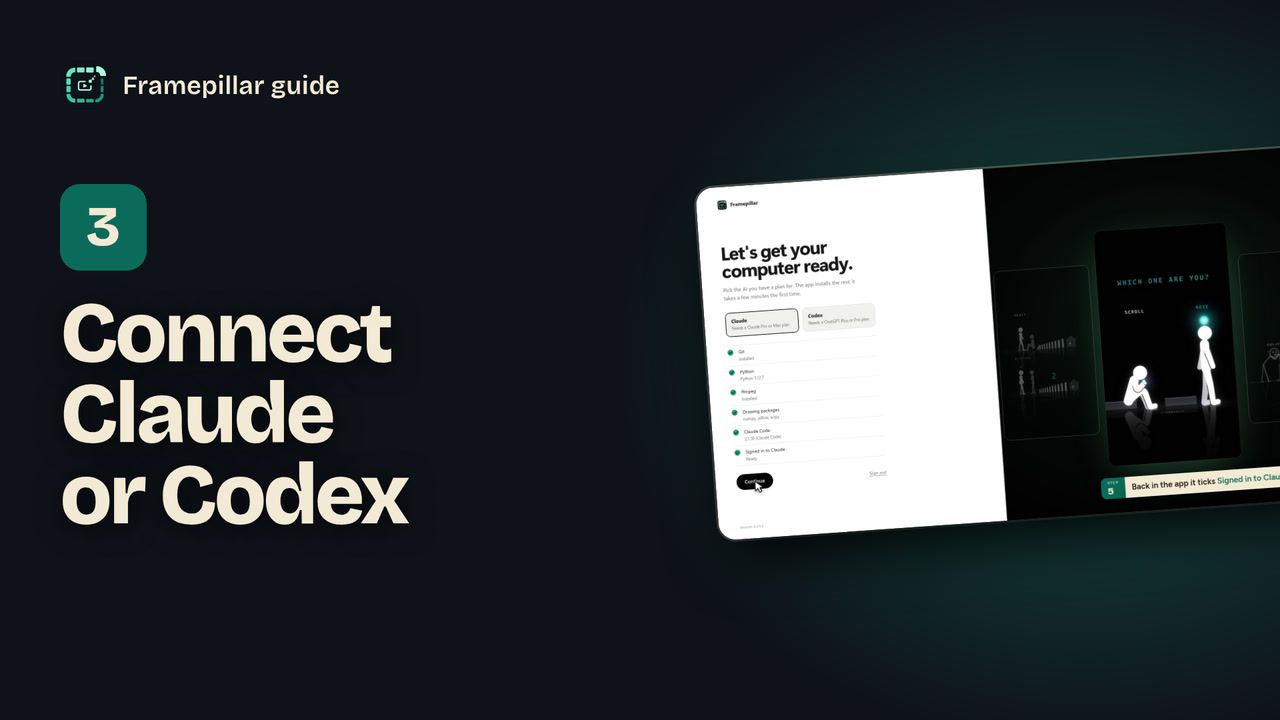
Step by step
- Choose your AI on the Let's get your computer ready. screen, with the Claude | Codex switch at the top of the sidebar, or in Settings → AI → Which AI.
- If it isn't installed yet, press Prepare. The app installs Claude Code or Codex for you.
- Press Sign in to Claude (or Codex). A terminal window opens and then your browser.
- Sign in with the account that has your plan: Claude Pro or Max for Claude, or ChatGPT Plus or Pro for Codex.
- Come back to the app. It checks every few seconds and ticks Signed in to Claude by itself. Press Continue.
- At the bottom of the sidebar it now says Claude connected.
Every step, in pictures
Screens from the video, in order. Click one to see it full size.
-
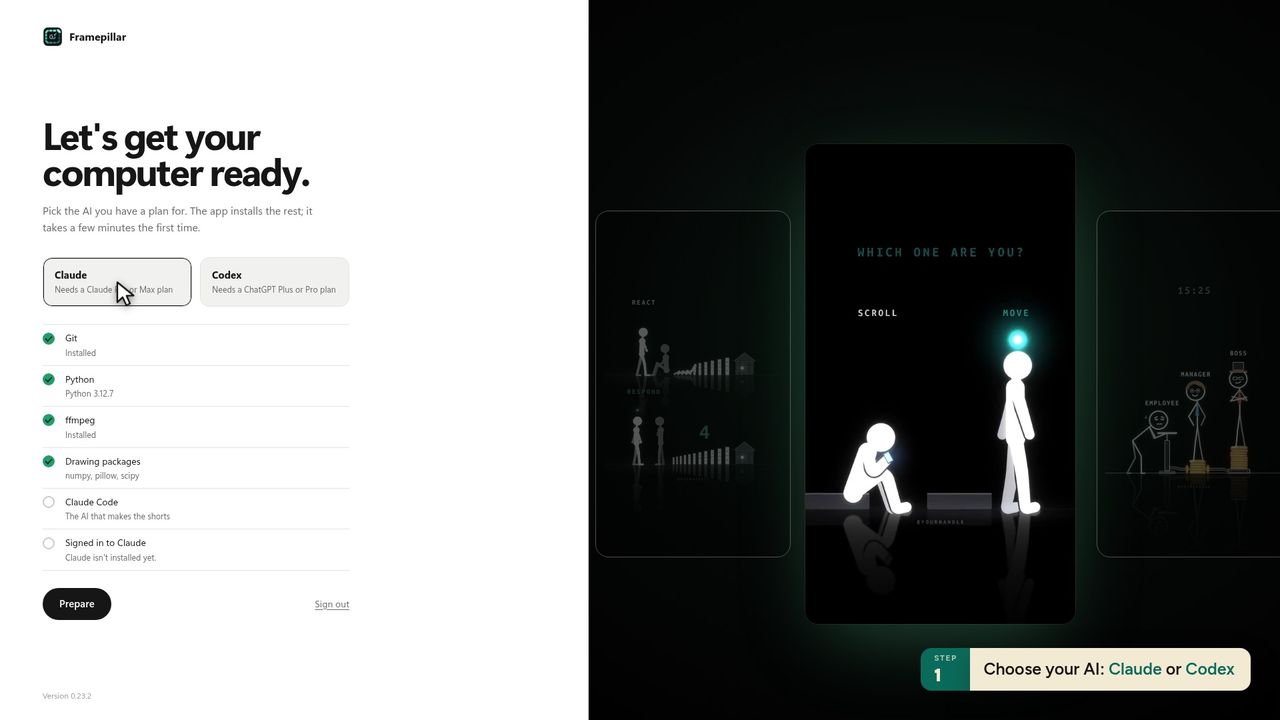
1Choose your AI: Claude or Codex -
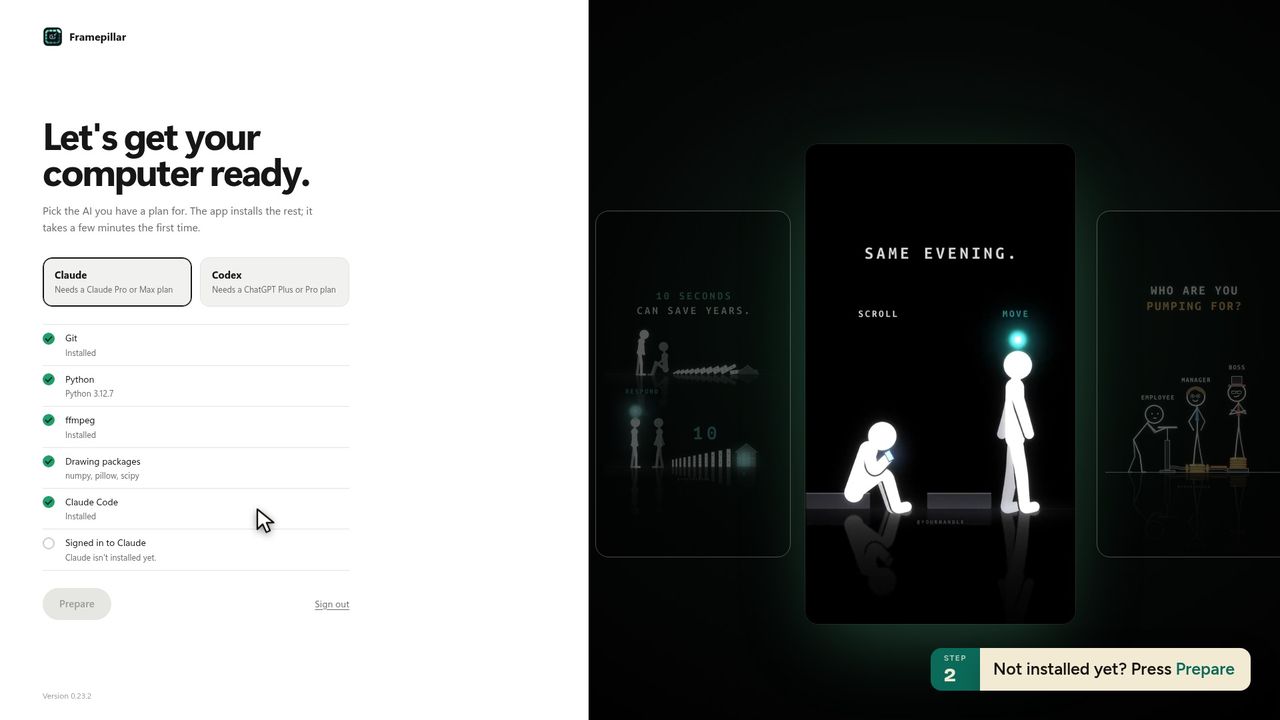
2Not installed yet? Press Prepare -
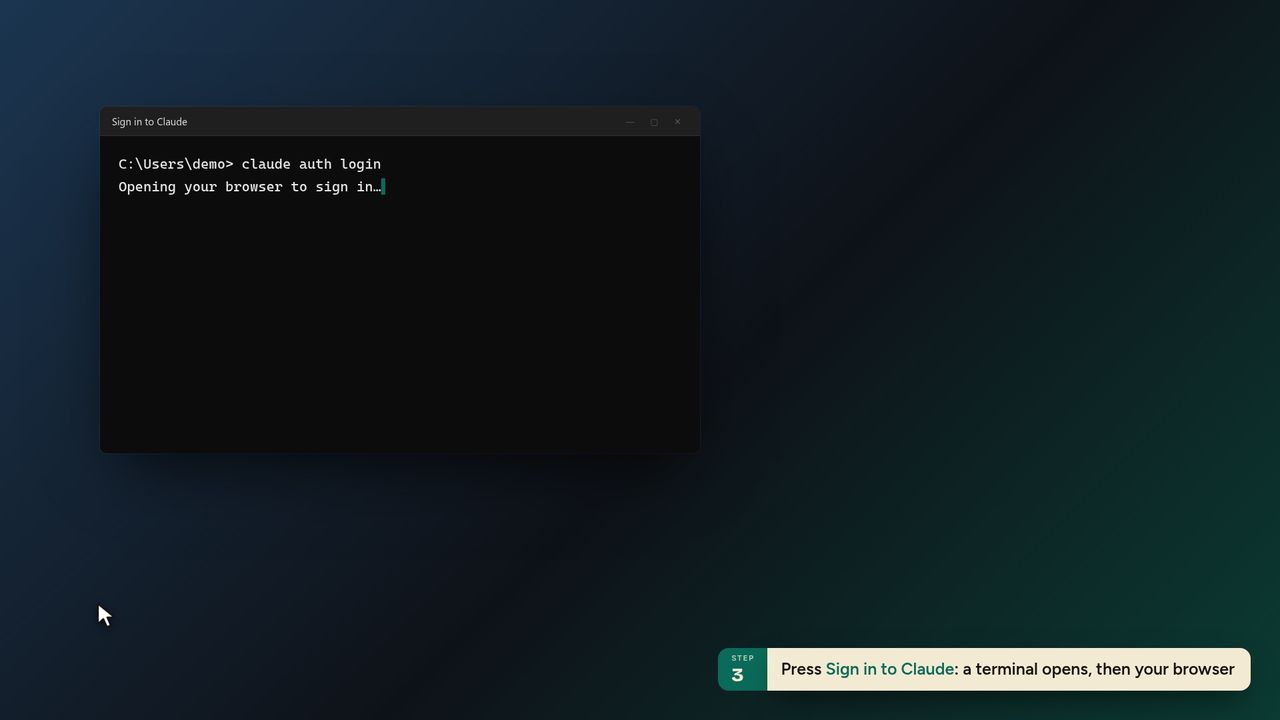
3Press Sign in to Claude: a terminal opens, then your browser -
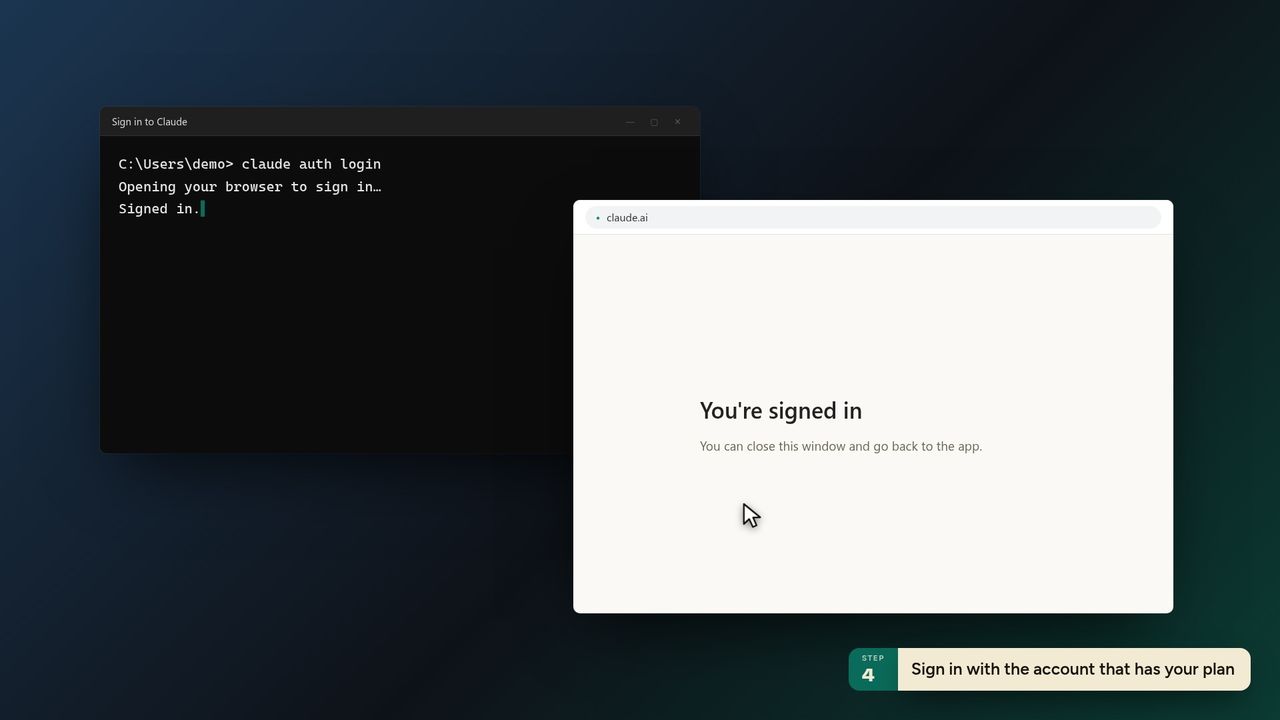
4Sign in with the account that has your plan -
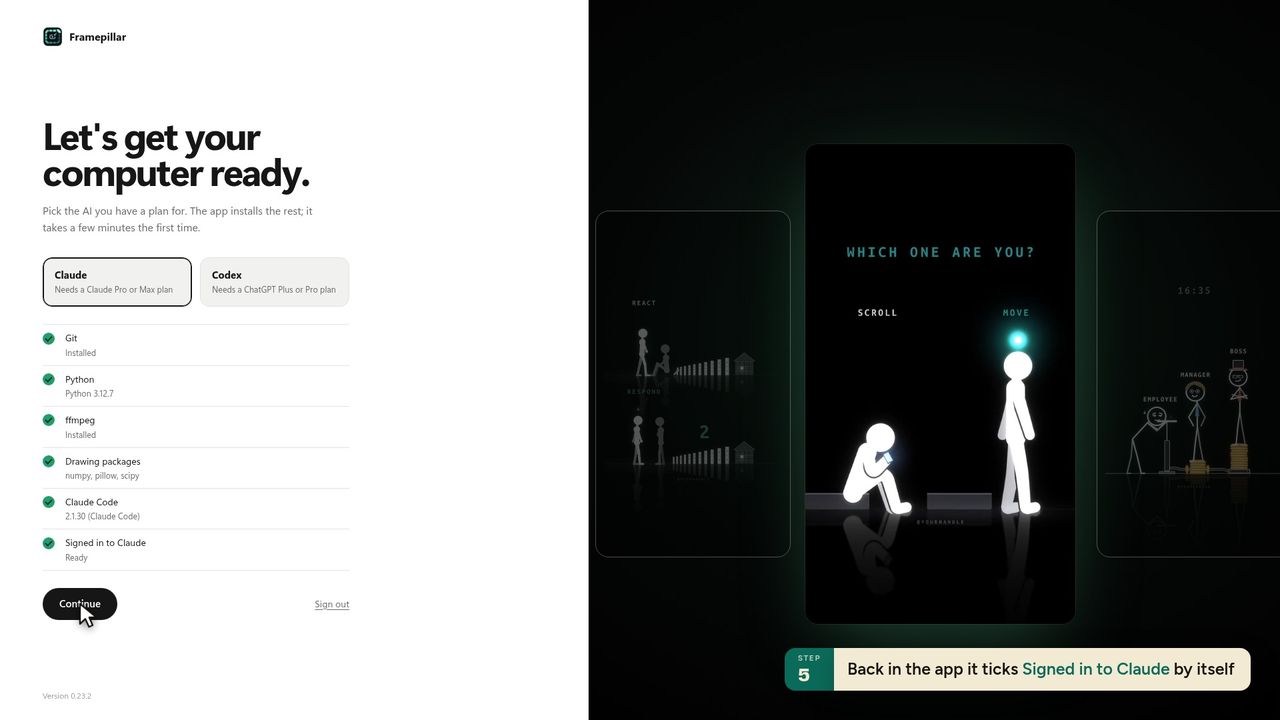
5Back in the app it ticks Signed in to Claude by itself -
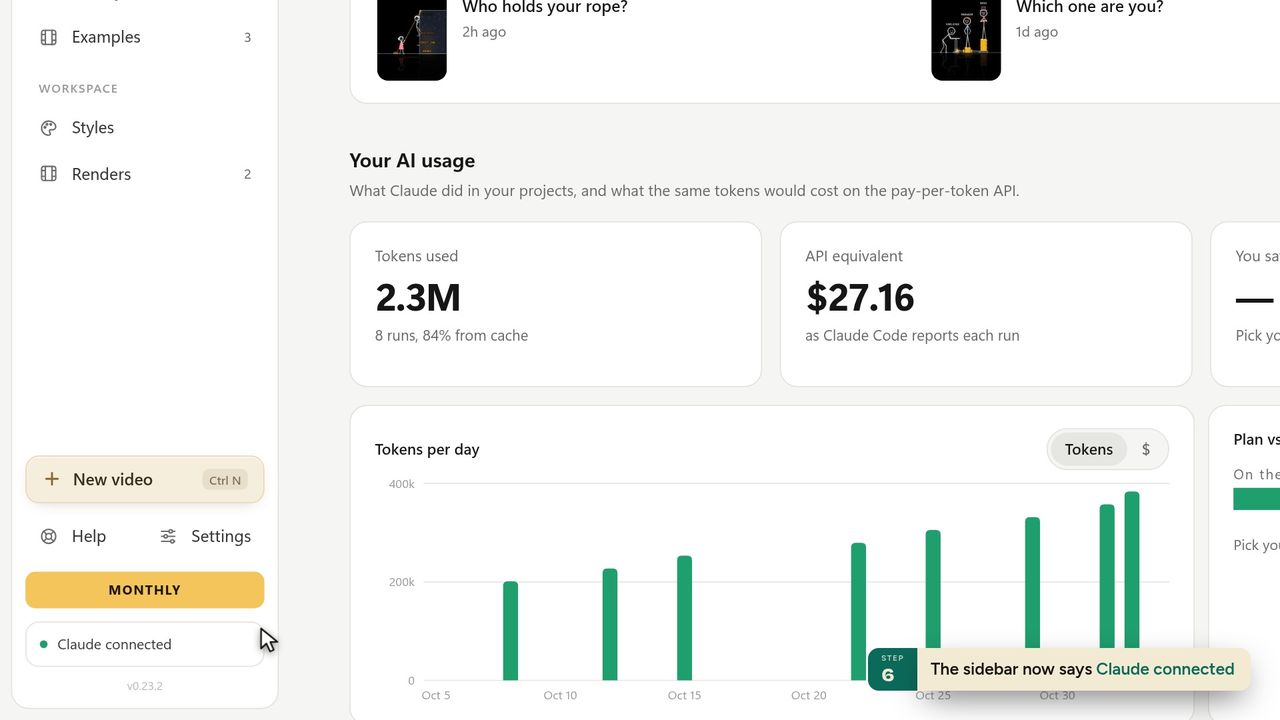
6The sidebar now says Claude connected -
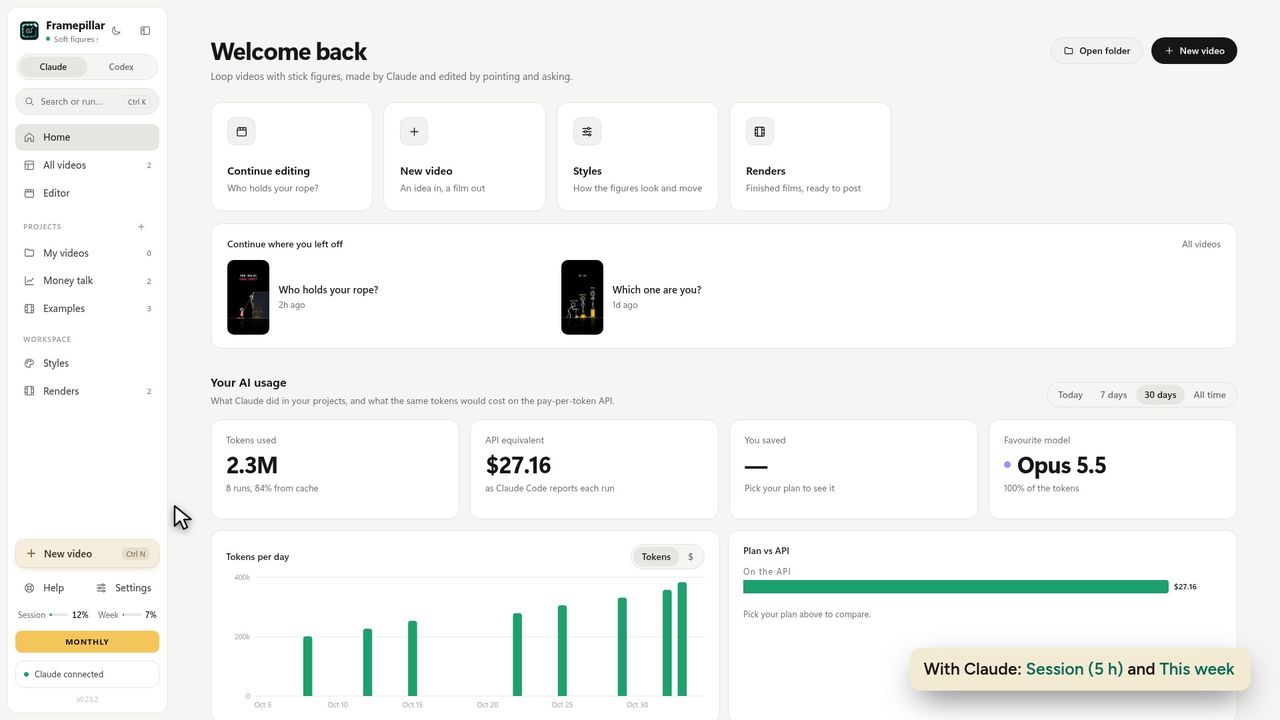
7With Claude: Session (5 h) and This week -
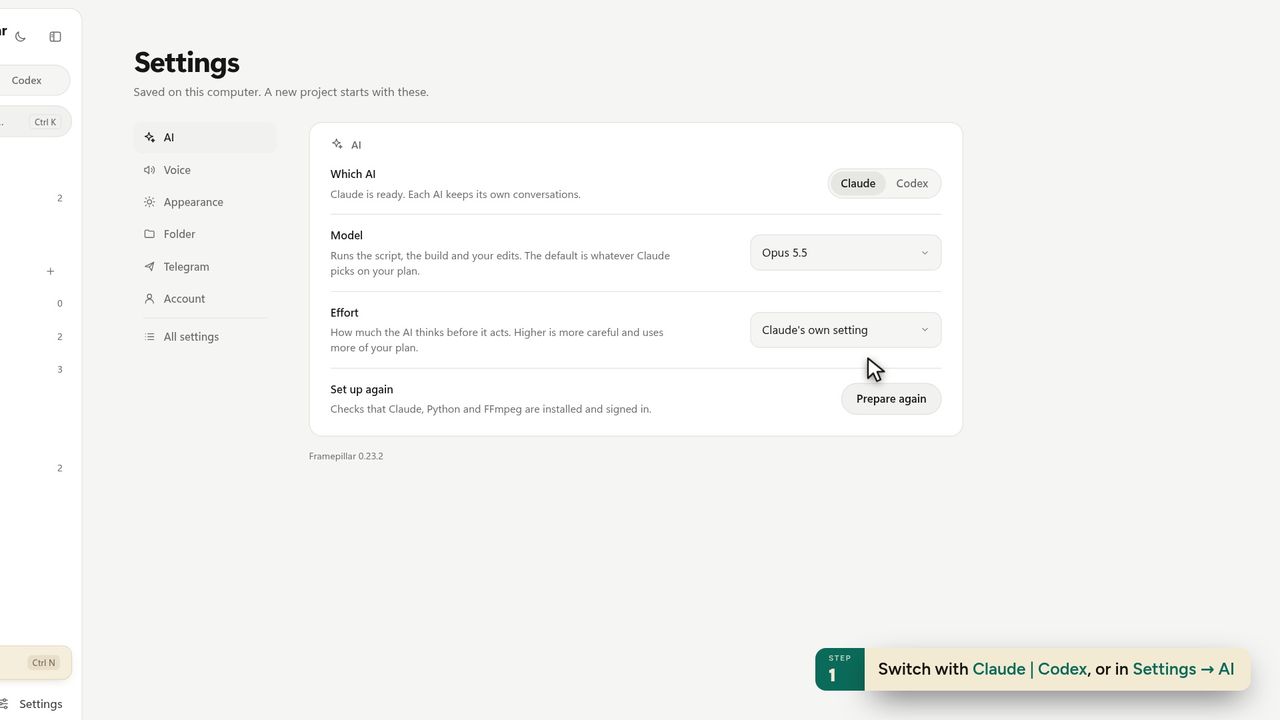
8Switch with Claude | Codex, or in Settings → AI -
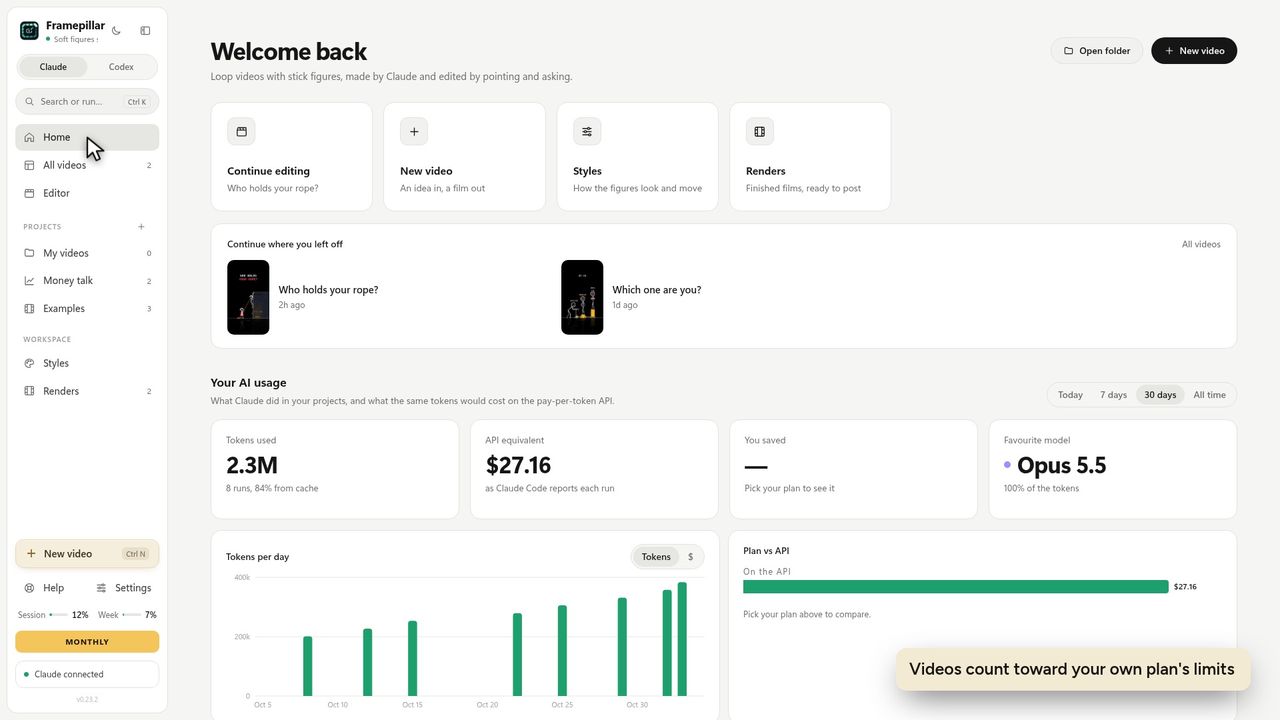
9Videos count toward your own plan's limits
Ready to make your own?
FramePillar turns one sentence into an animated short or a YouTube video, with your own Claude or ChatGPT plan. Your first 3 days are free.
No credits and no per-video charges. Cancel any time from your account.