
Guide · Get started · Lesson 2
Sign in and connect your computer
Sign in to your account from the app, with your browser or a code by email.
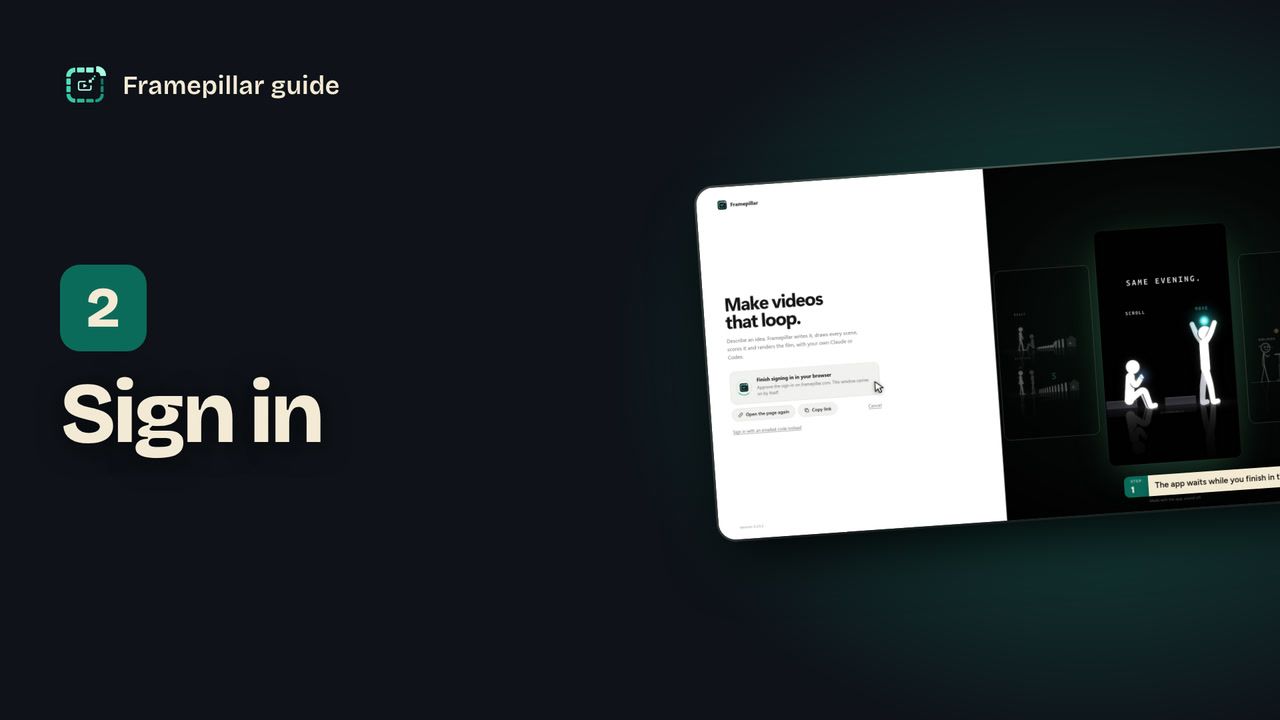
Step by step
- On the Make videos that loop. screen, click Sign in with your browser.
- Your browser opens the Framepillar site. Sign in there with your email and the 6-digit code we send you.
- Click Sign in to the app on that page. The browser tab says You're signed in. Go back to Framepillar. You can close it.
- Back in the app you see You're signed in and your email. The app carries on by itself.
- If you don't have a plan yet, the app shows One plan. Everything in it. Click Subscribe, pay on the site, then come back and click I've subscribed.
Every step, in pictures
Screens from the video, in order. Click one to see it full size.
-
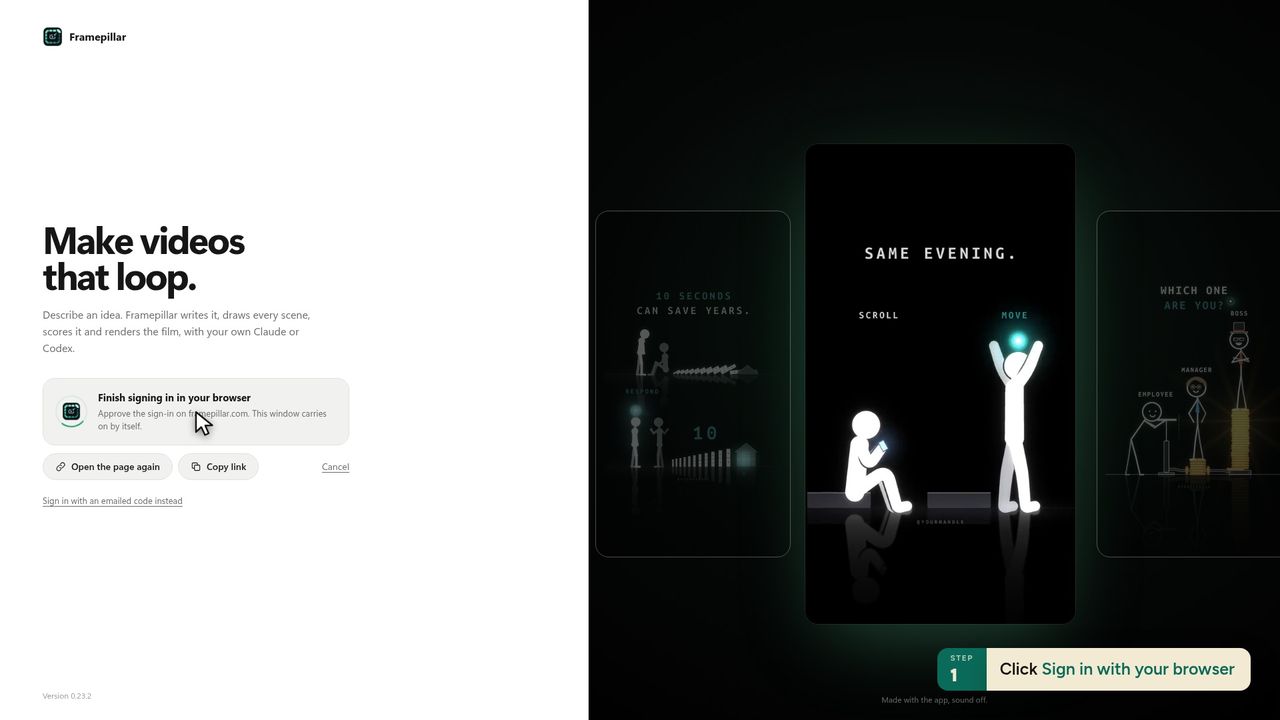
1Click Sign in with your browser -
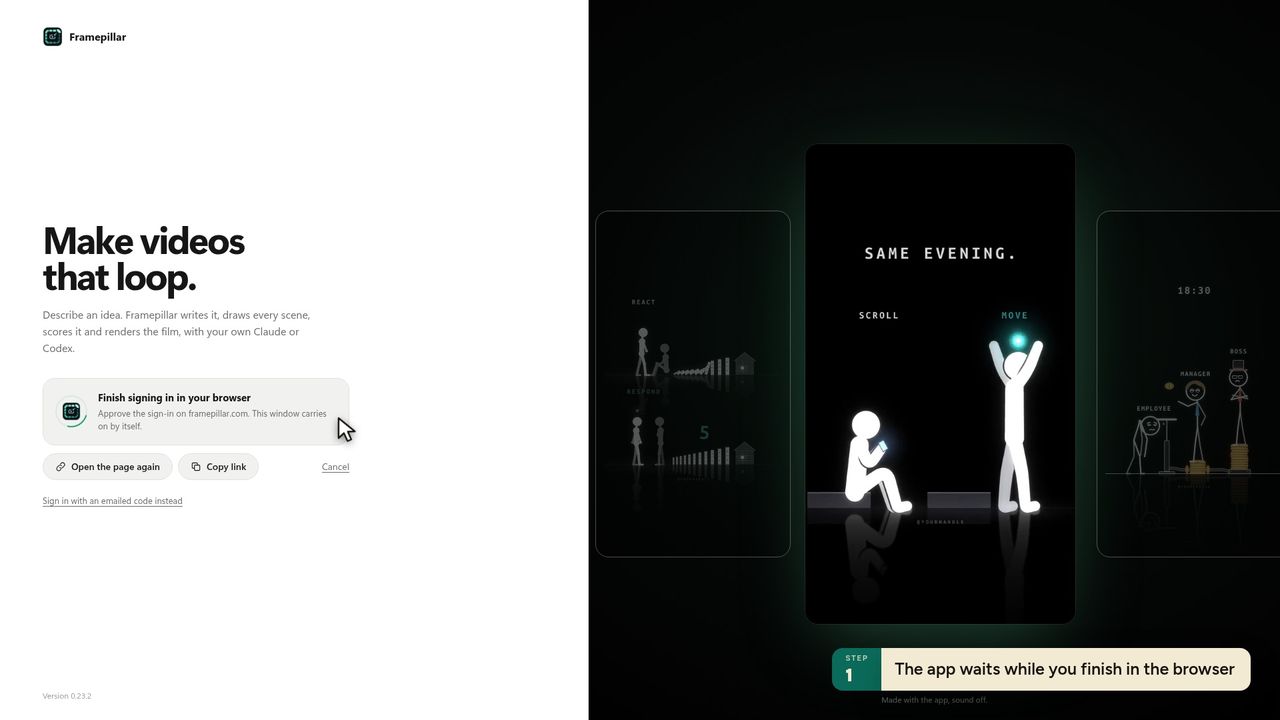
2The app waits while you finish in the browser -
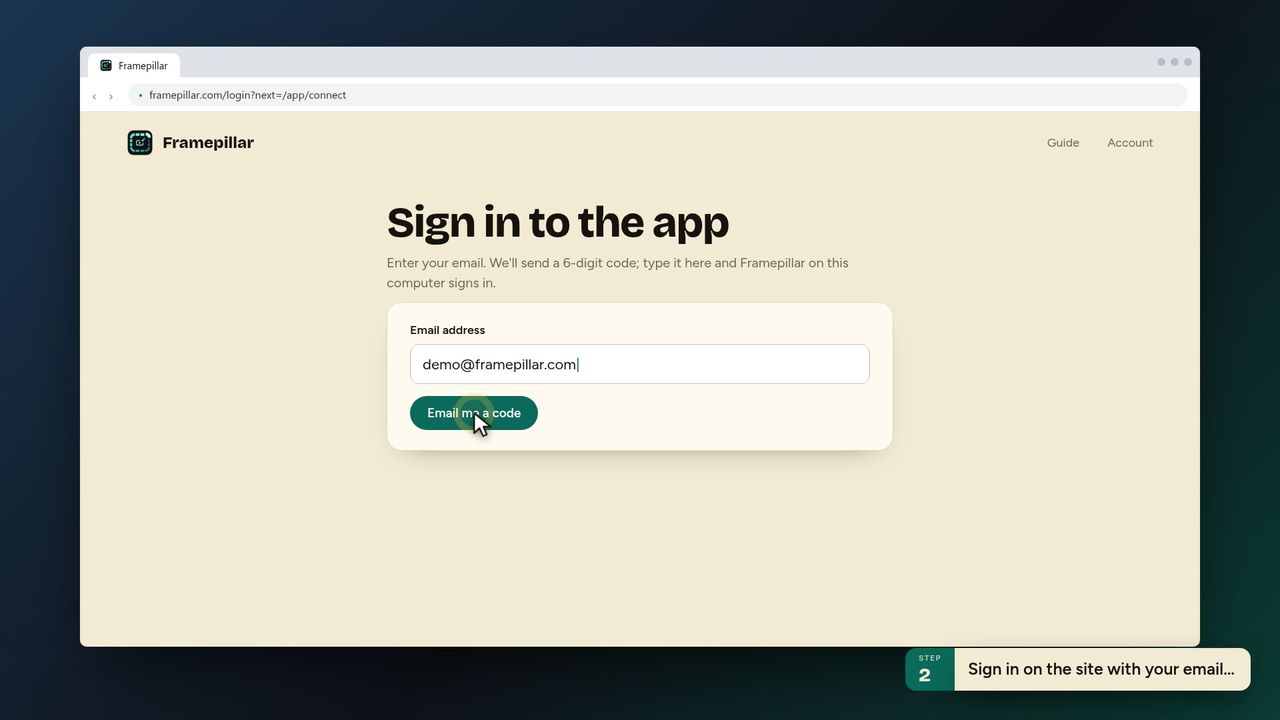
3Sign in on the site with your email… -
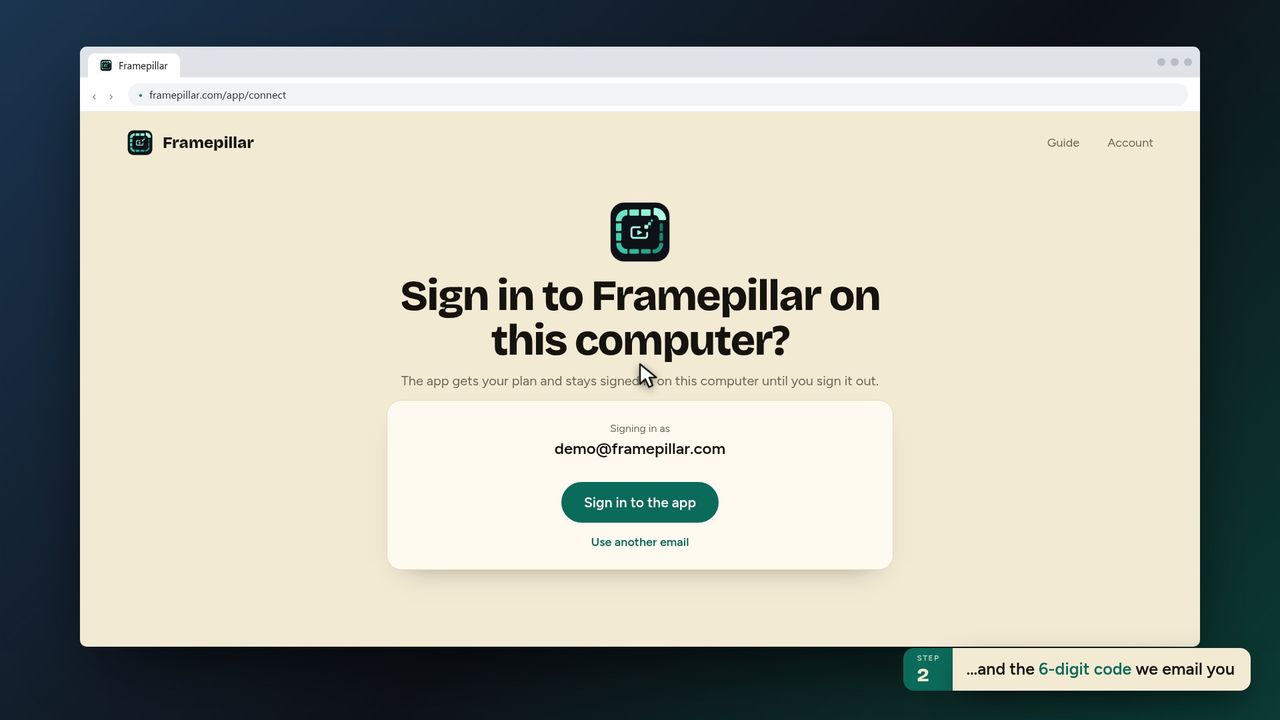
4…and the 6-digit code we email you -
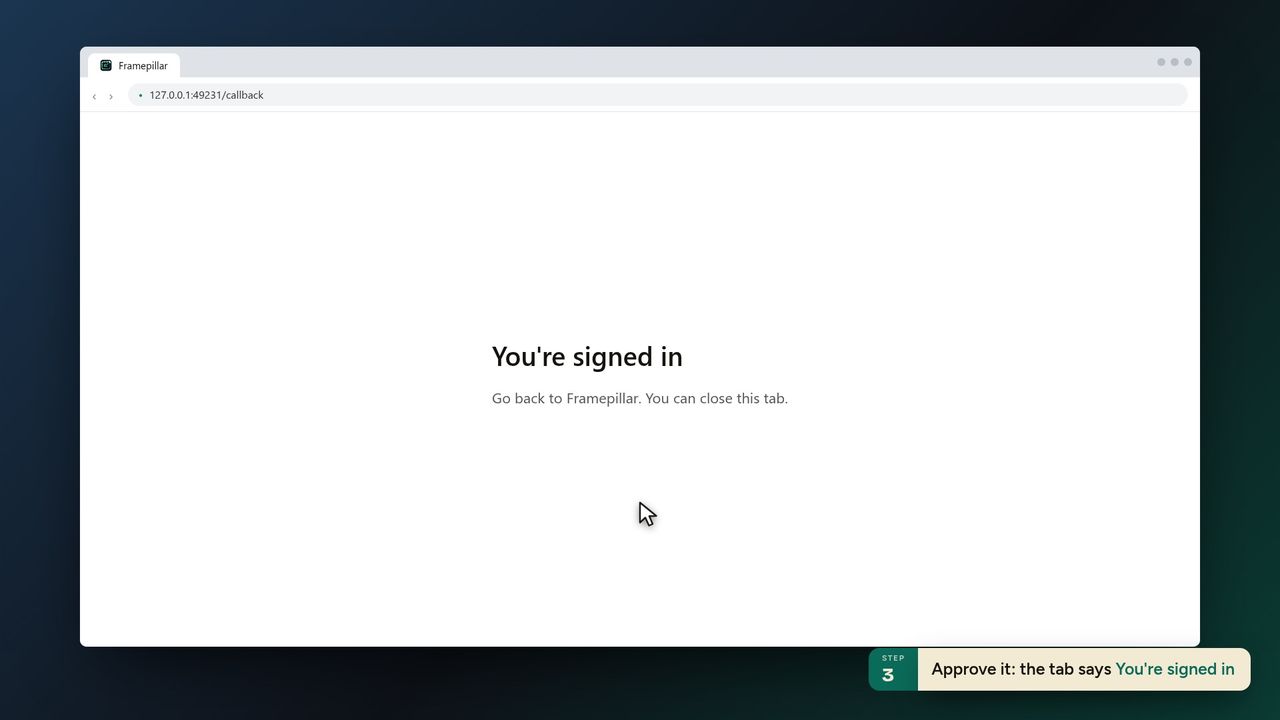
5Approve it: the tab says You're signed in -
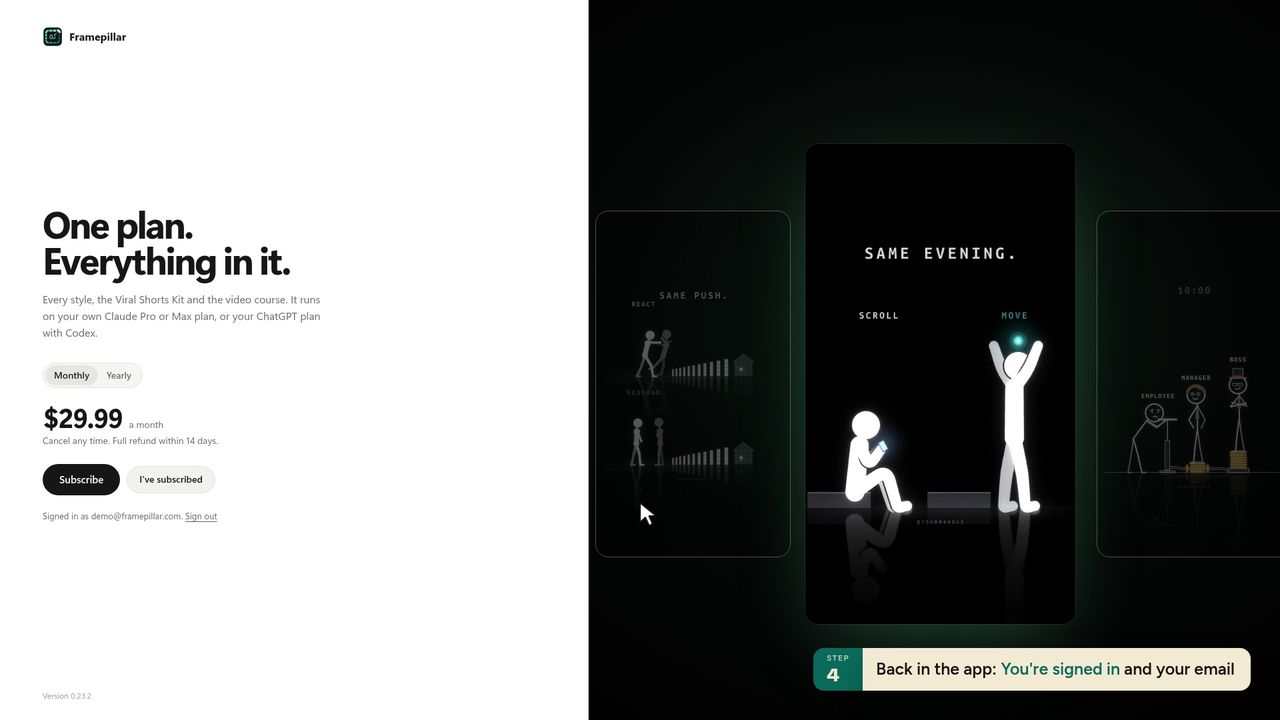
6Back in the app: You're signed in and your email -
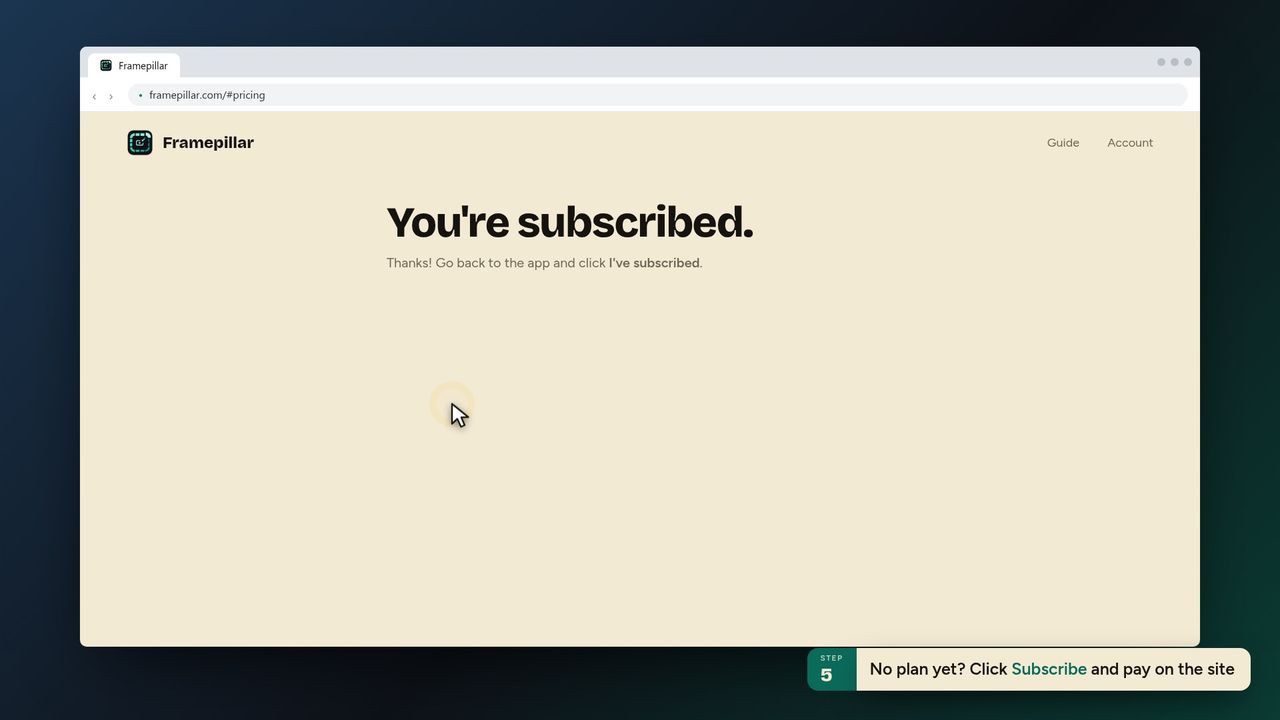
7No plan yet? Click Subscribe and pay on the site -
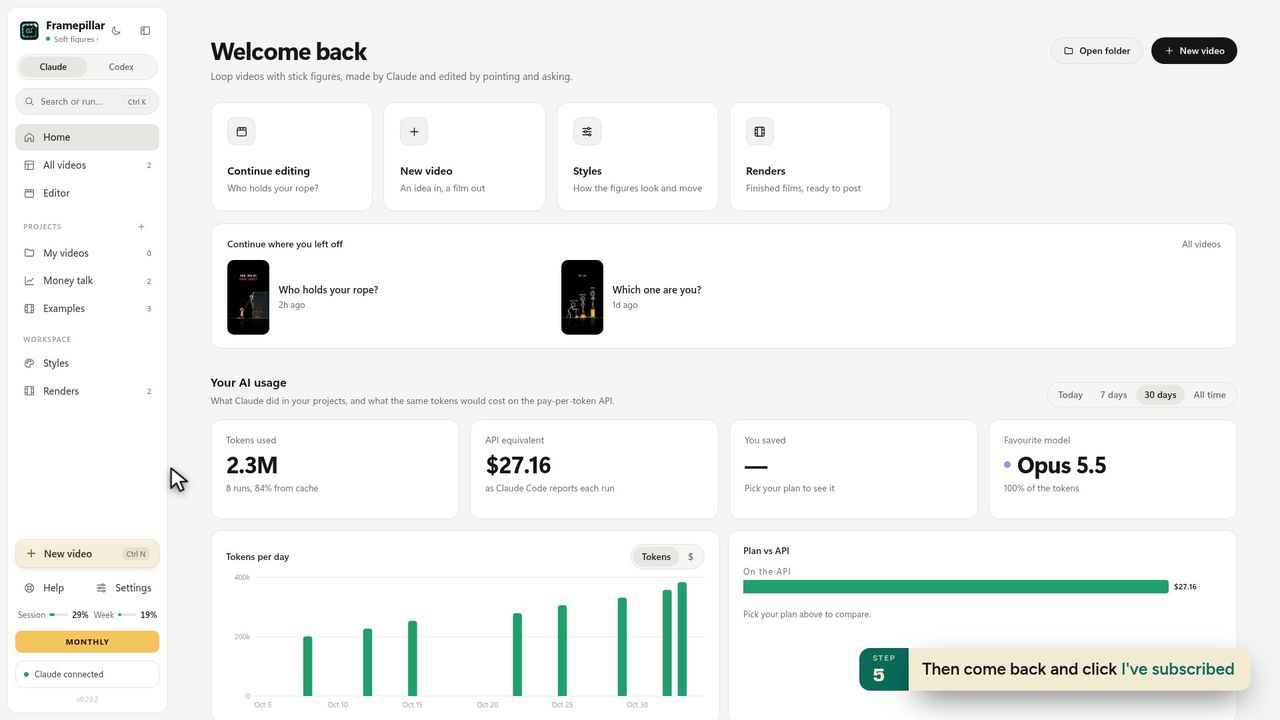
8Then come back and click I've subscribed -
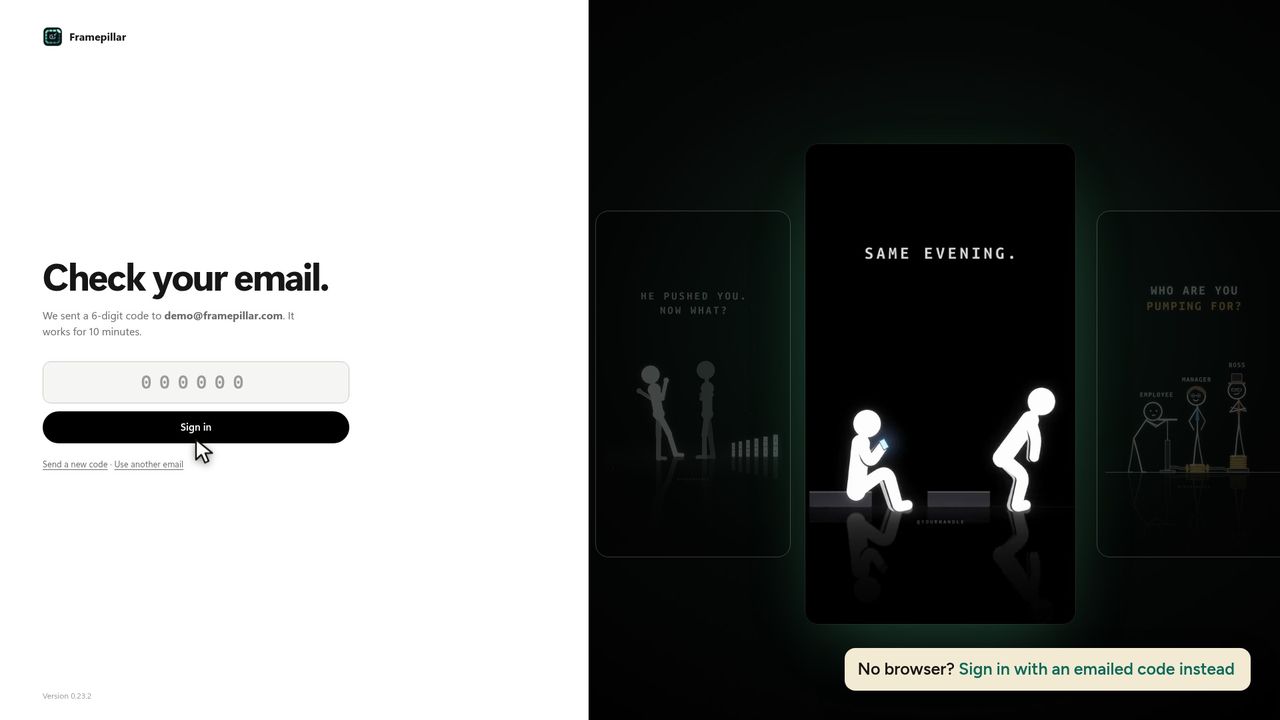
9No browser? Sign in with an emailed code instead -
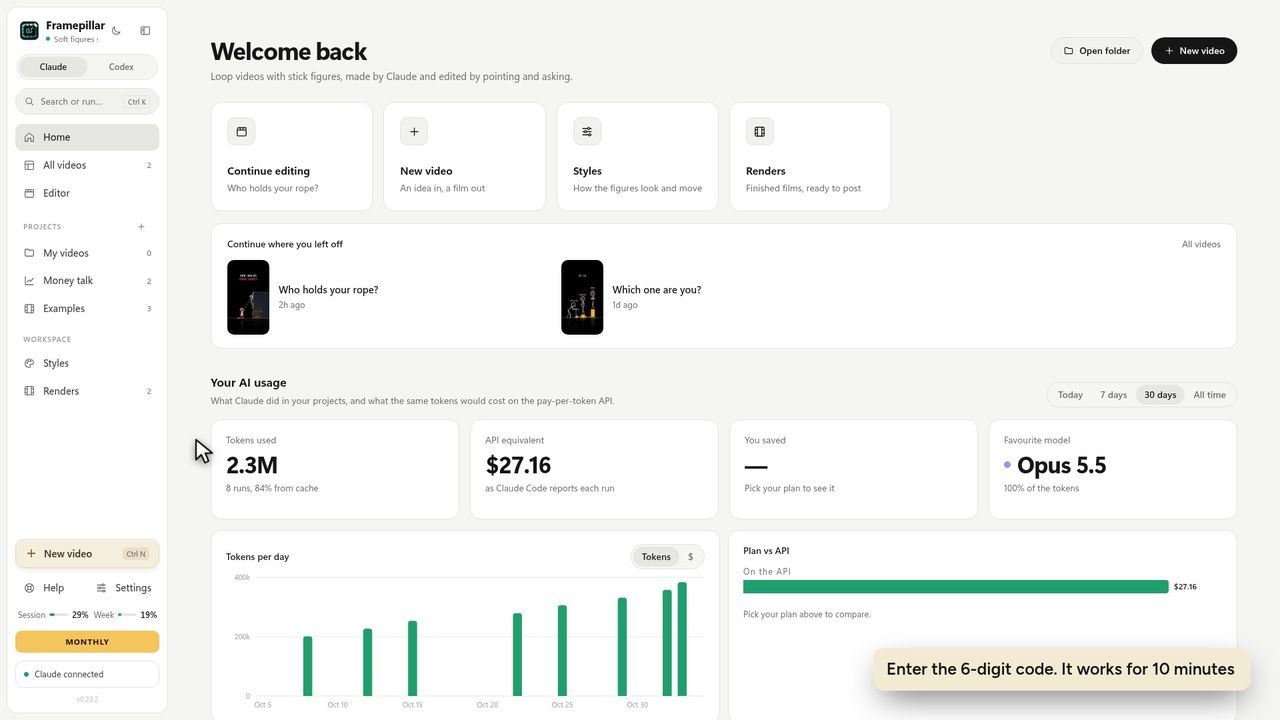
10Enter the 6-digit code. It works for 10 minutes -
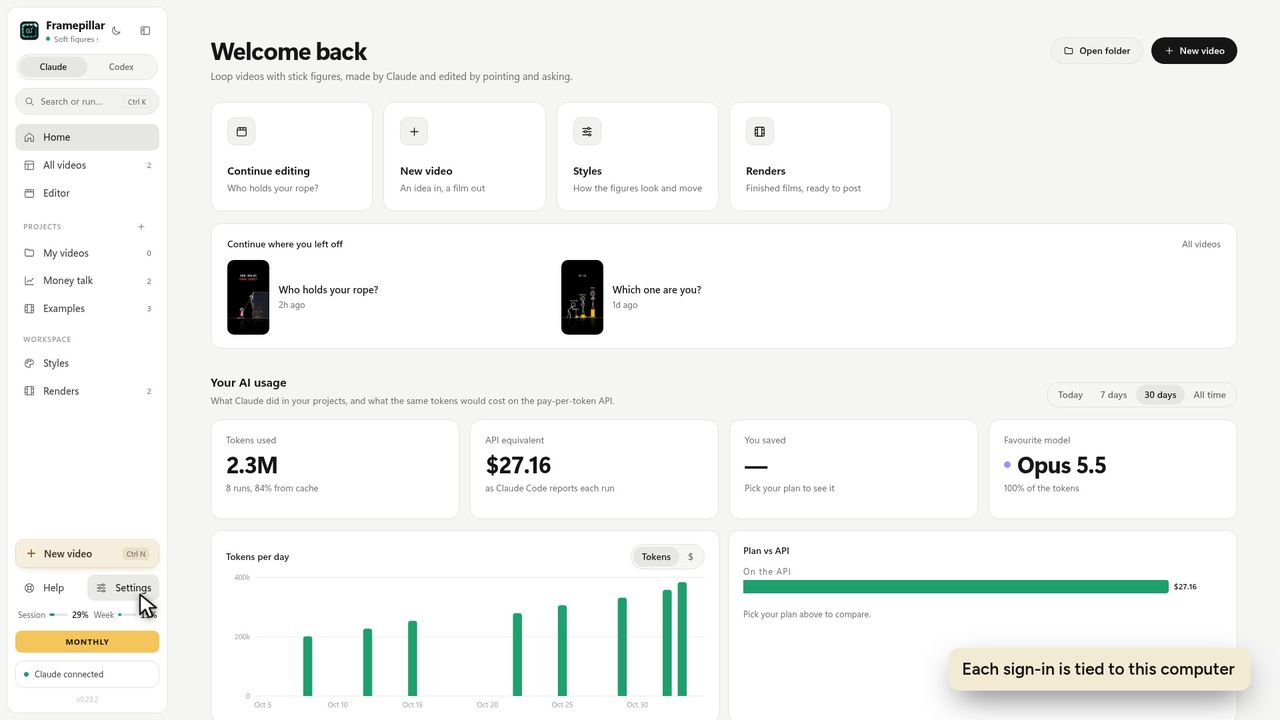
11Each sign-in is tied to this computer
Ready to make your own?
FramePillar turns one sentence into an animated short or a YouTube video, with your own Claude or ChatGPT plan. Your first 3 days are free.
No credits and no per-video charges. Cancel any time from your account.