
Guide · Your first video · Lesson 6
Make a long video for YouTube
Go beyond shorts: a longer, wide video for YouTube, built the same way.
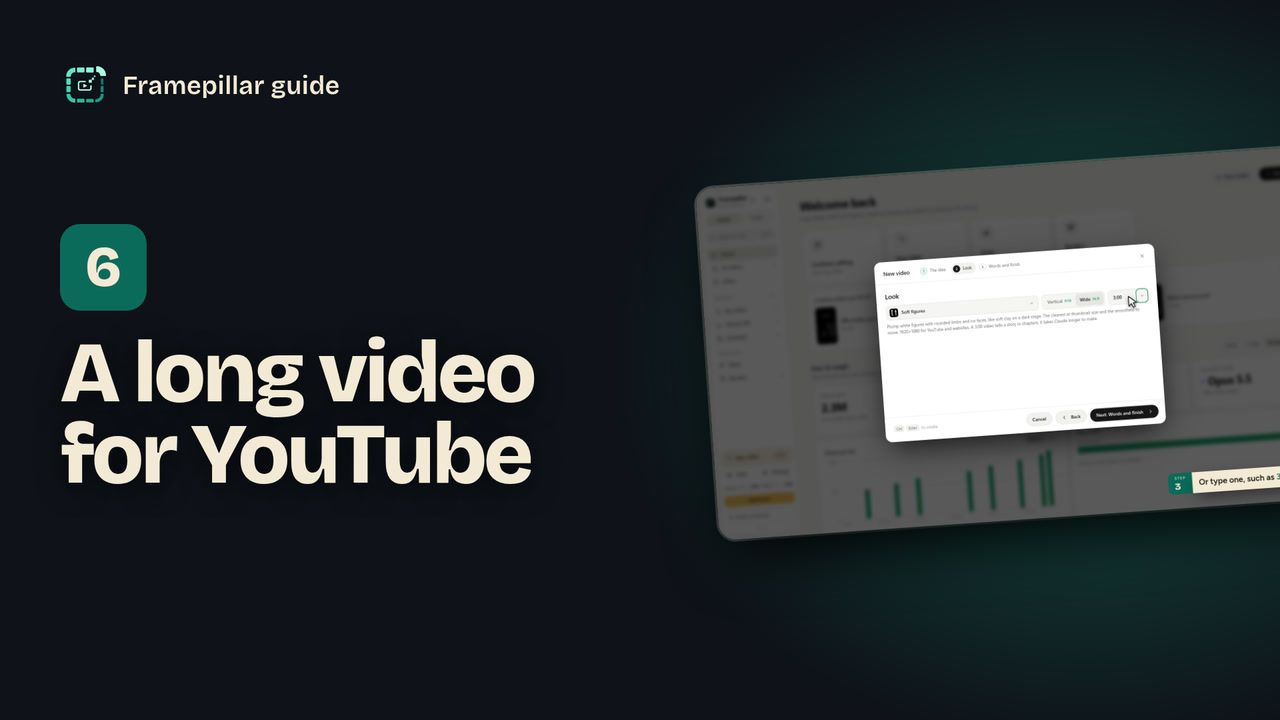
Step by step
- Click New video and write the idea as usual.
- In Look, choose Wide 16:9. That makes 1920×1080 for YouTube and websites.
- Pick a length from Long video (1:30, 3:00, 5:00, 10:00 or 15:00), or type one, such as
3mor10:00. - Click Create video. A video over a minute tells its story in chapters, and Claude takes longer to make it.
- When it's done, find the finished file with Export → Show finished files.
Every step, in pictures
Screens from the video, in order. Click one to see it full size.
-
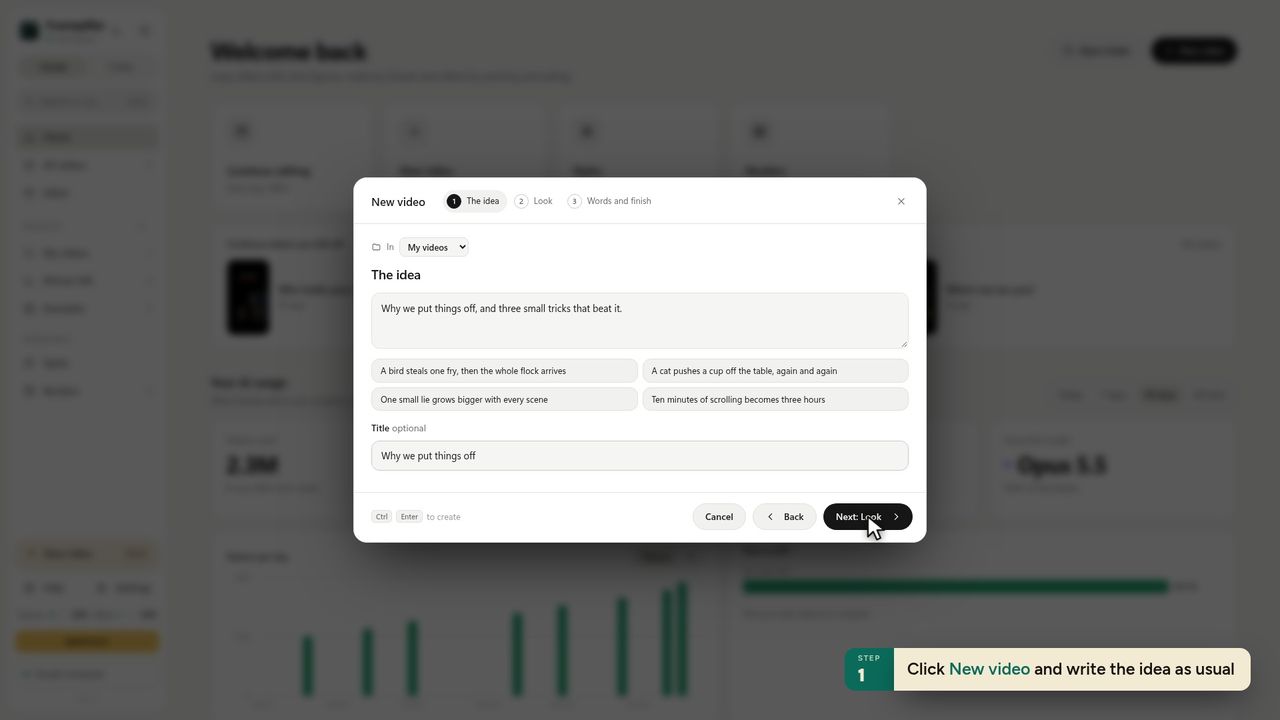
1Click New video and write the idea as usual -
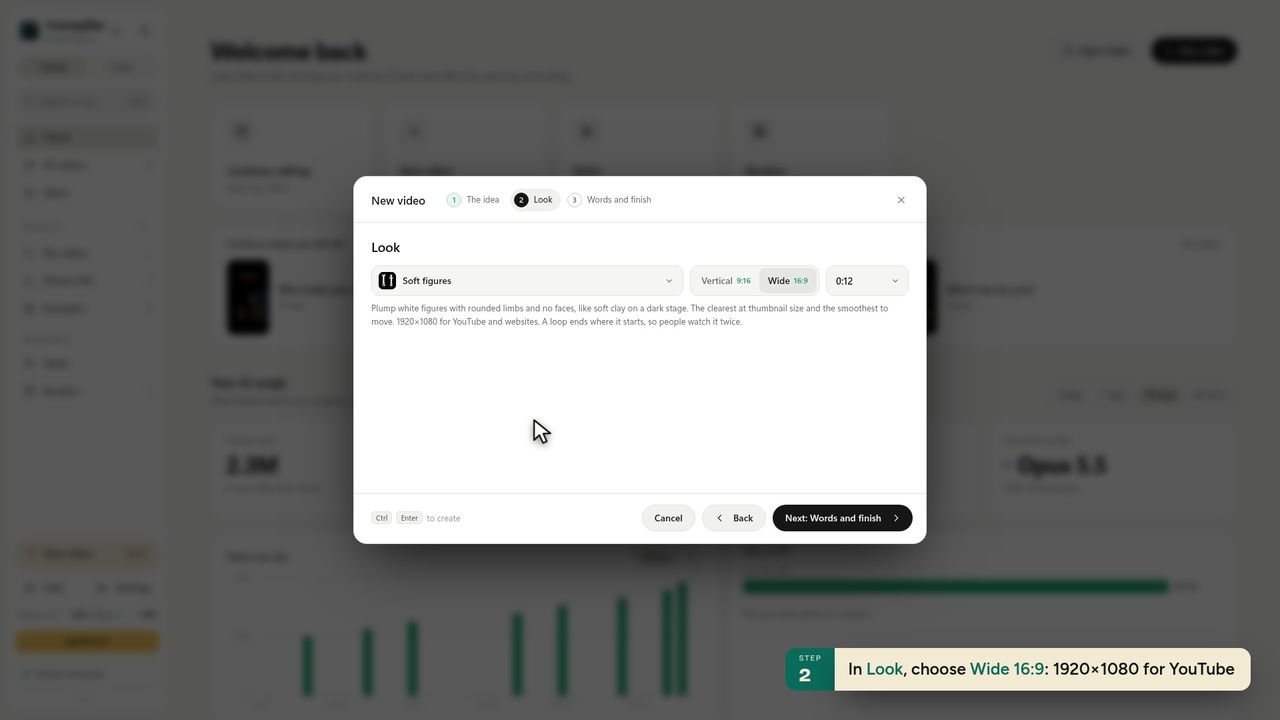
2In Look, choose Wide 16:9: 1920×1080 for YouTube -
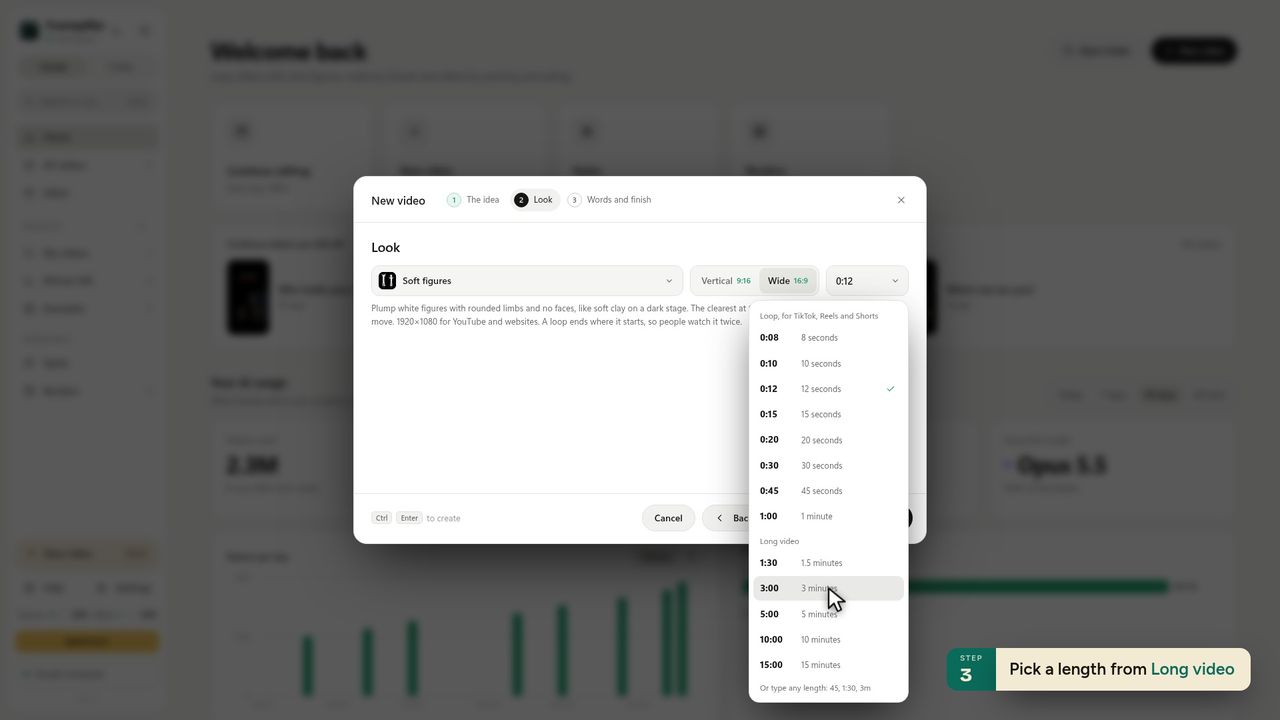
3Pick a length from Long video -
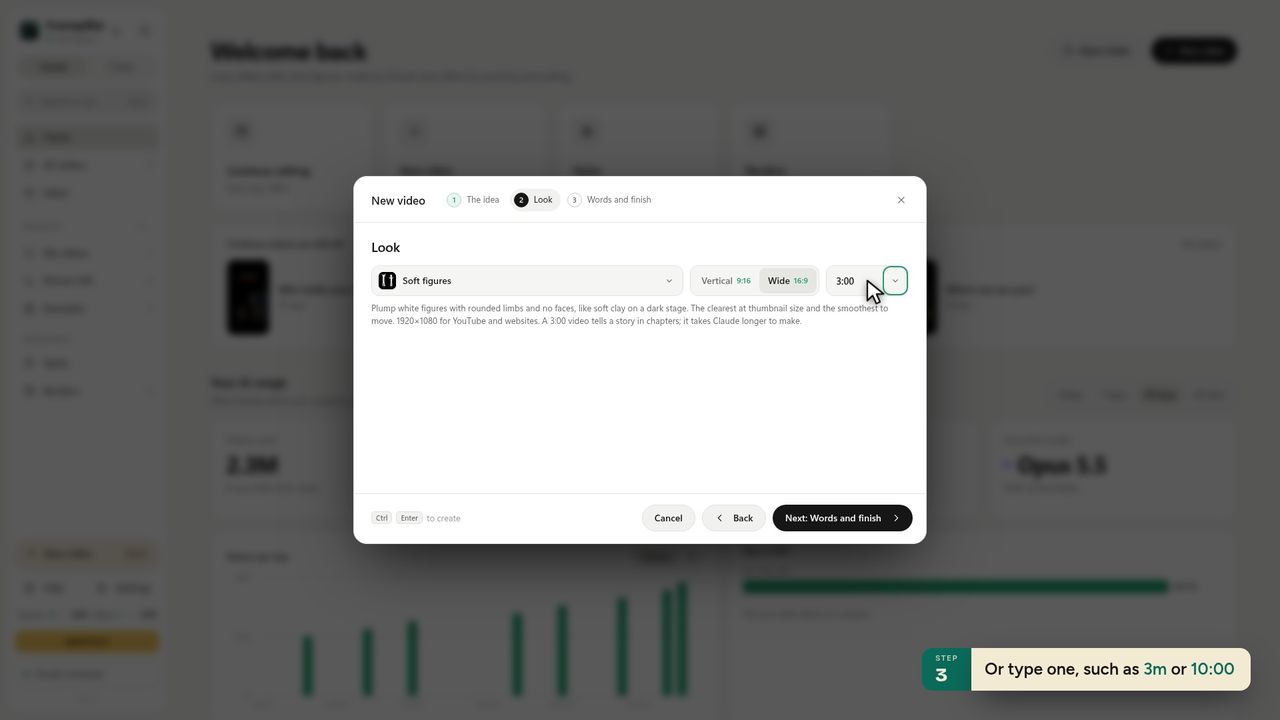
4Or type one, such as 3m or 10:00 -
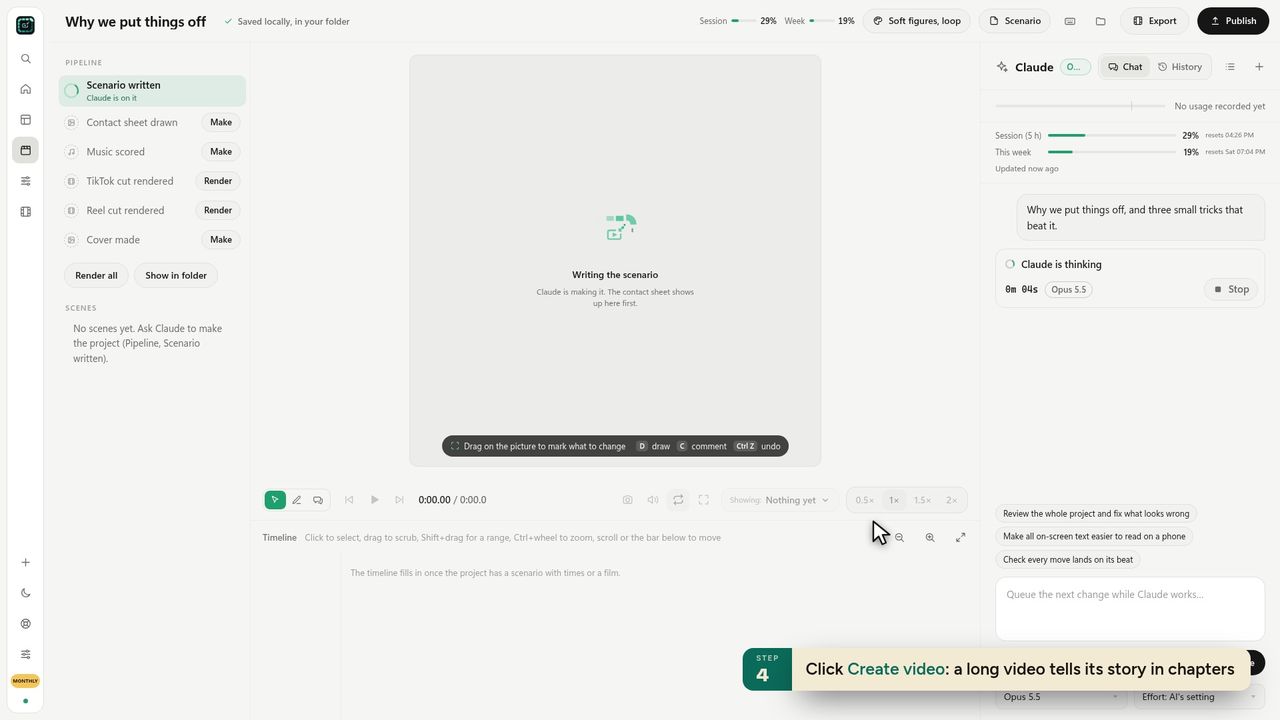
5Click Create video: a long video tells its story in chapters -
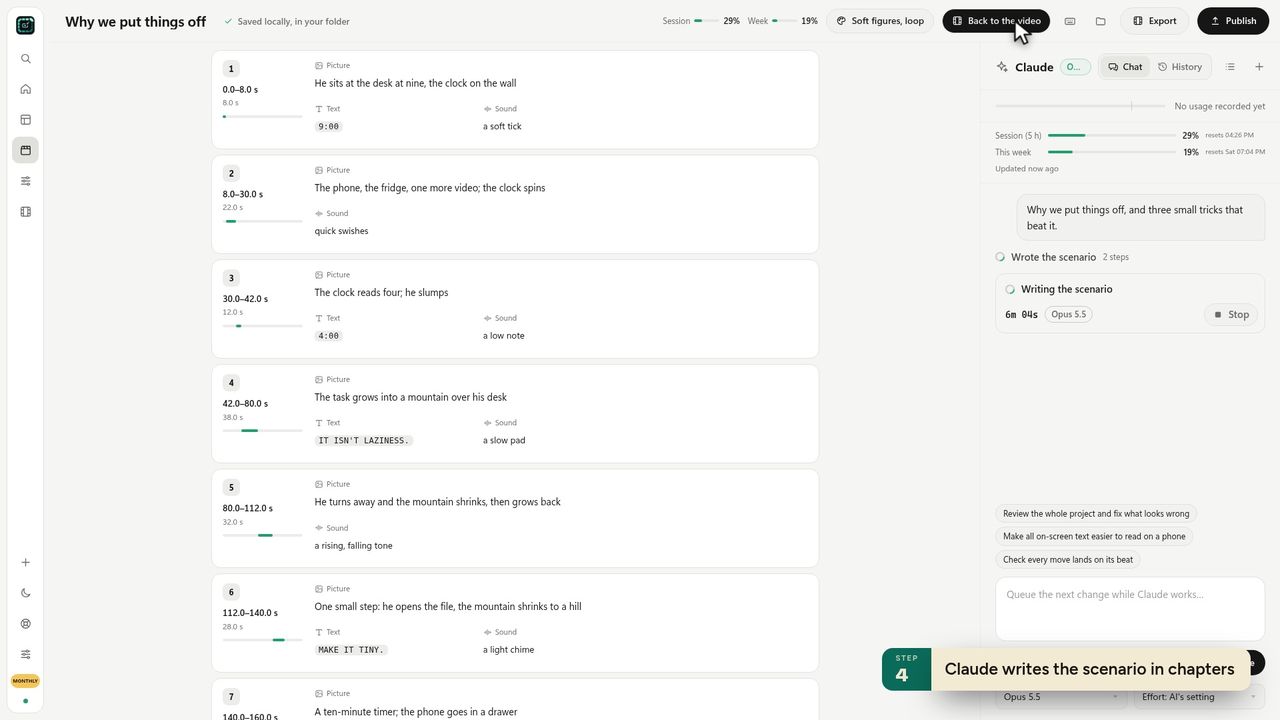
6Claude writes the scenario in chapters -
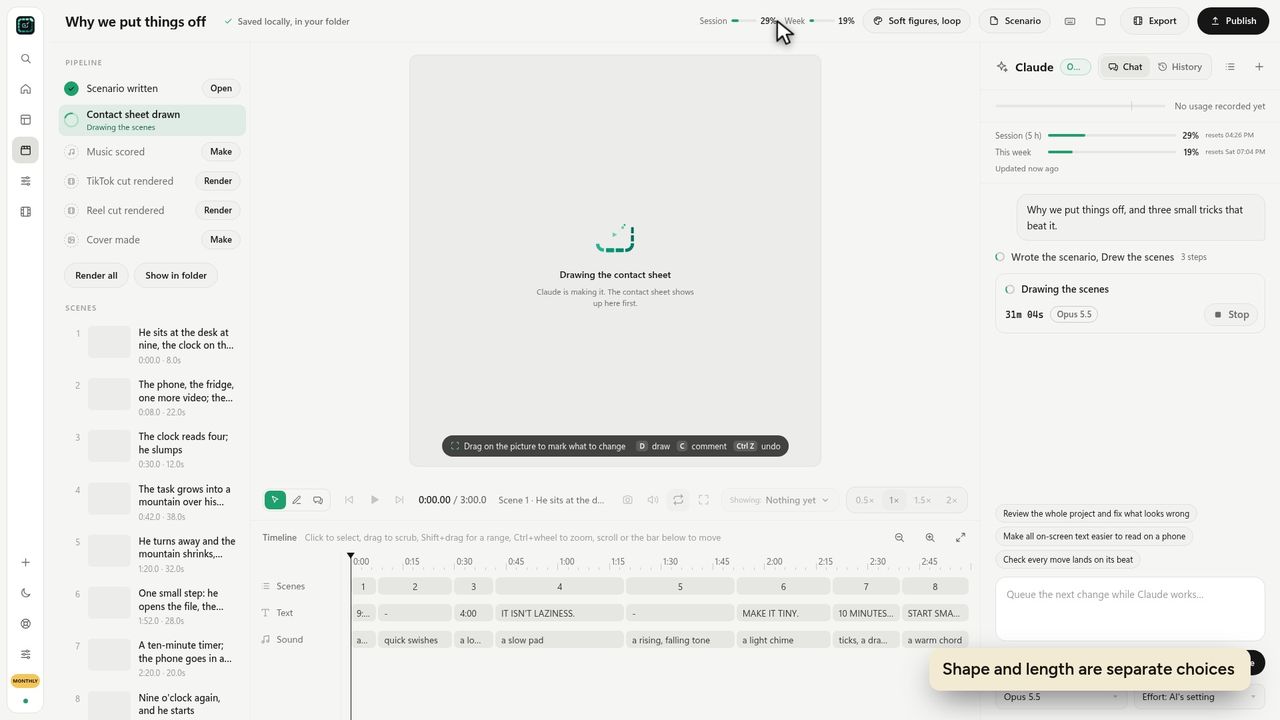
7Shape and length are separate choices -
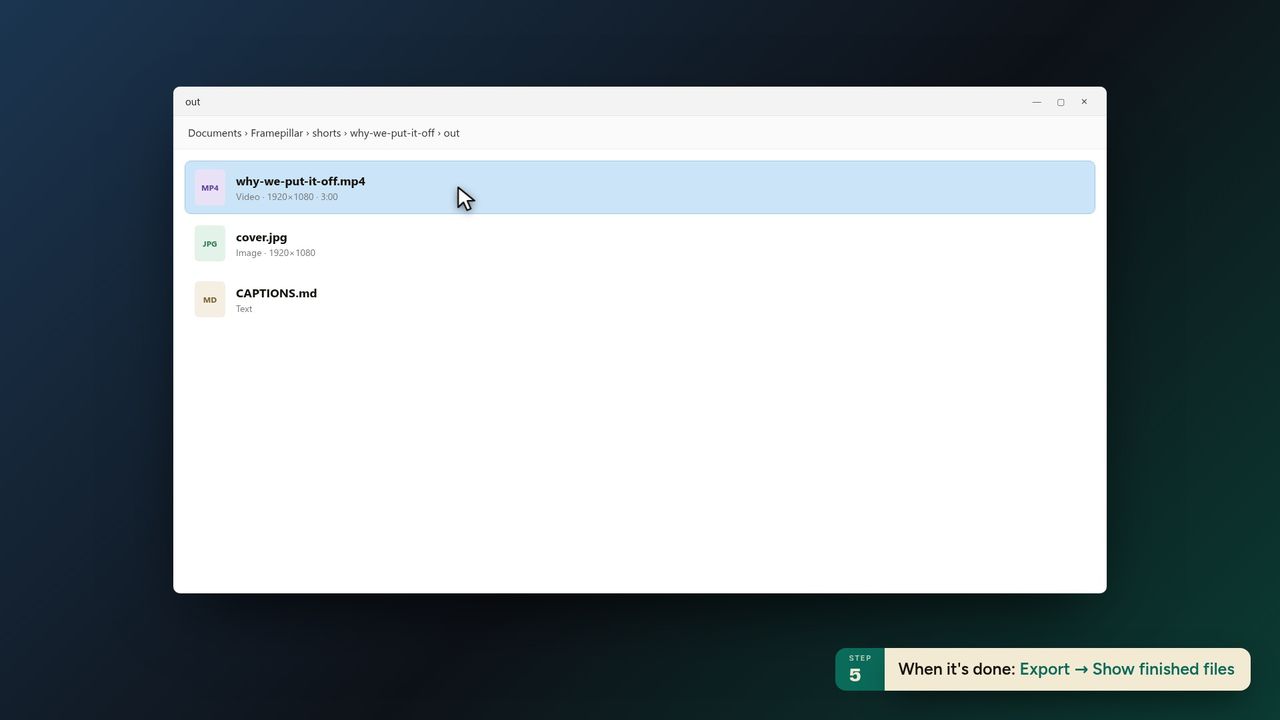
8When it's done: Export → Show finished files -
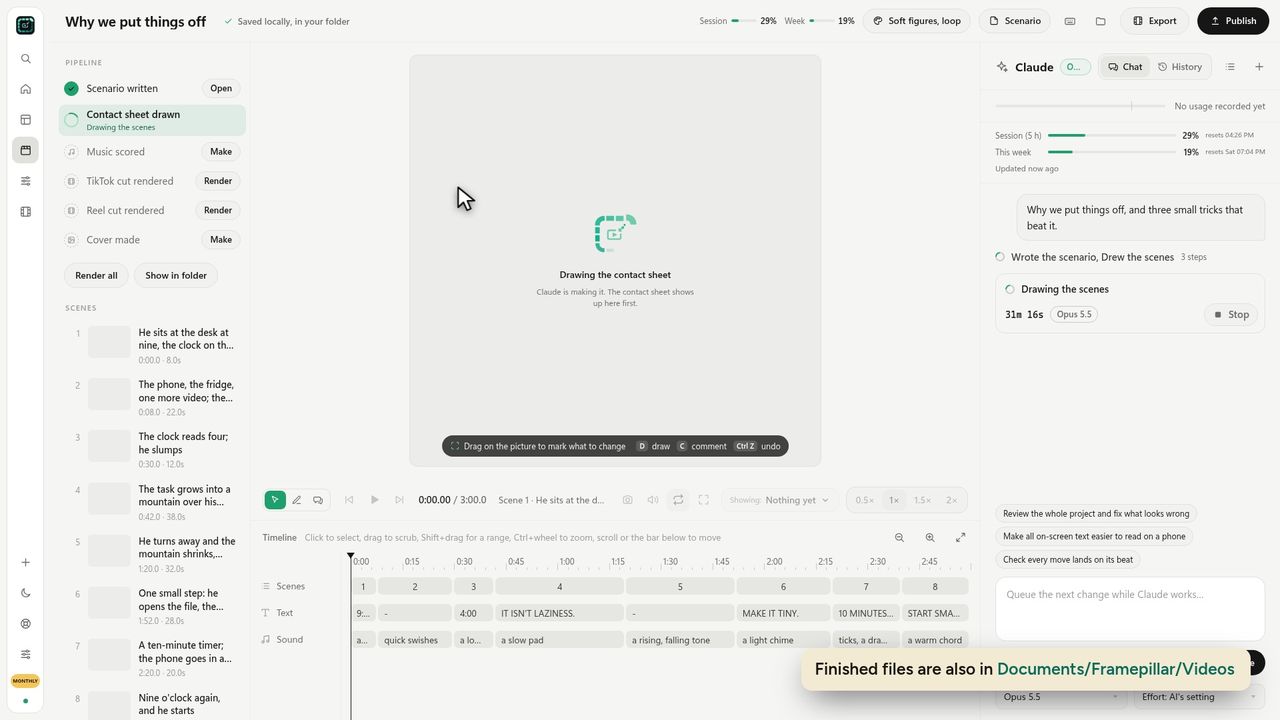
9Finished files are also in Documents/Framepillar/Videos
Ready to make your own?
FramePillar turns one sentence into an animated short or a YouTube video, with your own Claude or ChatGPT plan. Your first 3 days are free.
No credits and no per-video charges. Cancel any time from your account.