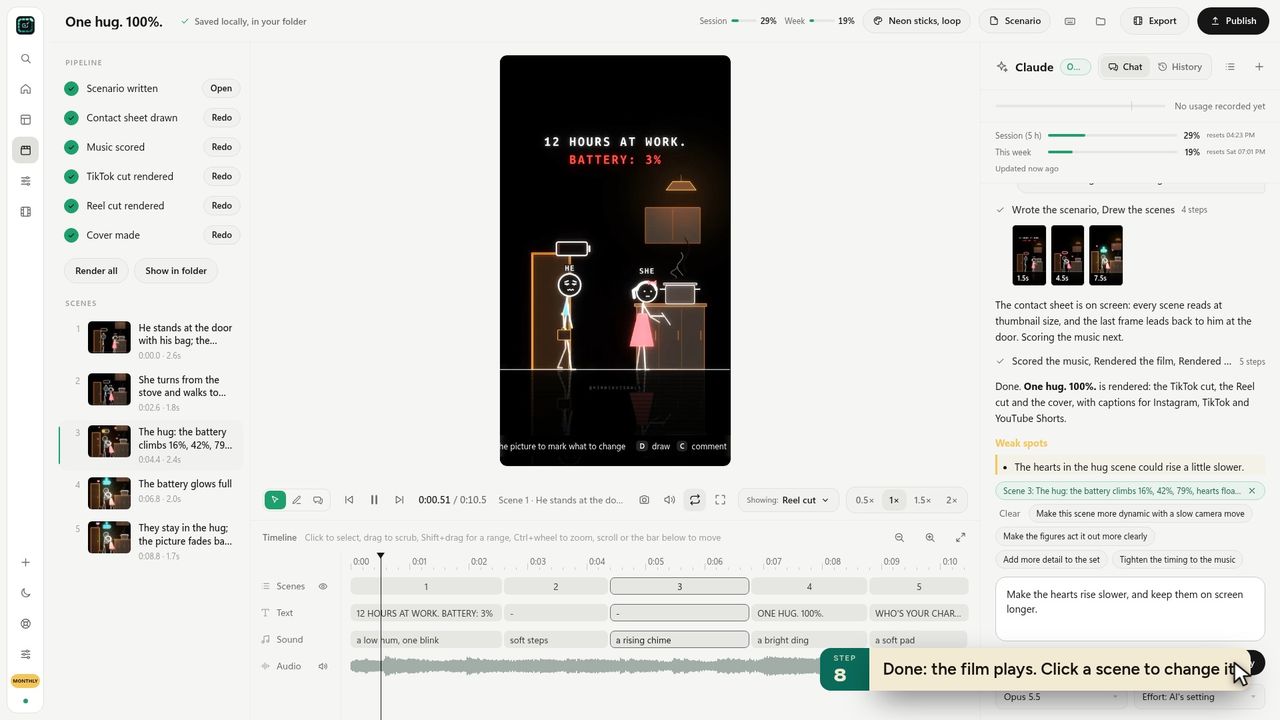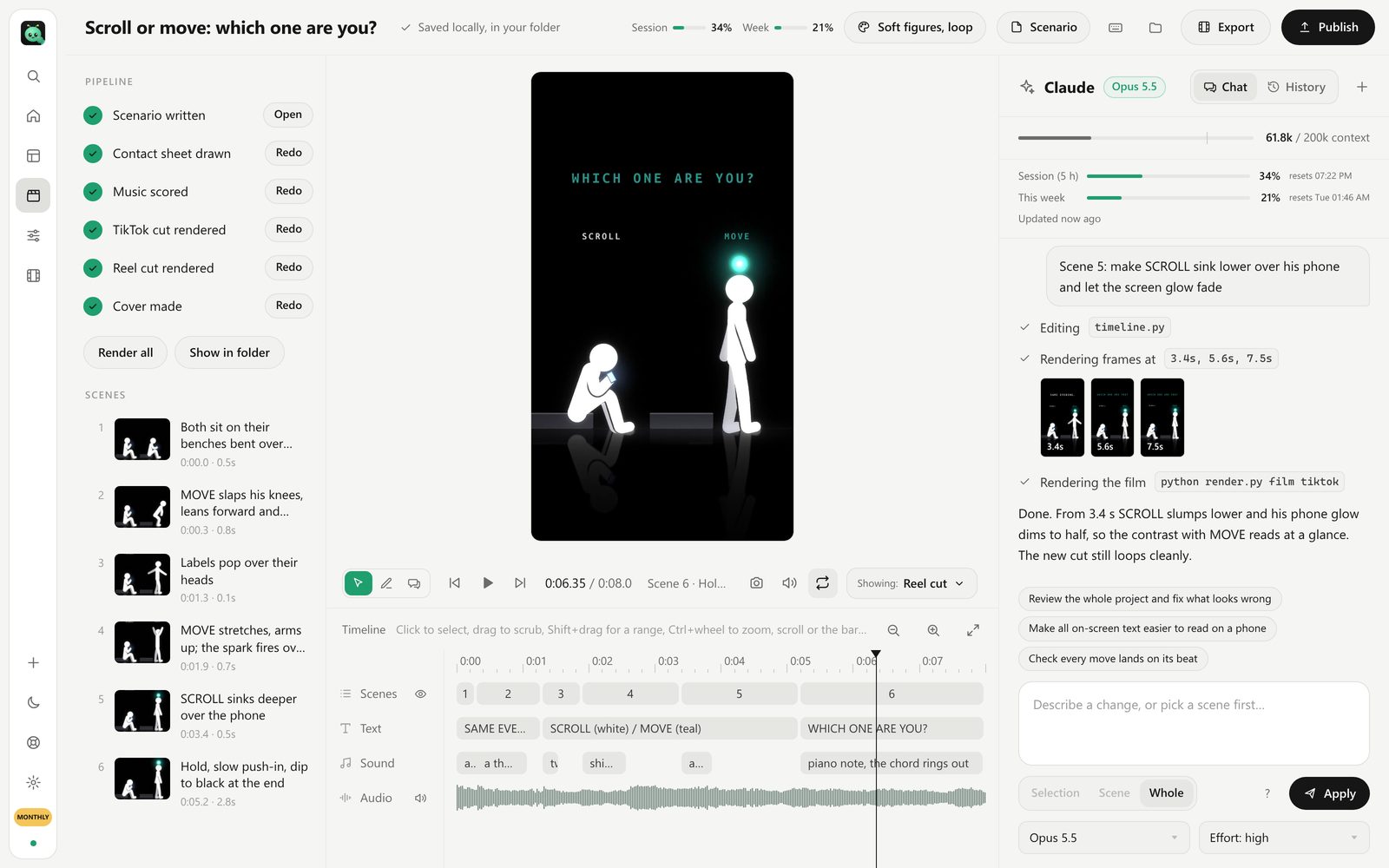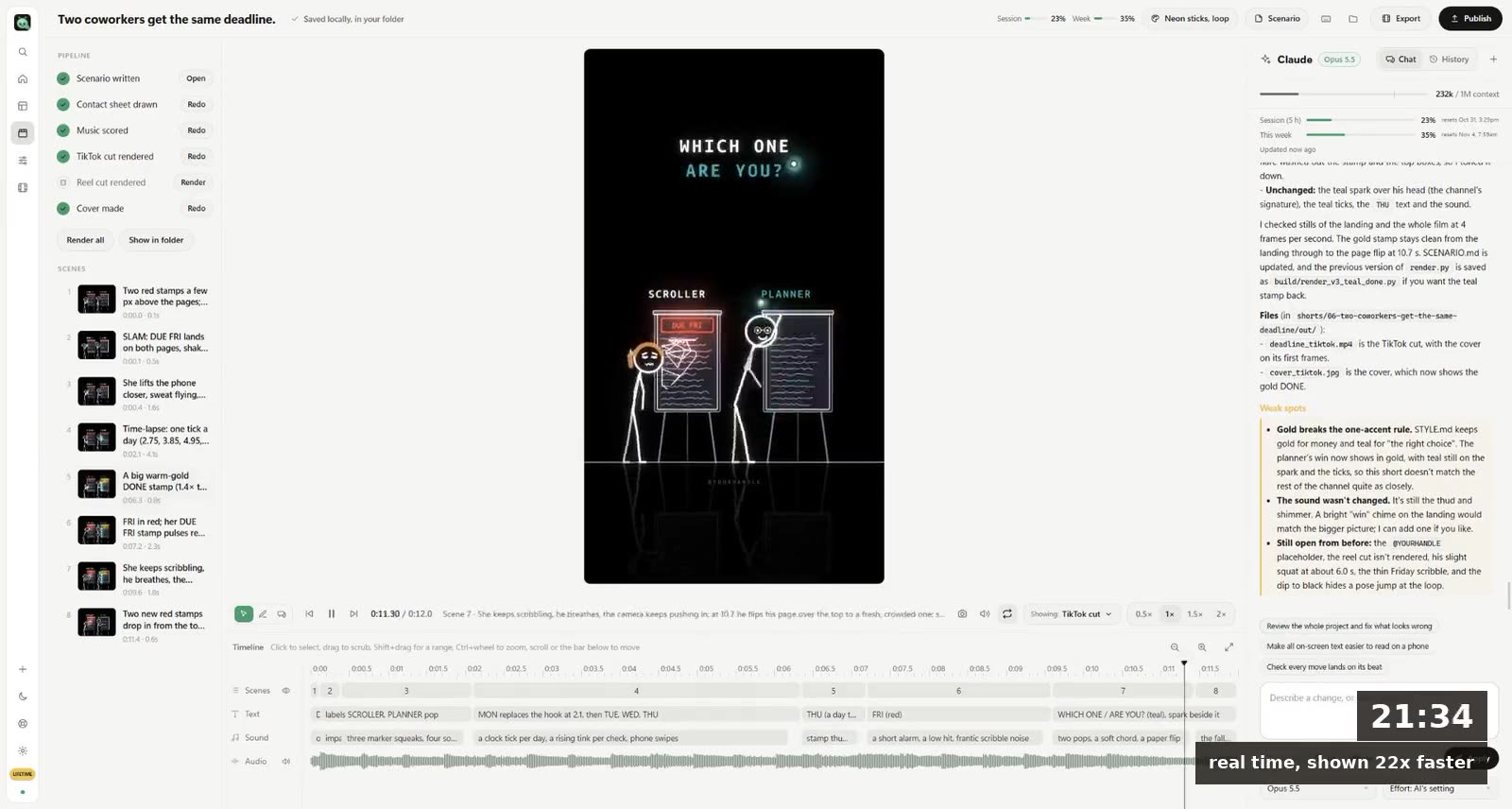
Claude can't generate video pixels: it has no video model. But Claude can make videos by writing the code that draws every frame. In a chat it builds animations in an artifact; with Claude Code it writes and renders real MP4 files; and on Team and Enterprise plans, Claude Motion does it inside Claude. For animated shorts, motion graphics and explainers, that works better than you'd expect.
Here's what each route gives you, and which one fits what you want to post.
Why Claude makes videos with code
Sora and Veo predict pixels. Claude writes programs. So when Claude makes a video, it writes code that draws shapes, text and characters, moves them over time, and then something renders that code into frames.
The upside: everything is exact. Words on screen are spelled right, a character looks the same in every scene because it's the same drawing, and you can change one thing ("make the title bigger") without anything else moving. The downside: it won't look like filmed footage. It looks like animation, because it is.
Route 1: In a Claude chat (any plan)
Ask Claude for an animation and it can build one as an artifact: a little web page with HTML, SVG or canvas that plays in the chat.
- Good for: a quick animated chart, a logo reveal, a test of an idea.
- The catch: it's a web page, not a video file. To post it you screen-record it, and long or detailed animations get slow in the browser.
Route 2: Claude Code (Pro or Max)
Claude Code runs on your computer. It can install tools, write the animation code, render it with a tool like Remotion (React) or Python, and leave a real MP4 in a folder.
- Good for: proper videos at 1080×1920 or 1920×1080, music, any length.
- The catch: you set up the project, give the prompts, check the frames and fix the render errors yourself. A first video takes an afternoon. Step by step in how to make motion graphics with Claude Code.
Route 3: Claude Motion (Team and Enterprise)
Anthropic's Claude Motion makes motion videos inside Claude. It's in beta and only on Team and Enterprise plans, not Pro or Max. What it can do and how to get the same on a personal plan: Claude Motion explained.
Route 4: An app that runs Claude Code for you
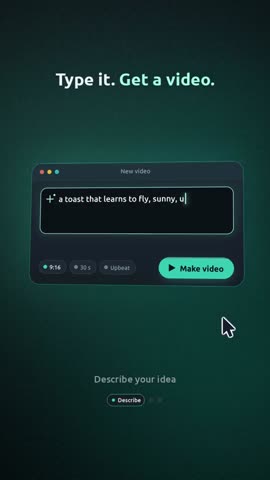
FramePillar is a desktop app for Windows and Mac that runs Claude Code on your own Pro or Max plan (or Codex on a ChatGPT plan), with the whole pipeline set up. You type one or two sentences and pick a style. Claude writes a scenario, draws a contact sheet so you can check the scenes, animates every one, scores music, and renders a TikTok cut, a Reel cut and a cover.
- Good for: posting. Shorts from 5 seconds, wide YouTube videos up to 15 minutes.
- What it costs: $19.90 a month on top of your Claude plan.
Our own channel's shorts are made this way. Three of them reached 16.4 million views on Instagram in a week.
Which to use
| You want | Use |
|---|---|
| A quick animated idea to look at | A Claude chat artifact |
| Full control, and you like code | Claude Code with Remotion |
| You're on a Team or Enterprise plan | Claude Motion |
| Finished shorts to post, on a Pro or Max plan | FramePillar |
Compared in detail: Claude Motion vs Claude Code + Remotion vs Framepillar.
What Claude videos look like
Everything that can be drawn: cartoons, stick figures, comic panels, kinetic typography, infographics, paper cut-out, pixel art, 3D-looking scenes with soft light. Not: realistic people or footage. For that you'd need a video model, and here's where those break.
Questions
Can Claude generate a video from text?
Yes, by writing code that draws it. Claude Code and apps built on it turn a sentence into an MP4. A plain chat makes an animation you'd have to screen-record.
Is there a Claude video generator?
Claude Motion on Team and Enterprise plans. On Pro or Max, Claude Code or an app built on it.
Can Claude edit my existing video?
Claude Code can cut, trim and add captions to video files using tools like ffmpeg. It isn't a timeline editor, but for repeated edits it's fast.
Does making videos use up my Claude plan?
Yes. Video work is long tasks, so a big video can use a good part of a 5-hour session on Pro. Max plans go much further.