Claude Motion is Anthropic's beta animation feature, released on 8 October 2026. Claude writes code that animates text, shapes, charts and images, plays it back like a short video, and lets you export an MP4. It's only on Team and Enterprise plans for now. On a Free, Pro or Max plan you won't see it, but you can make the same kind of motion video with Claude Code.
That last sentence is why most people search for it. You read about Claude Motion, open Claude, look for Output → Motion in the message box, and it isn't there. Nothing is broken. Your plan doesn't have it.
What Claude Motion does
Claude doesn't have a video model. It can't film a street or generate a person walking through rain. What it can do very well is write code, and code can draw a frame. Draw thirty frames a second, change each one a little, and you have animation.
Claude Motion wraps that idea in a friendly editor:
- You start it from a chat, from Output → Motion in the message box, or from the Motion template in the Artifacts tab.
- Claude writes the animation: titles that slide in, numbers that count up, a chart that grows, shapes that move to the beat of a sentence.
- You change it in the Motion editor by hand, or you stay in the chat and say what should change.
- You export an MP4.
Anthropic also lists places to take an animation further: Adobe, Descript, HeyGen, Higgsfield, invideo, Luma AI and Runway, with Canva and Captions coming later.
What it can't do
It won't make realistic footage, because nothing in it generates video pixels. Everything you see is drawn by code. That's a limit for a car advert and a strength for explainers, data stories, kinetic type and the glowing stick-figure shorts that do well on TikTok.
Anthropic hasn't published a maximum length or export resolution yet. Treat it as a beta: good for a 20-second animated chart, untested for a 10-minute YouTube video.
Who can use Claude Motion?
| Plan | Claude Motion |
|---|---|
| Free | No |
| Pro | No |
| Max | No |
| Team | Yes, on by default |
| Enterprise | Yes, once an admin turns it on |
If you're on Team and still don't see it, your workspace admin may have switched it off. On Enterprise it starts off, and an admin has to turn it on.
There's also no official Motion API and no Motion command in Claude Code at the time of writing. Skills and tools called "Claude Motion" that you find on GitHub or in marketplaces are third-party projects with a borrowed name.
How to make Claude motion videos on a Pro or Max plan
You have the part that matters already. Claude Motion is Claude writing animation code; Claude Code, which comes with Pro and Max, writes code too. The difference is everything around it: something has to turn that code into frames, the frames into a video, and give you a way to say "slower in scene 3" without reading the code.
There are two ways to get there.
1 Claude Code with Remotion (if you're happy in a terminal)
Remotion is a React framework that renders videos from code, and it has an official guide for using it with Claude Code. You make a Remotion project, describe the video to Claude Code, preview it in Remotion Studio and render an MP4 from the command line. It's free for individuals and small companies; bigger companies need a Remotion license.
It's the most flexible route, and it's real development work. You'll install Node, read errors, and fix the occasional scene that renders blank. We wrote up how to make motion graphics with Claude Code step by step.
2 FramePillar (if you want the video, not the project)
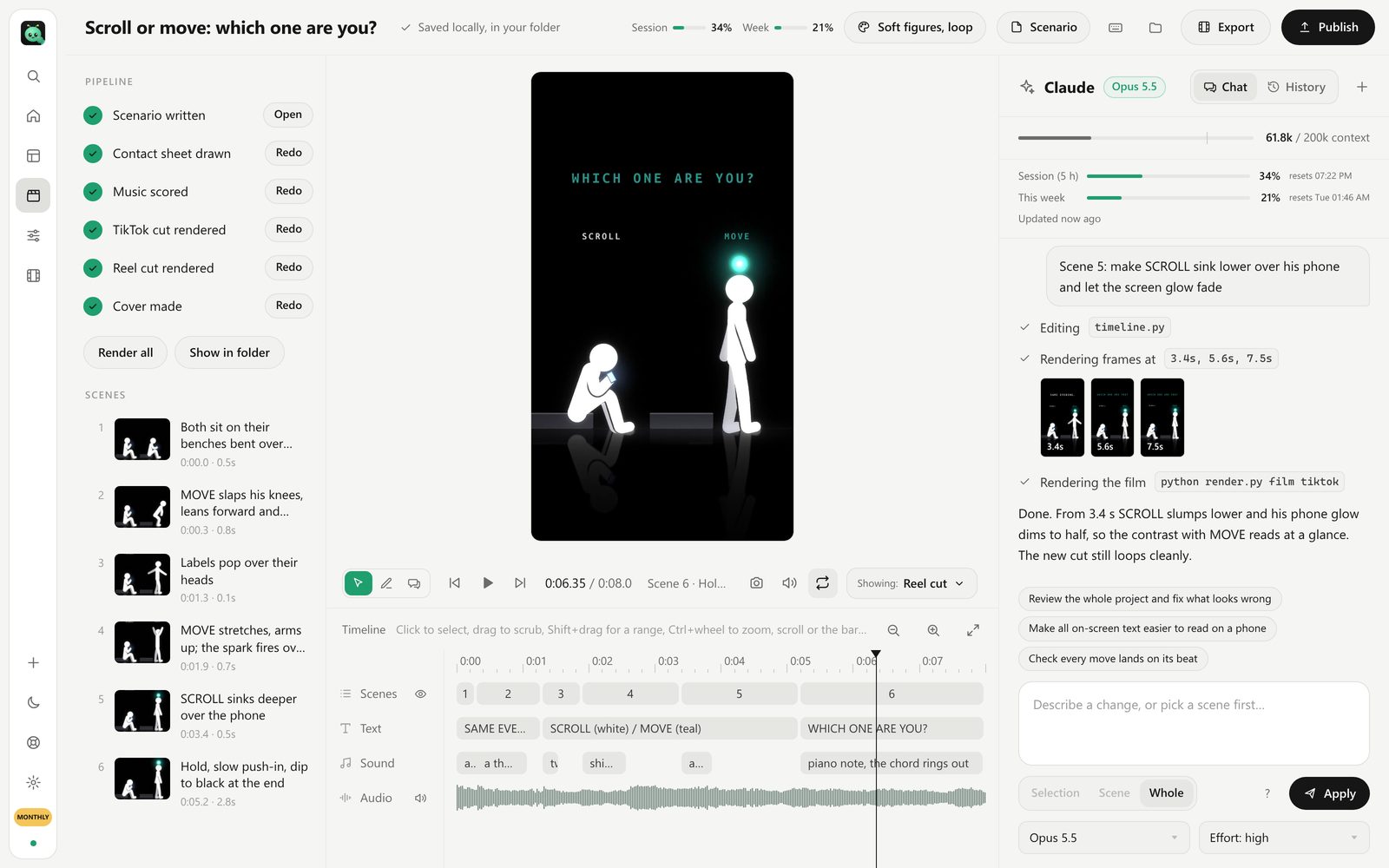
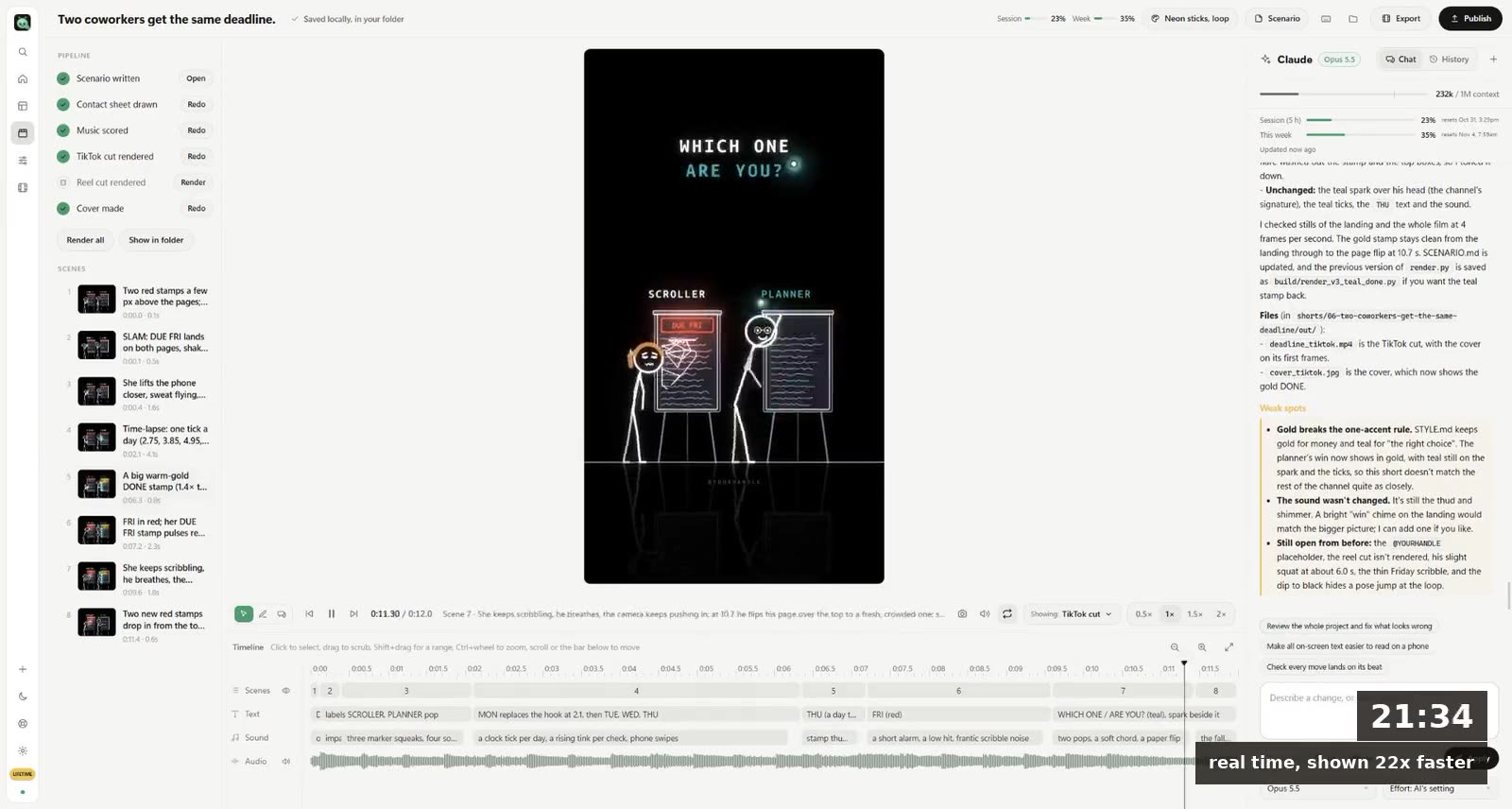
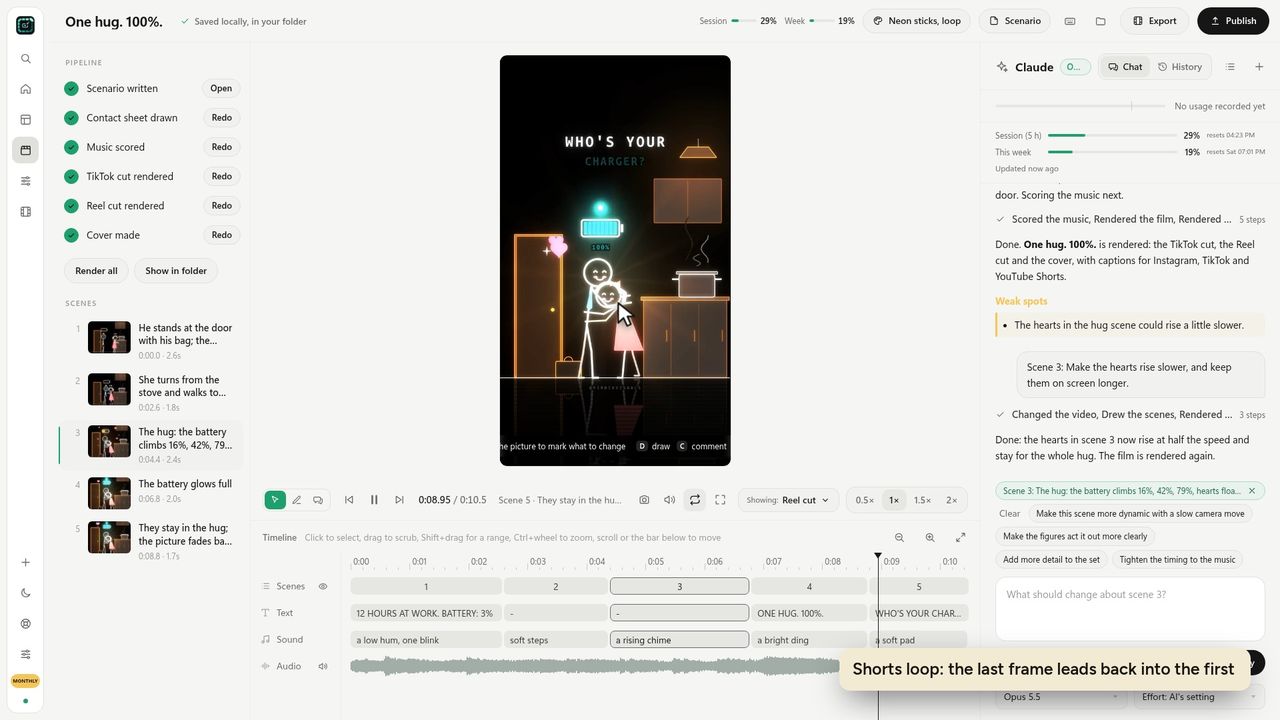
We built FramePillar because we wanted Claude Motion for shorts before Claude Motion existed. It's a desktop app for Windows and Mac that runs on your own Claude Pro or Max plan (or ChatGPT Plus or Pro, through Codex). You write one or two sentences. Claude writes the scenario, draws every scene in the style you pick, animates it, scores music, and renders a vertical cut for TikTok and Shorts, one for Reels, and a cover.
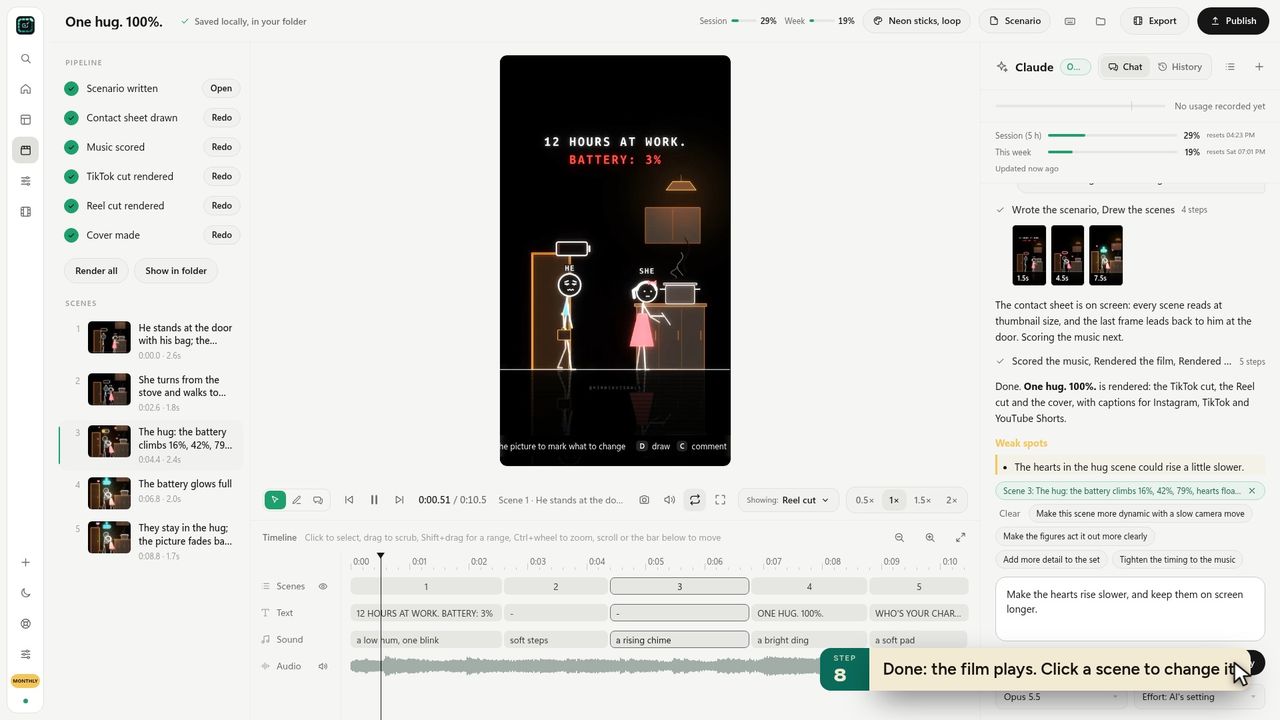 A finished short in FramePillar. Click a scene, type what should change, press Apply.
The part that feels most like Claude Motion is the change loop. You click a scene on the timeline, type "make the hearts rise slower", and Claude rewrites that scene's code and renders it again. You can mark the picture with Pick, Draw or a Comment pin first, so Claude knows which heart you mean.
Where it goes further than Motion: 27 drawn styles (Neon sticks, Ink, Watercolor, Pixel, Low-poly and more), videos from 5 seconds to 15 minutes, captions written for each platform, and a loop ending so a short leads back into its first frame. The first-short lesson shows the whole run in two minutes.
Claude Motion vs doing it yourself
If your company already pays for Team, try Claude Motion first for slides and charts. It's the shortest path to a 15-second animated graph for a deck.
If you're on Pro or Max and you want videos to post, Claude Motion isn't coming to you soon, and you don't need to wait. The longer comparison, with costs, is in Claude Motion vs Remotion vs FramePillar.
Questions
Is Claude Motion free?
No. It isn't on the Free plan, or on Pro or Max. It's included with Team and Enterprise during the beta.
Why don't I see Motion in Claude?
Almost always the plan. Free, Pro and Max accounts don't get it. On Team, ask your admin whether it's been turned off; on Enterprise, it has to be turned on.
Can Claude Motion make TikToks?
It exports MP4, so you can post what it makes. It isn't built for shorts: there's no vertical-first template, no captions per platform and no music. For shorts you'll do better with a tool made for them.
Does Claude Code have a Motion command?
Not an official one. Claude Code can still make motion videos by writing animation code, with Remotion, with Python, or inside an app like FramePillar.