To make motion graphics with Claude Code, you have it write code that draws each frame, then render those frames to a video. Claude has no video model. Give it a framework that turns code into frames (Remotion for React, or Python with a drawing library and ffmpeg), describe the video scene by scene, preview it, and ask for changes in plain words until it's right.
It sounds like a workaround. It's closer to a superpower. A designer in After Effects moves keyframes by hand; Claude writes the rule that moves them, and a rule is easy to change. "Make every title land 4 frames earlier" is one sentence to Claude and an afternoon in a timeline.
What you need
- A Claude plan with Claude Code. Pro is enough to start. Max gives you more room, which matters because a 60-second video with retakes can use a good share of a five-hour session.
- A way to turn code into frames. The two common ones:
- Remotion: React components that render to video. Has an official Claude Code guide and a preview studio. Free for individuals and small teams.
- Python + a drawing library + ffmpeg: Claude writes a script that draws PNG frames, ffmpeg stitches them into an MP4. Fewer moving parts, less hand-holding.
- ffmpeg on your computer either way, for the final file and the sound.
If you've never opened a terminal, skip to the last section. There's a way that doesn't need one.
How to make a motion graphics video with Claude Code, step by step
1 Start from the story, not the effects
Write down what the viewer should understand by the end, in one sentence. "Our app saves a freelancer six hours a week." Then the beats: problem, turn, proof, ask. Four to six scenes is plenty for 30 seconds.
What goes wrong: asking for "a cool animated intro". Claude will happily make twelve particles orbit a logo, and you'll have nothing to say.
2 Give Claude the frame size, the length and the look before anything else
Put these at the top of your first message, every time:
Video: 1080x1920 (vertical), 30 fps, 15 seconds.
Look: dark background #0e1218, one accent colour #34d399, a bold rounded sans-serif.
Motion: ease-out on entrances, nothing linear, nothing bounces.
What goes wrong: leaving the size for later. Re-laying out a finished 16:9 video for vertical is a rewrite, not a resize.
3 Ask for a contact sheet before the render
This one saves the most time. Ask Claude to render one still per scene, side by side, before it renders the whole video. You'll spot the unreadable caption and the off-screen arrow in five seconds instead of after a two-minute render.
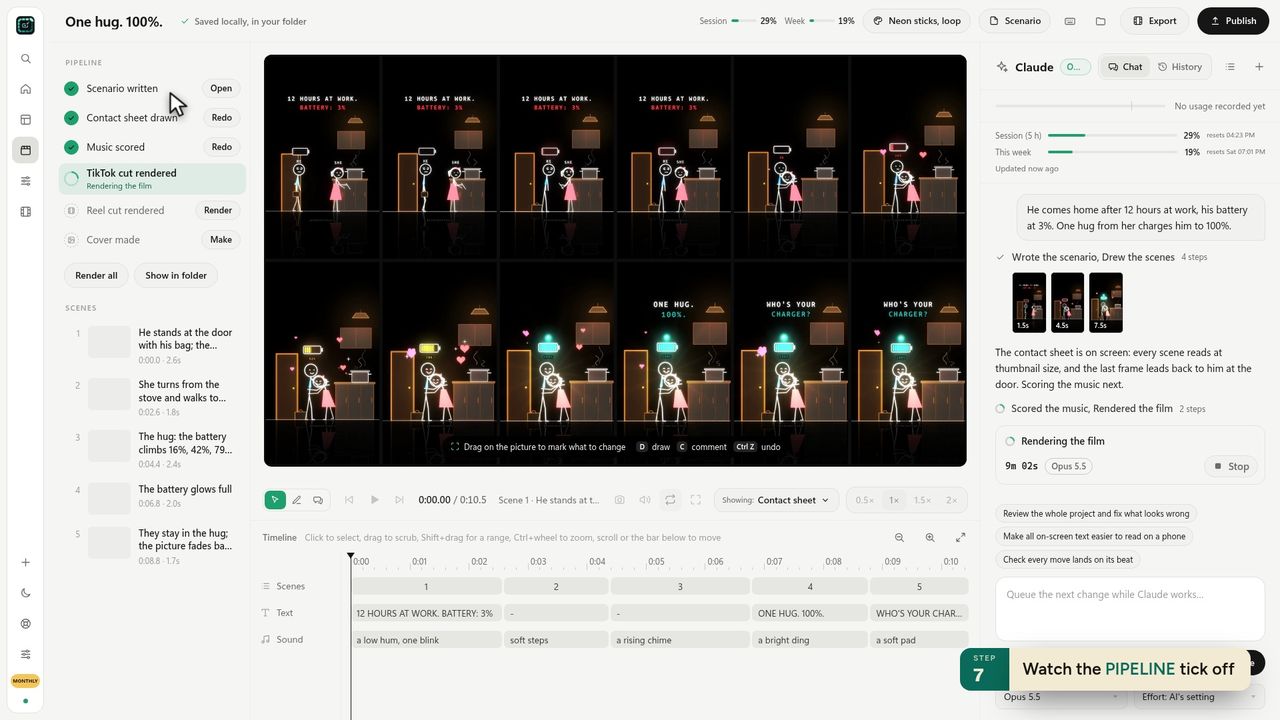 Our app draws the contact sheet first, for the same reason.
4 Render, then change one thing at a time
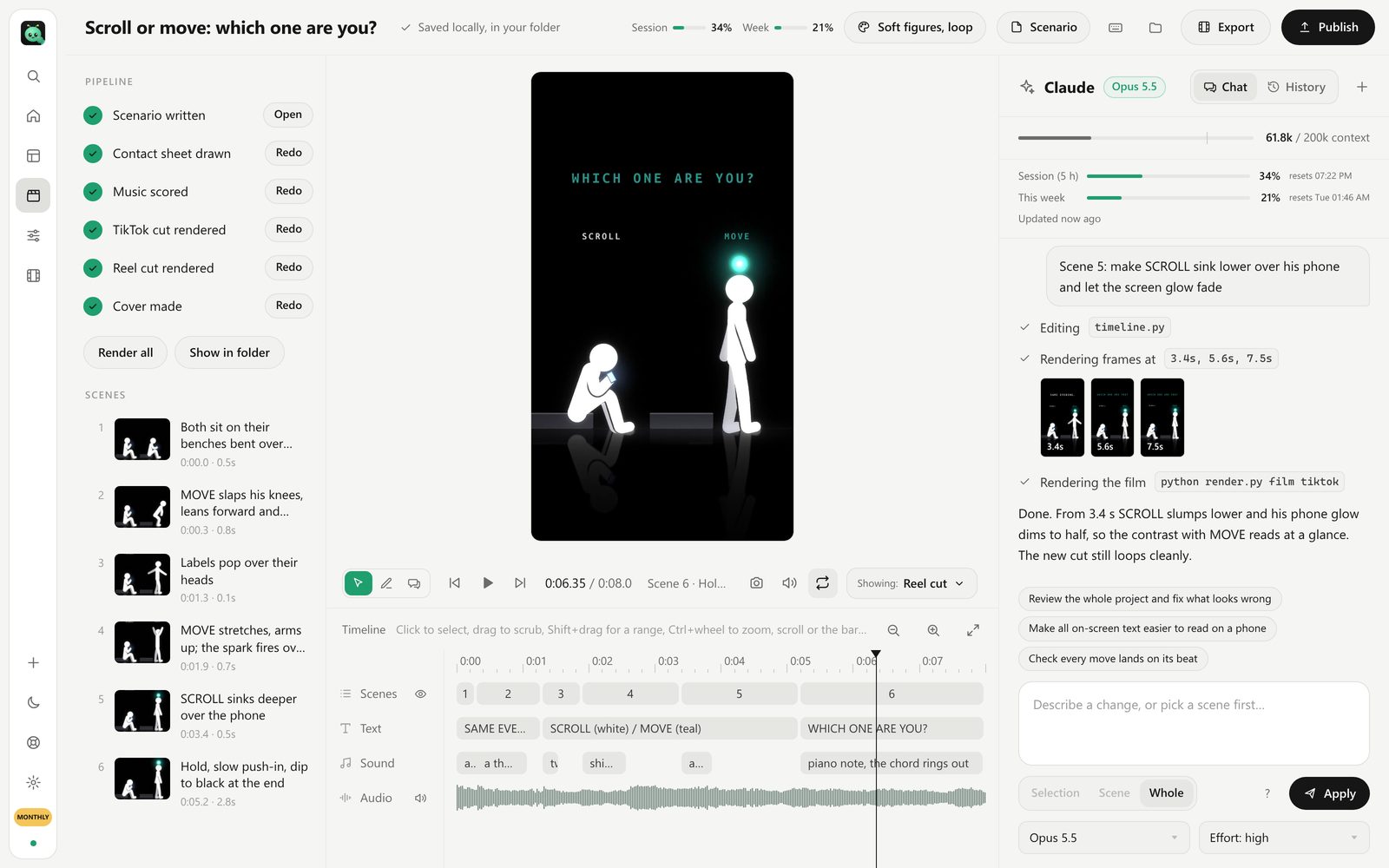
Watch it through once without stopping. Write down every problem. Then send them one or two at a time: "Scene 3: the number should count up over 1.5 seconds, not appear." Claude is better at precise small changes than at "make it better".
What goes wrong: ten changes in one message. Claude fixes seven, breaks one, and you can't tell which.
5 Add sound last
Music and sound effects change the timing you think is right. Lay them in after the picture is locked, then nudge the cuts to the beat.
6 Export the size each platform wants
1080×1920 for TikTok, Reels and Shorts. 1920×1080 for YouTube. Keep text out of the bottom fifth of a vertical video; the platform's buttons and caption sit there.
Prompts that work
Describe what the viewer sees, in time order, like a storyboard:
Scene 1 (0 to 2.5 s): black. The words "12 HOURS AT WORK." type on, white, centred, then "BATTERY: 3%" in red below.
Scene 2 (2.5 to 5 s): a stick figure in the doorway, shoulders down, a battery icon over his head blinking at 3%.
Timings in seconds, colours as hex, positions as "centred" or "top third". That's enough. You don't need to say how; Claude picks the code.
Remotion or Python?
Use Remotion if you know a little React or want a live preview you can scrub. Use Python if you want Claude to draw: hand-made characters, textures, ink lines, pixel art. Python is also what we use inside our app, because drawing every frame from scratch gives the most freedom in style.
The mistakes that burn a session
- No fixed seed for anything random. Particles land differently on every render, so a fix to scene 2 "changes" scene 4. Ask Claude to seed everything.
- Fonts that aren't installed. The preview looks right and the render falls back to a default font. Name a font file, not a family.
- Rendering the whole video for every change. Ask Claude to re-render only the scene that changed and splice it in.
- Letting a session run out mid-render. Long videos on Pro can hit the five-hour limit. Render in scenes, save as you go.
Without the terminal
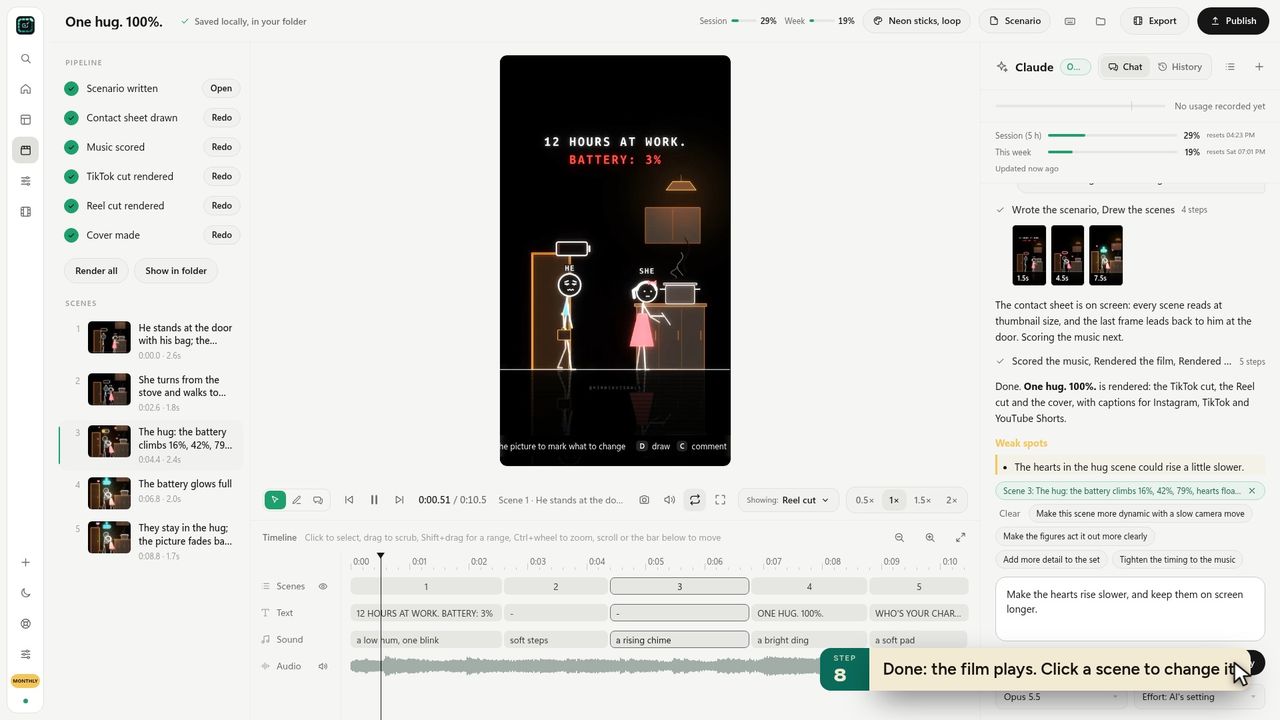
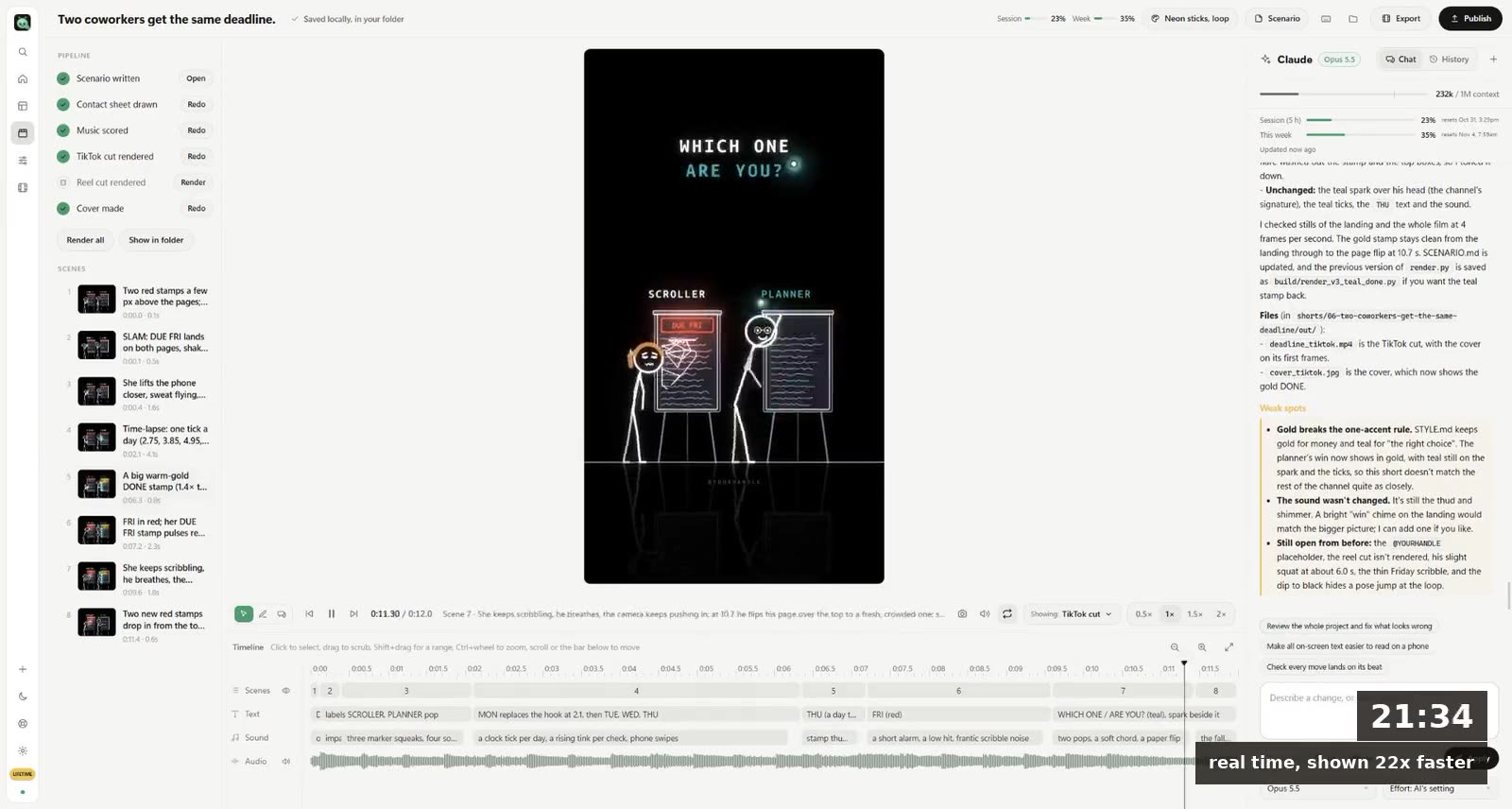
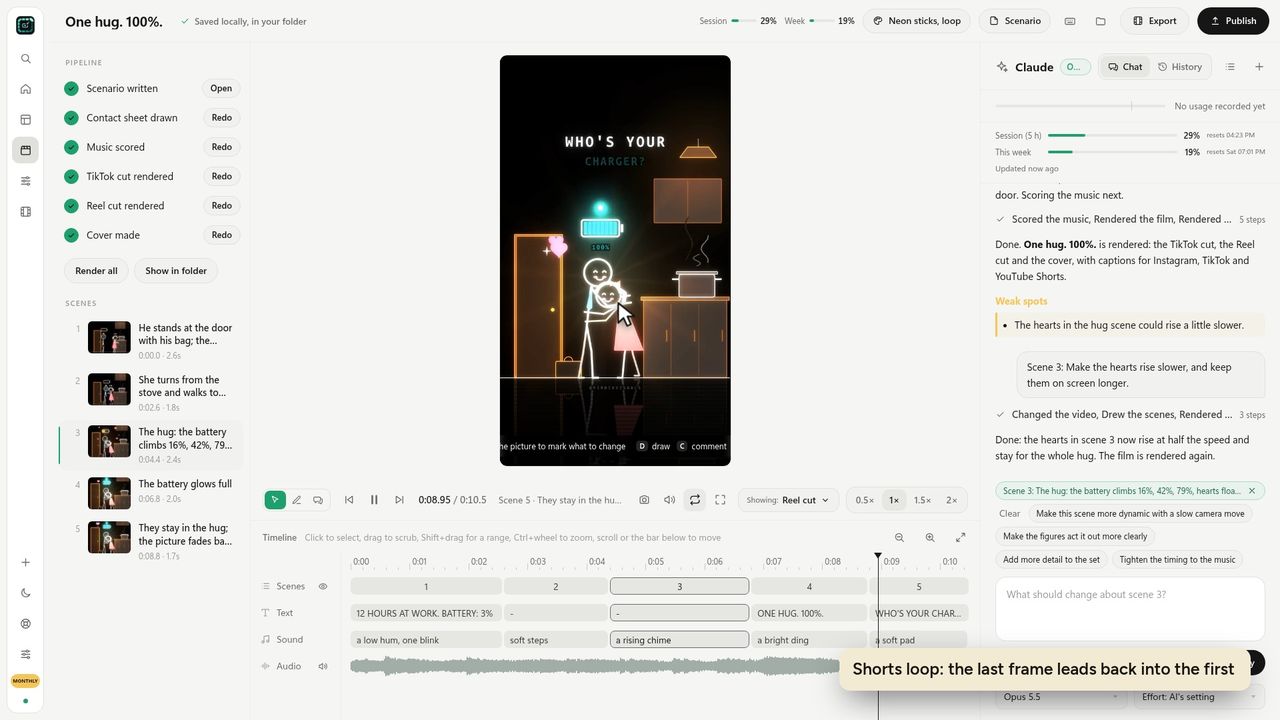
Everything above is the job we built FramePillar to do for you. It's a desktop app that runs Claude Code (or Codex) on your own plan, with the pipeline already set up: scenario, contact sheet, music, the TikTok and Reel cuts, the cover and the captions. You type one sentence, pick a style, and change a scene by clicking it and asking.
If you want to see what that pipeline looks like, the first-short lesson walks through it with screenshots. And if you were looking for Anthropic's own feature, here's what Claude Motion is and who gets it.
Questions
Can Claude make videos?
Not directly; it has no video model. It writes code that draws the frames, and the code renders to an MP4. For motion graphics, explainers and animated shorts, that works very well.
Is Claude Code good at animation?
It's good at the code and at precise timing. It's weak at judging what looks good from inside a terminal, which is why you look at stills and give it short, specific notes.
Do I need After Effects?
No. Code-drawn motion graphics replace it for titles, explainers, charts and stylised shorts. You'd still want a video editor for live footage.