Yes, AI can create realistic motion from a simple sentence. Video models like OpenAI's Sora, Google's Veo, Kling and Runway turn a line like "a dog runs through a wet street at night" into a realistic clip, usually under 20 seconds. Where they still break: hands, physics over time, text, and keeping the same face from one clip to the next.
So the honest answer is "yes, for one shot". For a whole story with the same character in every scene, it's harder than the demos make it look.
How a sentence becomes realistic motion
A video model has watched millions of hours of footage. Given your sentence, it predicts what the frames of such a video would look like, all at once, and fills in the motion between them: how a dog's legs move, how light slides over a wet street, how a coat flaps.
Nothing is animated in the old sense. There are no characters, bones or keyframes underneath. Just pixels that look like the footage it learned from. That's why the results can be startlingly real, and why they can't be edited the way an animation can.
What it does well
- One shot with one subject. A person walking, a car driving, waves on rocks. The more ordinary the scene, the more convincing.
- Camera movement. Dolly in, drone shot, slow pan. Models handle cinematic camera moves better than most humans with a phone.
- Light, water, smoke, fabric, hair. Hard to animate by hand, easy for a model that's seen a lot of it.
- Mood. "Rainy Tokyo at 3am, neon, lonely" gets you a mood in one try.
Where it still breaks
- Hands and fingers. Better than a year ago, still the first place to look for mistakes.
- Physics over time. A glass falls and doesn't break, or breaks before it lands. A person sits on a chair that isn't quite there.
- Text in the picture. Signs and labels come out as near-letters.
- The same character twice. Make a second clip of "the same woman" and she has a different face, different hair, a different jacket. Some tools take a reference picture to help; none make it reliable over many scenes.
- Length. Clips are seconds long. A one-minute story is many clips you join and hope match.
- Changing one detail. Want the coat red instead of blue? You generate again and get a slightly different everything.
How to write the sentence
A sentence that gets good realistic motion has four parts:
- Subject: "an old fisherman".
- Action, one only: "pulls a net onto his boat".
- Place and light: "at dawn, mist on the water, cold blue light".
- Camera: "close-up, handheld, slow push in".
"An old fisherman pulls a net onto his boat at dawn, mist on the water, cold blue light, close-up, handheld, slow push in." That's about as much as one clip can hold. Two actions in one sentence and the model blends them into something strange.
What goes wrong: writing a story in the prompt. "He pulls the net, finds a bottle, opens it and reads the letter" asks for four shots in one clip. Write four prompts.
Realistic or animated: which to use
| Realistic video model | Code-drawn animation | |
|---|---|---|
| Looks | Like filmed footage | Cartoon, line art, comic, 3D cartoon, kinetic type |
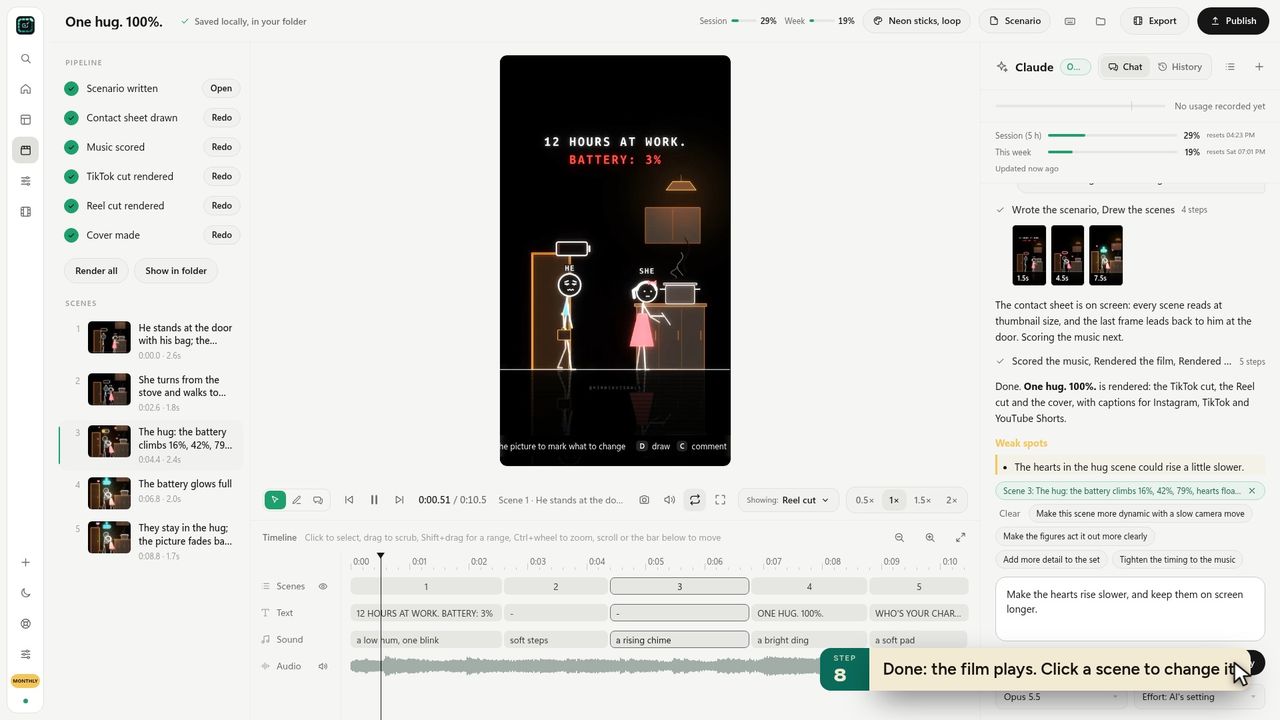
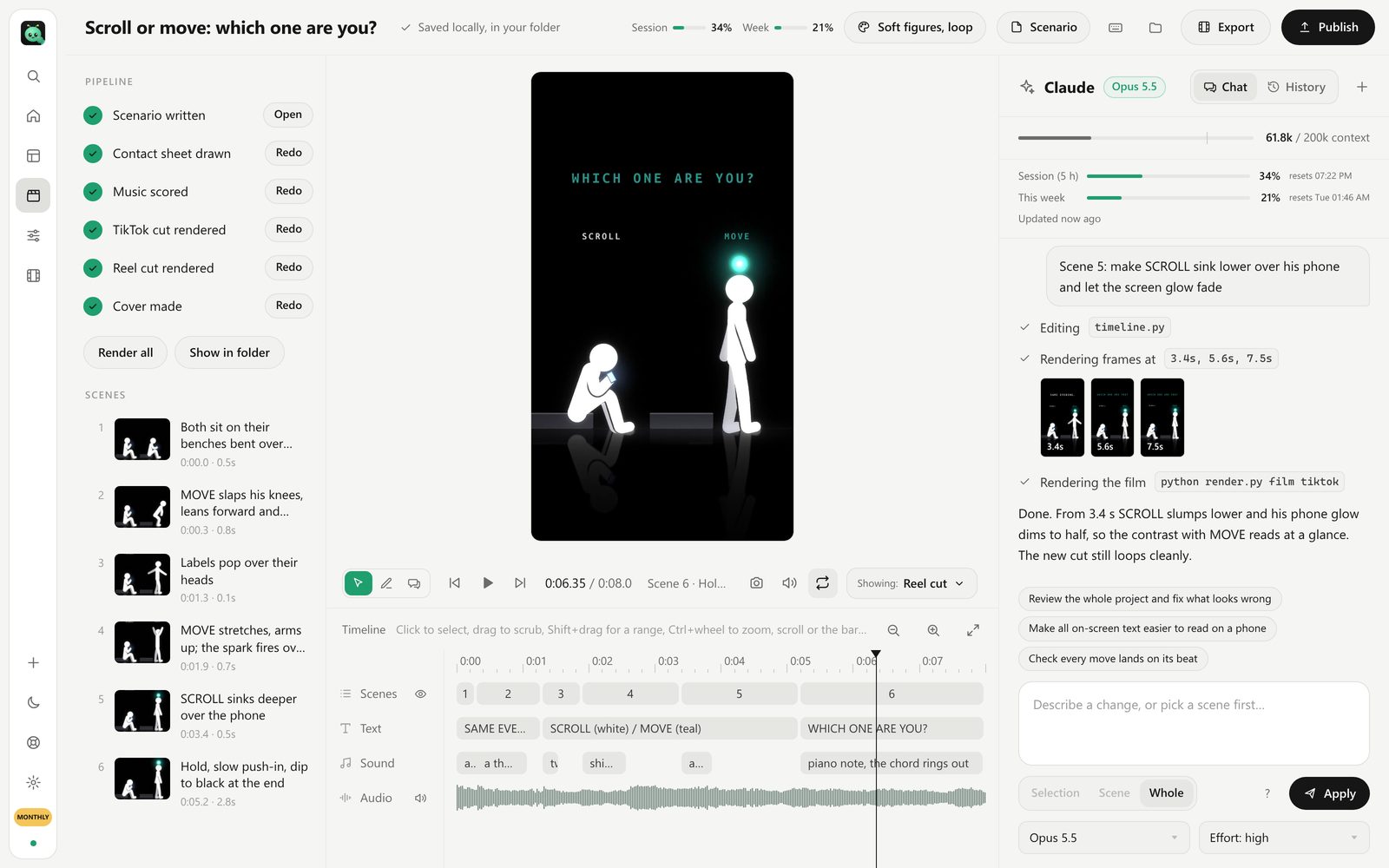
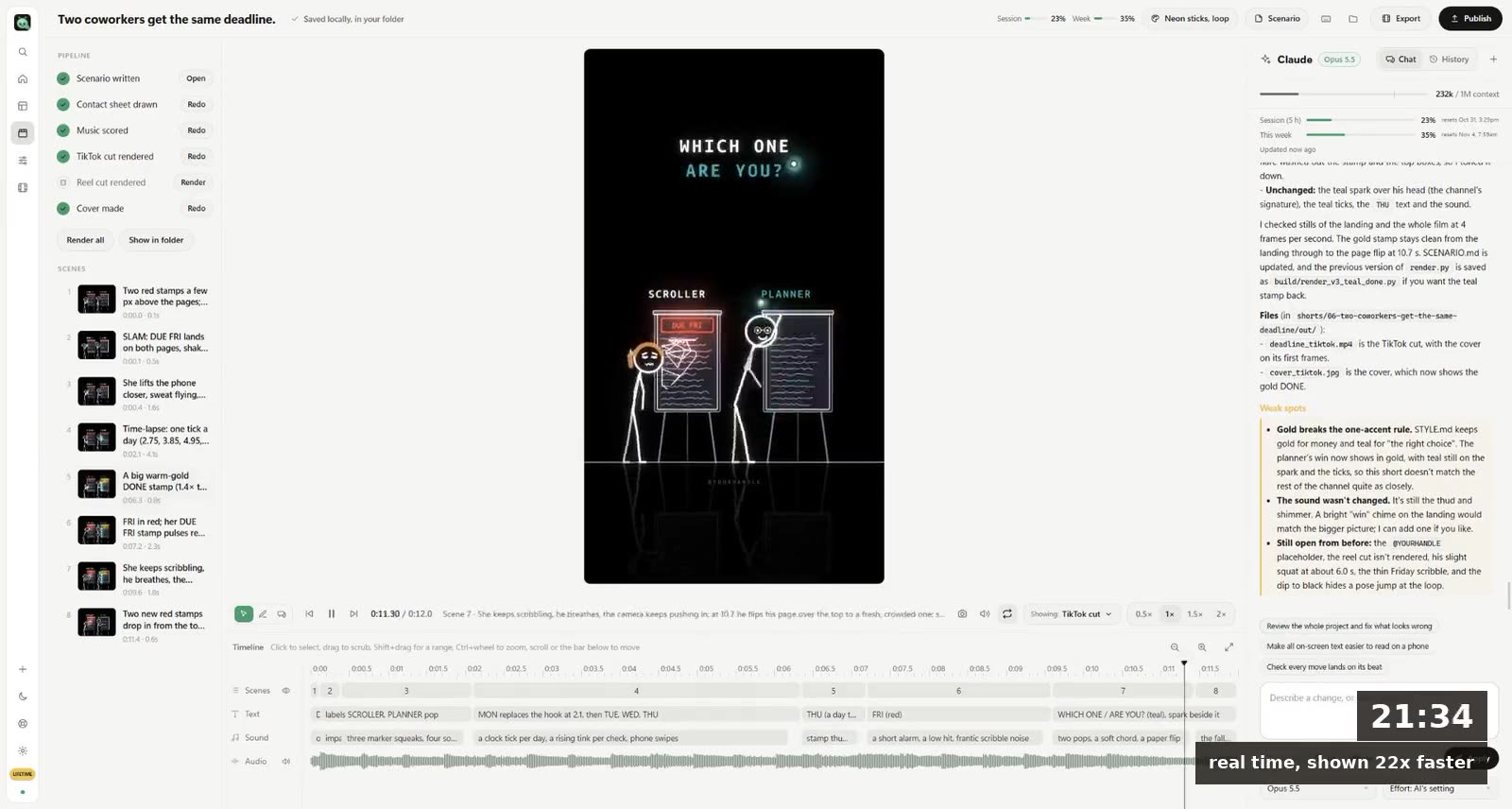
| Same character in every scene | Hard | Built in |
| Exact words on screen | No | Yes |
| Change one thing | Generate again | Ask for that change |
| Good for | Ads, b-roll, one striking shot | Story shorts, explainers, a channel with a recurring character |
| Labelling | Realistic AI content must be labelled on TikTok, YouTube and Meta | Clearly unrealistic, lower risk |
That last row matters if you post. All three platforms ask you to label realistic AI video; we went through the rules in AI video labels on TikTok, YouTube and Instagram.
Questions
Which AI makes the most realistic motion?
The leaders change every few months. Sora, Veo, Kling and Runway have each held the top spot at some point. Try the same prompt in two of them before paying for one.
Can AI make a realistic video of me?
Tools exist, but every platform is strict about realistic AI video of real people. Use only your own face, with permission for anyone else, and label it.
How long can a realistic AI video be?
One generation is usually seconds long. Longer videos are many clips edited together.
Is there a free AI that makes realistic motion?
Several video models have free tiers with a few clips a day, usually watermarked and at lower resolution.