To start a faceless channel with AI animation: pick one topic people share, pick one animated look and never change it, write 30 ideas, then post one short a day to TikTok, Reels and Shorts for a month while you watch which ideas get sent to friends. The animation replaces your face; the idea still has to be yours.
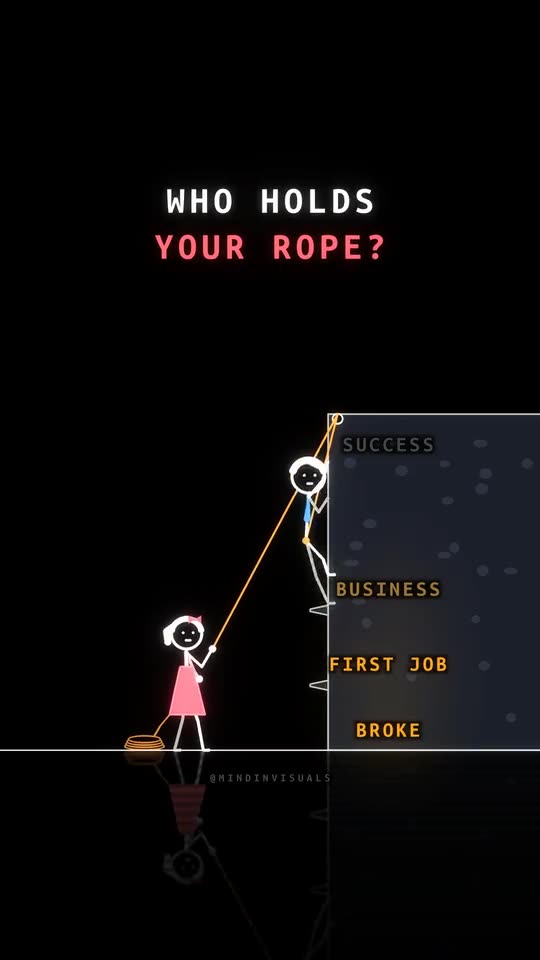
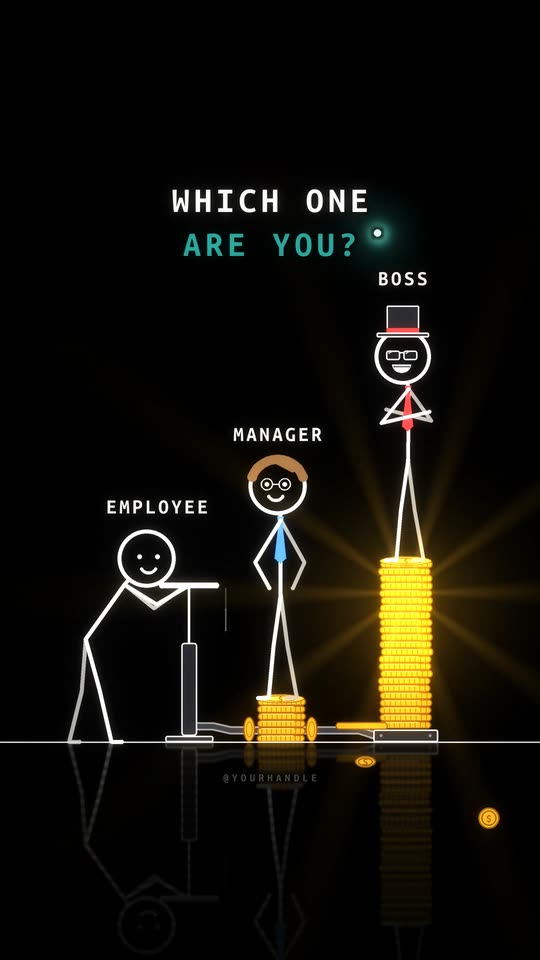
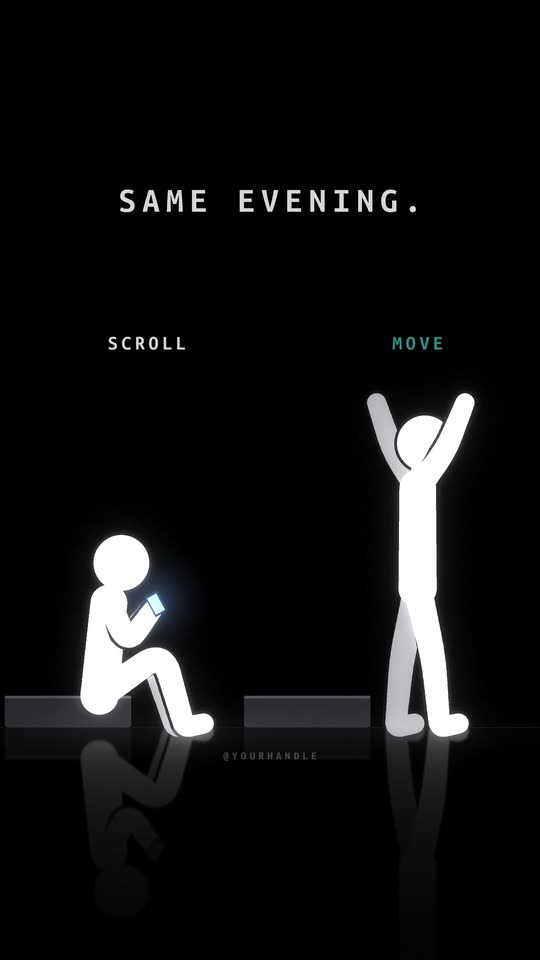
None of the views on our own channel showed a person. Three shorts got 16.4 million views on Instagram in a week, and every one of them is two glowing stick figures on black. People came back for the characters.
Step 1: Pick a topic people send to someone
The best faceless niches have a share trigger built in. Someone watches and thinks of a person: "this is literally you", "we need to talk about this", "remember when we".
Ask of every topic: who would a viewer send this to? If the answer is "nobody, but they'd find it interesting", pick another. Relationships, family, work life, friendship, money stress, school and small daily moments all pass. "Facts about the ocean" mostly doesn't, unless you find the angle that makes someone tag a friend.
Here are 20 niches that work for animated shorts, each with a first line.
What goes wrong: picking a niche because it has high ad rates. A finance channel nobody shares earns less than a feelings channel everybody does.
Step 2: Pick one look and stick to it
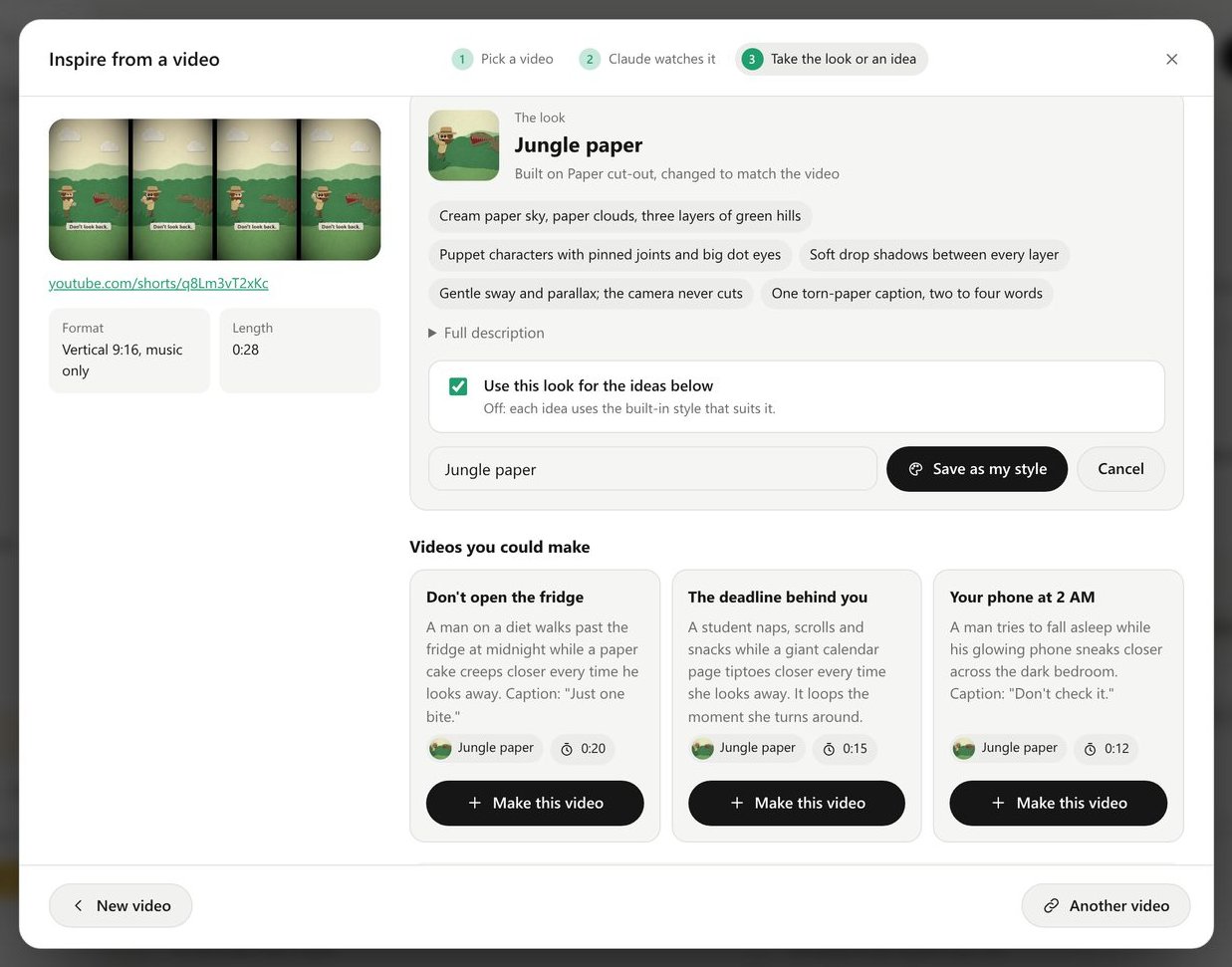
Your style is your face. A viewer should recognise your short in the feed before reading a word.
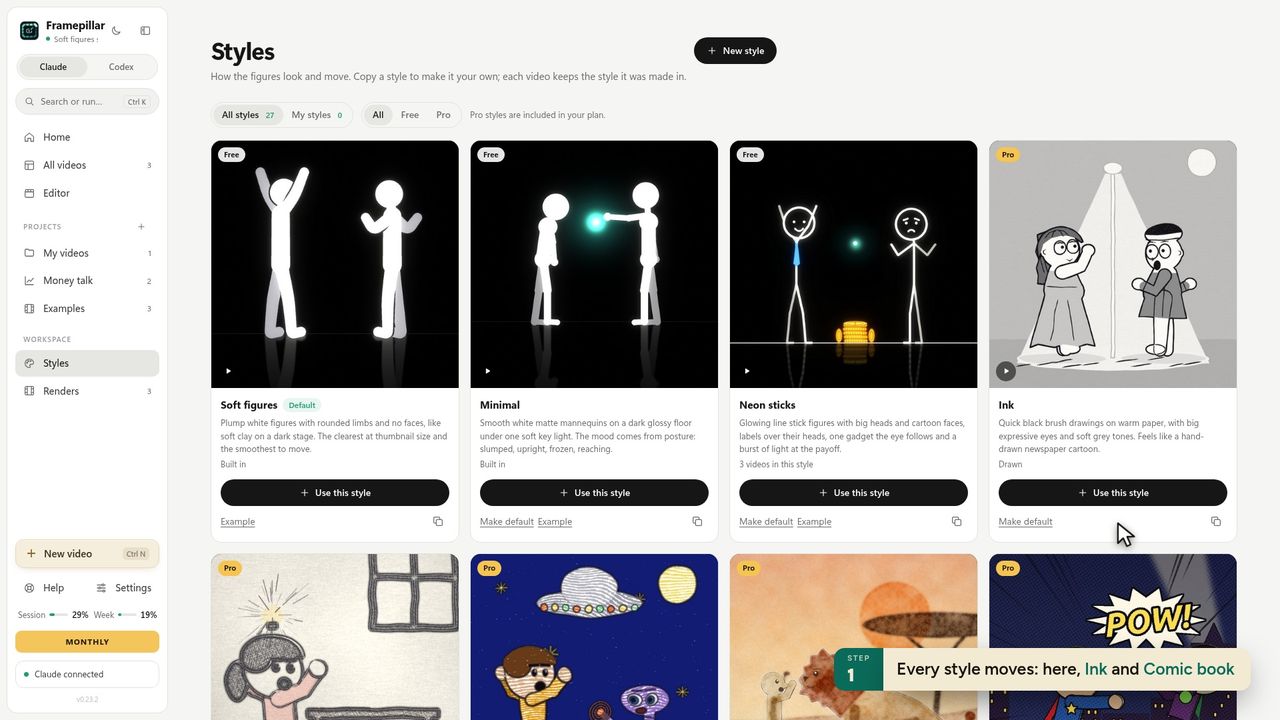 Pick one and make it the channel's default.
Good faceless looks share three things: they read at phone size, they have a strong colour, and they have characters with faces (even simple ones), because faces hold attention. Our channel uses Neon sticks: glowing line figures with big cartoon heads on black.
What goes wrong: trying a new style every week to "see what works". You reset recognition each time.
Step 3: Write 30 ideas before you make one
A month of daily posting is 30 shorts. Write all 30 ideas first, one or two sentences each. It sounds like a lot. It takes an evening, and it stops you running dry on day 9.
A good idea for a short is one moment with a turn: "He comes home after 12 hours at work, his battery at 3%. One hug from her charges him to 100%." Problem, turn, feeling. That one became "One hug. 100%." and reached 2.1 million views in five days.
Step 4: Make the first short
The fast way, with FramePillar:
- New video → Start from scratch. Type the idea.
- Look: your channel's style, Vertical 9:16, about 12 seconds.
- Words and finish: let Claude write the words on screen, tick Show my handle.
- Create video. Claude writes the scenario, draws a contact sheet, scores music, and renders the TikTok cut, the Reel cut and the cover.
The first-short lesson shows every step with screenshots. A first video takes about 10 to 20 minutes, mostly waiting.
Step 5: Win the first second
Open on the question or the most surprising picture. No intro, no logo, no "wait for it". Put the hook in words on screen; most people watch with the sound off. We wrote out 40 hooks you can borrow.
Step 6: Post everywhere, every day
Post the same short to TikTok, Instagram Reels and YouTube Shorts. Each is a separate audience, and an idea that dies on one can explode on another. Upload a clean file to each, never one downloaded from another platform with its watermark.
Write the caption like a search: what the video is about, in the words someone would type, plus three to five hashtags that describe it.
Step 7: Read the numbers after 24 hours
Ignore followers for the first month. Look at two numbers per short: how much of it people watched, and how many shared it. When one does well, make five more on the same theme while it's fresh. When one flops, keep it up and change the next idea.
How to make money from it
Once a few shorts break 100,000 views you have options: TikTok's Creator Rewards for videos over a minute, YouTube's Partner Program, brand deals, affiliate links, your own product, and making shorts for other people. The numbers and the order to try them are in how to make money with AI animated shorts.
Questions
Can a faceless channel grow without showing anyone?
Yes. A recognisable character does what a face does: people recognise it, attach to it and come back for it.
How many shorts before a faceless channel takes off?
There's no fixed number. Most channels need 30 to 100 posts to find the idea their audience shares. Some hit on day one; most don't.
Is AI animation allowed on TikTok and YouTube?
Yes. Both pay AI-made videos when they're original. Label realistic AI content; clearly animated shorts usually don't need it. YouTube's rules, in plain words.
What does it cost?
The platforms are free. FramePillar is $19.90 a month with 3 days free, running on the Claude or ChatGPT plan you already have.