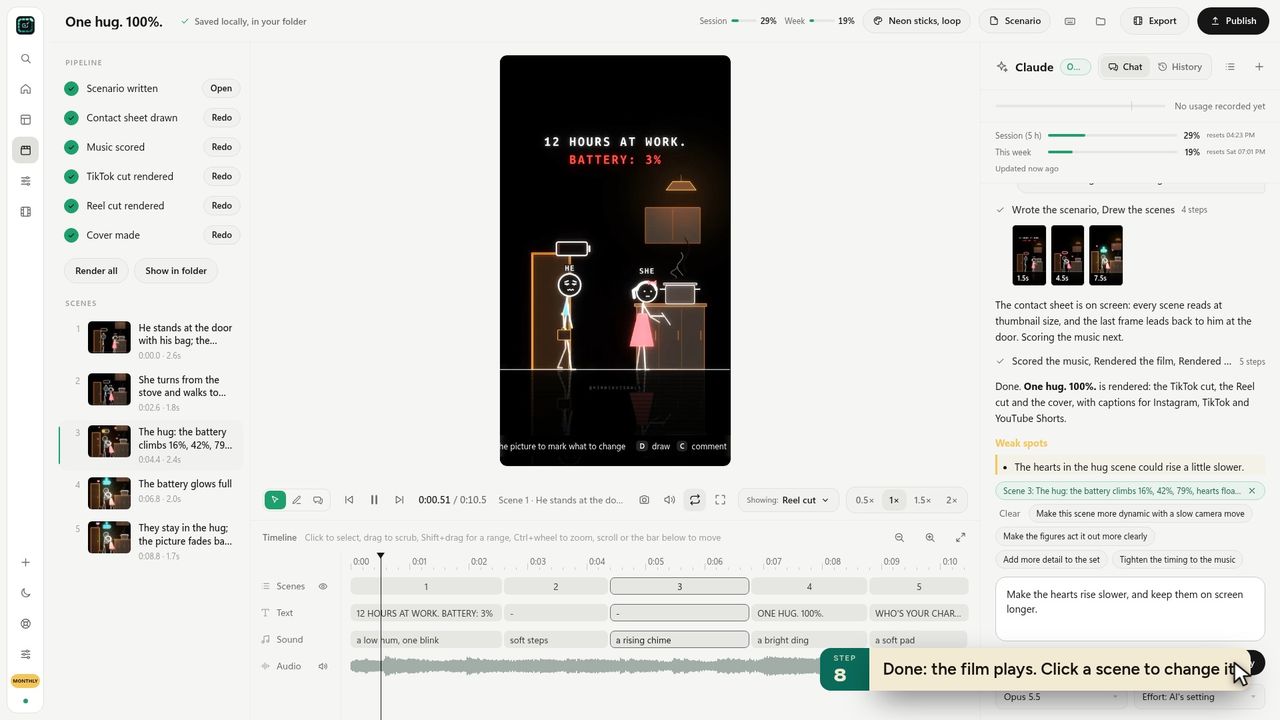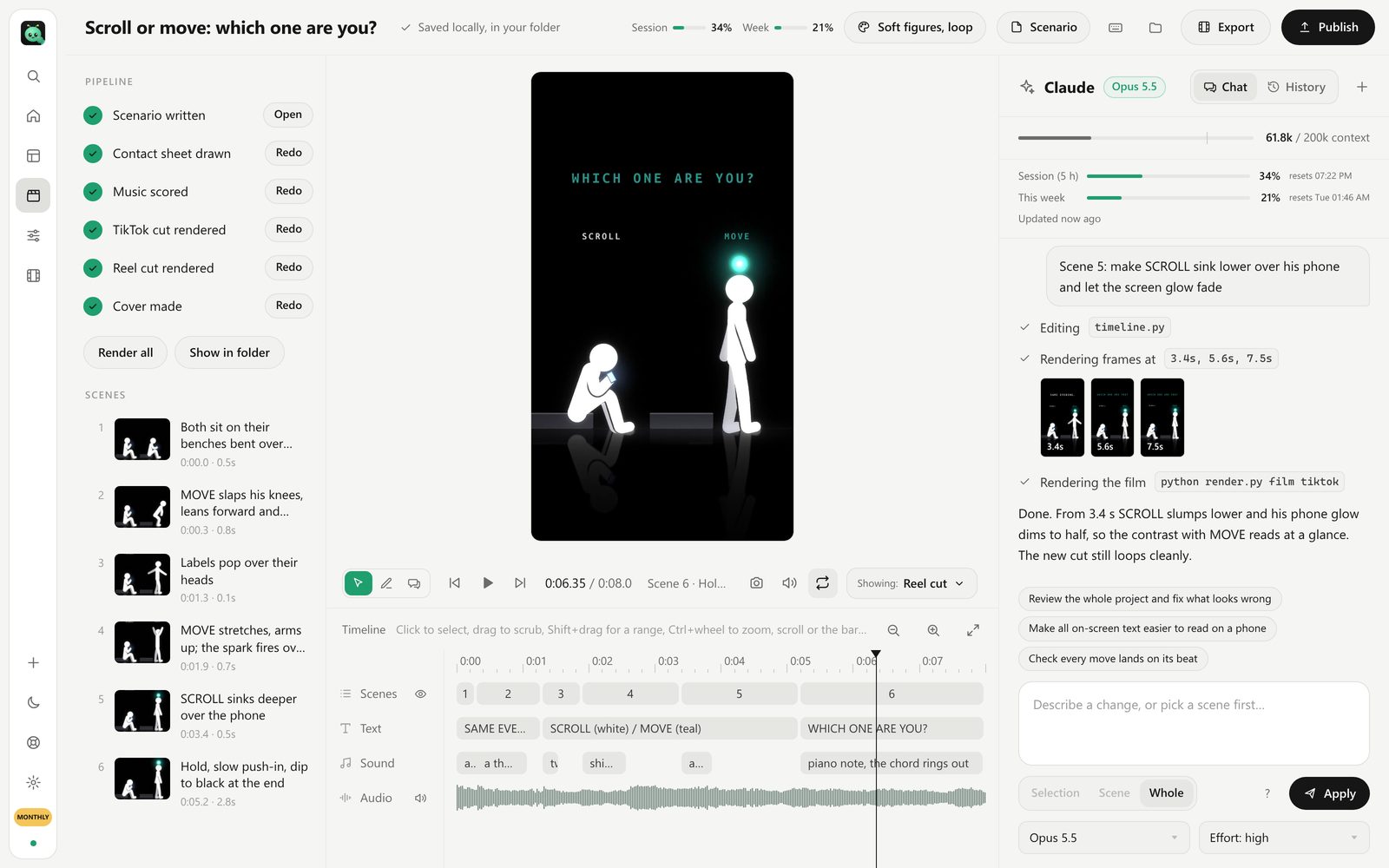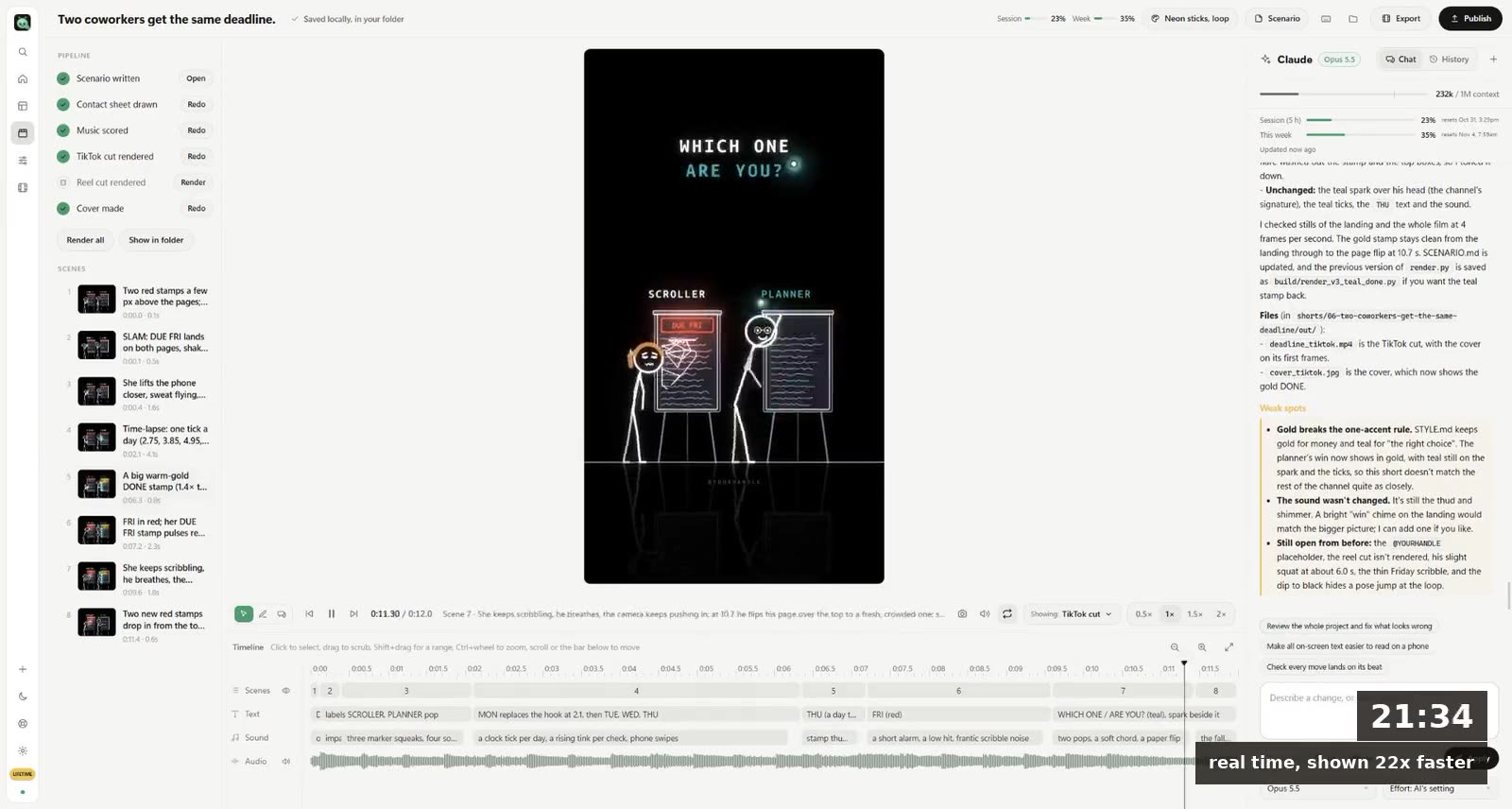
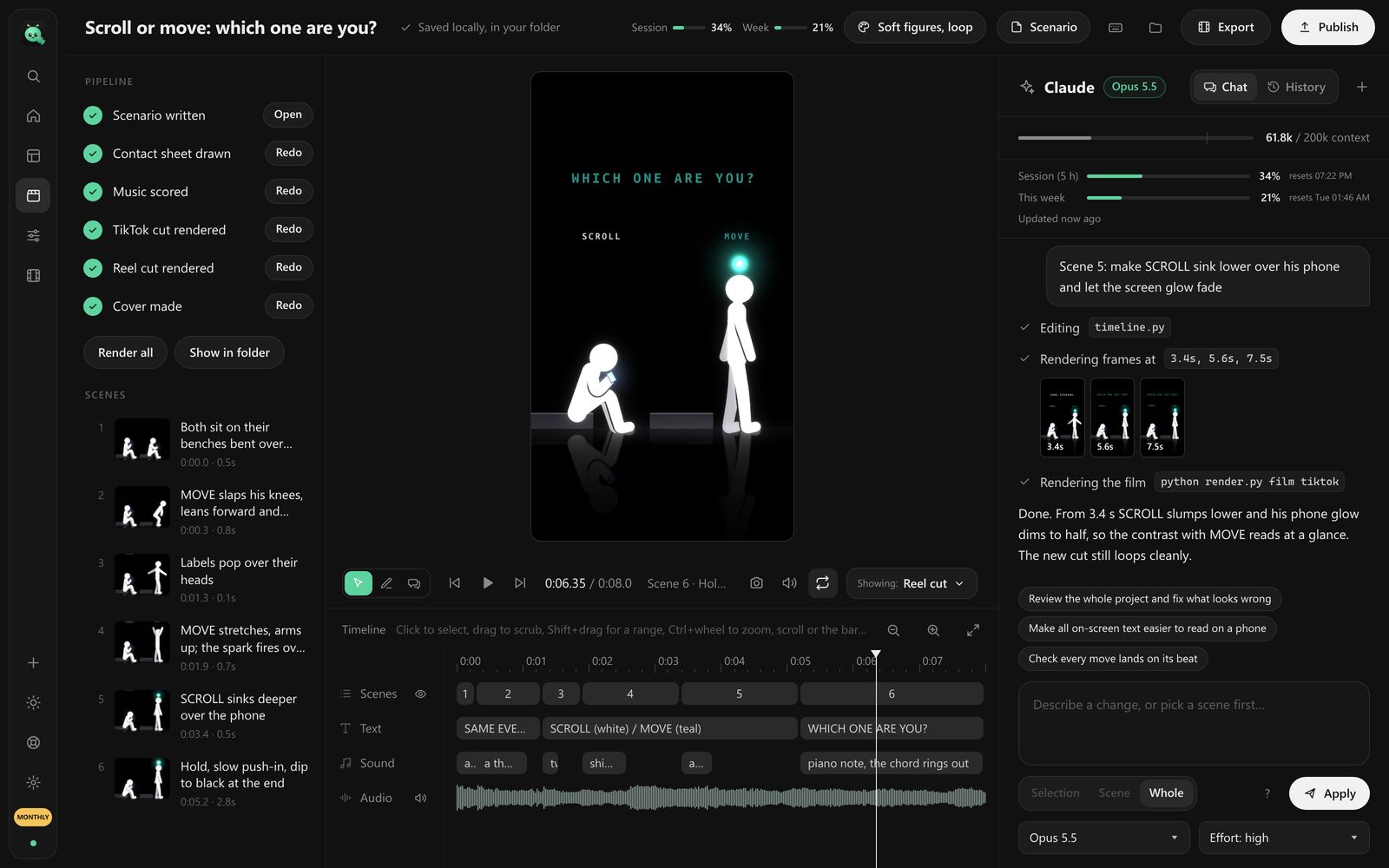
To make animated videos with Codex, you have it write the code that draws each frame, then render that code to an MP4. Codex has no video model of its own. Point it at a framework that turns code into frames (Remotion, which now has an official Codex plugin, or a Python script plus ffmpeg), describe the video scene by scene, check stills, and ask for changes one at a time.
If you've read our guide to motion graphics with Claude Code, most of this will feel familiar. The two agents work the same way. The differences are in setup, and in where each one trips.
What Codex can and can't make
Codex is very good at the kind of video that can be described as rules. Titles that slide in on a beat. A chart that grows. A stick figure that walks to the door, stops, and drops his shoulders. Captions timed to the voice. An explainer with eight scenes that all share one colour scheme.
It's bad at the kind that needs a camera. No live footage, no photoreal faces, nothing that looks like it was shot. If you want a talking person, you want a video model, not a coding agent.
And it can't see well from inside a terminal. It writes the code, the code renders, and unless you show it a still, it has no idea the caption runs off the right edge. That's the single biggest thing to plan around.
What you need
- A ChatGPT plan that includes Codex, and the Codex app or CLI on your computer.
- Node.js, if you go the Remotion way. Remotion renders React components to video.
- ffmpeg, either way. It joins frames, adds sound and makes the final file.
- Patience for the first video. The second one takes a quarter of the time, because by then you know which notes Codex understands.
How to make an animated video with Codex, step by step
1 Pick the engine before you write a word
Two real options.
Remotion is the one most tutorials use, and OpenAI's own developer account has shown Codex making videos, captions and charts with the Remotion plugin. You get a preview player you can scrub, which matters more than it sounds. Pick it if you know a little React, or don't mind learning just enough to read what Codex wrote.
Python + a drawing library + ffmpeg is what we use inside our app. Codex writes a script that draws each frame as a PNG; ffmpeg stitches them. Fewer moving parts, no browser, and it's easier to get a hand-drawn look (ink lines, textures, glow) because nothing is laid out by CSS.
What goes wrong: switching halfway. A video started in Remotion and "ported" to Python is a rewrite.
2 Put the format at the top of every first message
Video: 1080x1920 vertical, 30 fps, 20 seconds.
Look: off-white paper background #f3ead4, black ink lines, one red accent #e0453a.
Motion: ease-out on entrances, no bounce, nothing moves linearly.
Text: never in the bottom 20% of the frame.
Four lines. They stop more redo work than anything else in this guide.
What goes wrong: "make it vertical later". Re-laying out a 16:9 video for TikTok means moving every element in every scene.
3 Write the story as a storyboard, with seconds
Codex follows timings literally, which is a gift. Use it.
Scene 1 (0 to 3 s): a man at a desk, a phone face-down. The text "He promised he'd stop scrolling." types on, top third.
Scene 2 (3 to 6 s): the phone buzzes. His hand creeps toward it. Hold for a beat before he grabs it.
Scene 3 (6 to 9 s): cut to 2 a.m., same pose, the phone's light on his face.
Hex colours, seconds, "top third" or "centred". You don't say how. Codex picks the code.
4 Ask for one still per scene before the full render
This is the step people skip and regret. A contact sheet (one frame from the middle of each scene, side by side) takes seconds to make and shows you the unreadable caption, the arm drawn behind the body and the scene that's twice as busy as the rest.
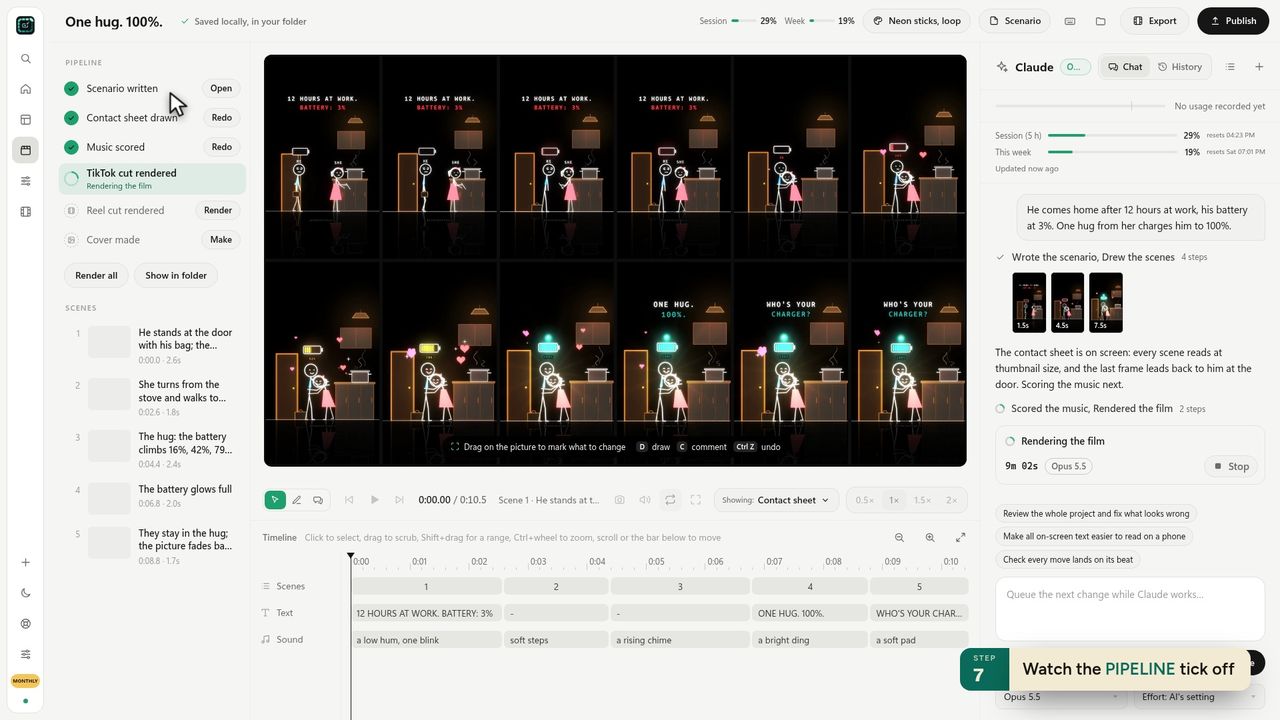 Our app makes the contact sheet before the video, for the same reason.
Then paste the sheet back into Codex as an image. It's far better at fixing what it can see.
5 Render, watch once, then send small notes
Watch the whole thing without pausing. Write down every problem. Then send one or two at a time: "Scene 2: the hand should take 1.2 seconds to reach the phone, not 0.4."
What goes wrong: ten notes in one message. Codex fixes most of them, quietly breaks something in scene 5, and you can't tell which change did it.
6 Sound last
Music changes what feels like the right cut. Lock the picture, add the track, then nudge cuts onto the beat.
Codex or Claude Code for video?
Honestly, closer than the internet will tell you. Both write good Remotion code and good Python. In our app people can switch between them on the same video, and the result depends more on the notes than on the model.
Where they differ for video work:
| Codex | Claude Code | |
|---|---|---|
| Comes with | ChatGPT plans that include Codex | Claude Pro, Max and up |
| Official video add-on | Remotion plugin for Codex | Remotion's Claude Code guide; Claude Motion on Team and Enterprise |
| Good reason to pick it | You already pay for ChatGPT | You already pay for Claude |
If you already pay for one, start with that one. Paying for a second plan to make videos is rarely worth it. We compared the Claude side in more depth in Claude Motion vs Remotion.
The mistakes that burn an afternoon
- Anything random without a seed. Particles, wobble, hand-drawn jitter: if it isn't seeded, a fix to scene 2 changes how scene 4 looks. Ask for a fixed seed on the first message.
- Fonts by family name. The preview finds "Inter", the render doesn't, and you get a default font in the final file. Give Codex a font file in the project.
- Re-rendering everything for every change. Ask it to render scenes separately and join them, so a fix to scene 3 is a 10-second render.
- No version saved before a big change. "Make it more dramatic" can rewrite half the project. Commit, or copy the folder, first.
Without setting any of this up
Everything above is the pipeline we built FramePillar around. It's a desktop app for Windows and Mac that runs Codex or Claude Code on your own plan, with the engine, the contact sheet, the music, the vertical and horizontal cuts and the captions already set up. You type one sentence, pick a style, and change a scene by clicking it and asking.
The connect-AI lesson shows how it signs in to Codex, and the first-short lesson walks one video from sentence to file. It's $19.90 a month, with 3 days free.
Questions
Can Codex make videos?
Not on its own, since it has no video model. It writes code (usually Remotion or Python) that draws the frames, and that code renders to an MP4. For motion graphics, explainers, animated shorts and captions, it works well.
What is the Remotion plugin for Codex?
A Codex plugin from the Remotion team that bundles instructions for setting up a Remotion project, timing, transitions, captions, charts, fonts and audio, so Codex writes Remotion code the way Remotion expects.
Do I need to know how to code?
For Remotion, a little React helps when something breaks. For Python with ffmpeg, much less, because Codex does the drawing and you only read the stills. With an app that wraps the agent, none at all.
How long can a Codex video be?
As long as you like, in principle. In practice, keep each render to a scene or two and join them. A 60-second short is a comfortable first project; a 10-minute YouTube video is several sessions.