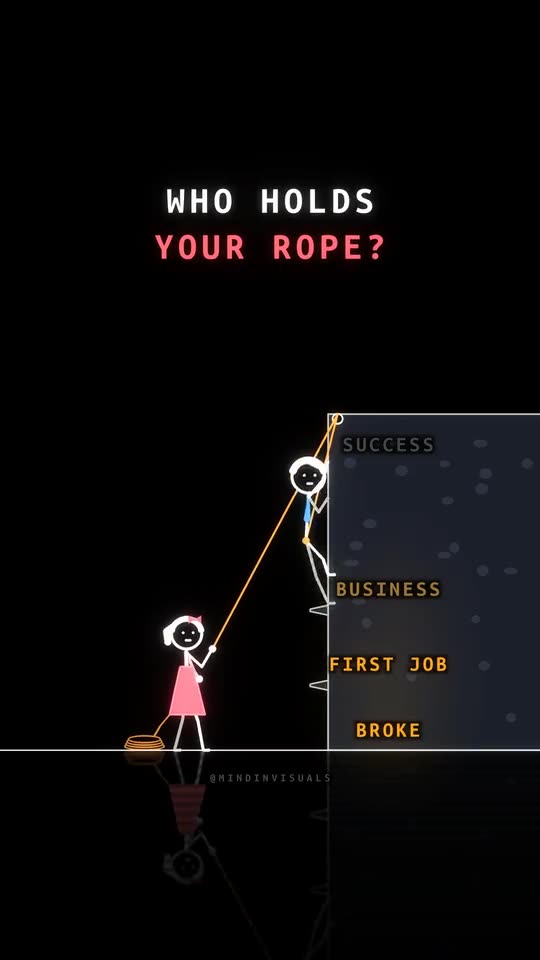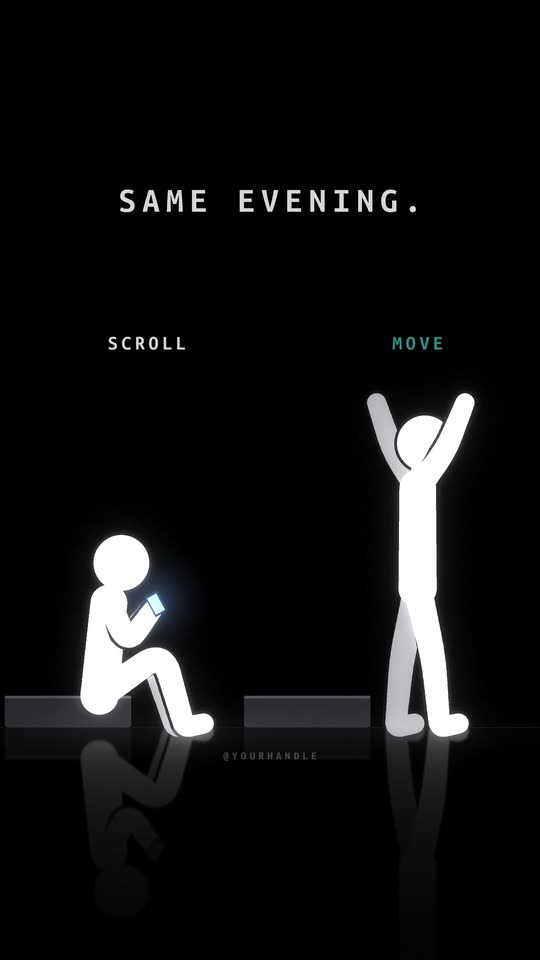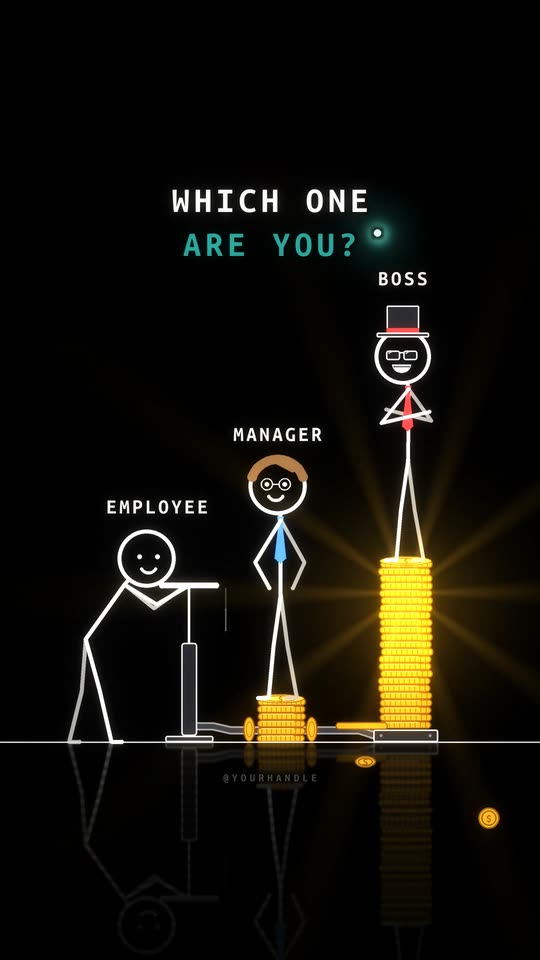
To make YouTube Shorts with AI: write one idea as a two-sentence story, have an AI draw and animate it in your channel's style, keep it 15 to 30 seconds with the hook in the first second, add original music, and upload a 1080×1920 file with a title written like a search. The AI does the drawing and the editing. The idea and the first second are still your job.
We make our channel's shorts this way. Three of them reached 16.4 million views on Instagram in a week, and the same files go to YouTube Shorts.
What counts as a Short
Any vertical or square video up to 3 minutes. No #Shorts tag needed. YouTube puts it in the Shorts feed by its shape and length.
For a new channel, aim for 15 to 30 seconds. Short enough to watch twice, long enough for a turn.
Step 1: Pick the kind of AI
Two kinds of AI make Shorts:
- Video models (YouTube's own Veo in the Shorts camera, Sora, Kling): realistic clips of a few seconds. Great for one striking shot, weak at the same character across scenes.
- Code-drawn animation (Claude or Codex writing the animation): cartoons, stick figures, kinetic type, infographics. The same character every time, exact words, and every scene can be changed.
For a channel that posts every day with a recurring look, the second. The difference in detail.
Step 2: Write the idea as a story
One moment with a turn, two sentences:
"He comes home after 12 hours at work, his battery at 3%. One hug from her charges him to 100%."
That became "One hug. 100%." and reached 2.1 million views in five days. A topic ("a video about love") isn't an idea. A moment is.
Step 3: Make it
In FramePillar:
- New video → Start from scratch. Paste the idea.
- Look: your channel's style, Vertical 9:16, 15 to 30 seconds.
- Create video. Claude writes the scenario with the hook first, draws a contact sheet, animates the scenes and scores original music.
- Check the contact sheet before the film. Fix a scene by clicking it and asking.
About 10 to 20 minutes, mostly waiting. The first-short lesson shows every screen.
What goes wrong: using a trending licensed song. On Shorts, licensed music takes part of your revenue share. Original music keeps all of it.
Step 4: Get the first second right
Shorts viewers swipe faster than on any other platform. In the first second:
- The hook in words on screen, big, away from the bottom fifth.
- The most surprising picture of the video, not a calm opening.
- No logo, no intro.
Need lines? 40 hooks that stop the scroll.
Step 5: Title and upload
- Title under 60 characters, written like something someone would search: "When your dad pretends he's not proud".
- One line of description with two or three hashtags.
- Altered or synthetic content: tick it if the video shows realistic AI people or events. Clearly animated videos don't need it. The rules.
- A clean file. Never a TikTok download with its logo.
Step 6: Post daily, then add long videos
Shorts grow a channel fast but pay little: a few cents to 30 cents per 1,000 views (the numbers). The channels that earn post Shorts to get found and long videos to get paid.
FramePillar makes long videos too: wide, up to 15 minutes, in the same style as your Shorts. How to make one.
Will YouTube monetize AI Shorts?
Yes, when they're original. YouTube refuses Partner Program channels with mass-produced, near-identical videos, and calls it inauthentic content. One idea per Short, your own look, and your own changes keep you on the right side. What the policy says.
Questions
What is the best AI for YouTube Shorts?
For a channel with a recurring character and daily posts, a code-drawn tool. For one realistic shot, a video model like Veo.
Can I make YouTube Shorts with AI for free?
YouTube's own Shorts camera has free AI features, with limits. Full stories with the same character every time usually need a paid plan; FramePillar is $19.90 a month on top of your Claude or ChatGPT plan.
How many Shorts should I post?
One a day for the first month. Then more of what worked.